Sonix
Automated transcription with in-browser editing, translation, and export for 50+ languages.
Fast translations with speech and multi‑device features.
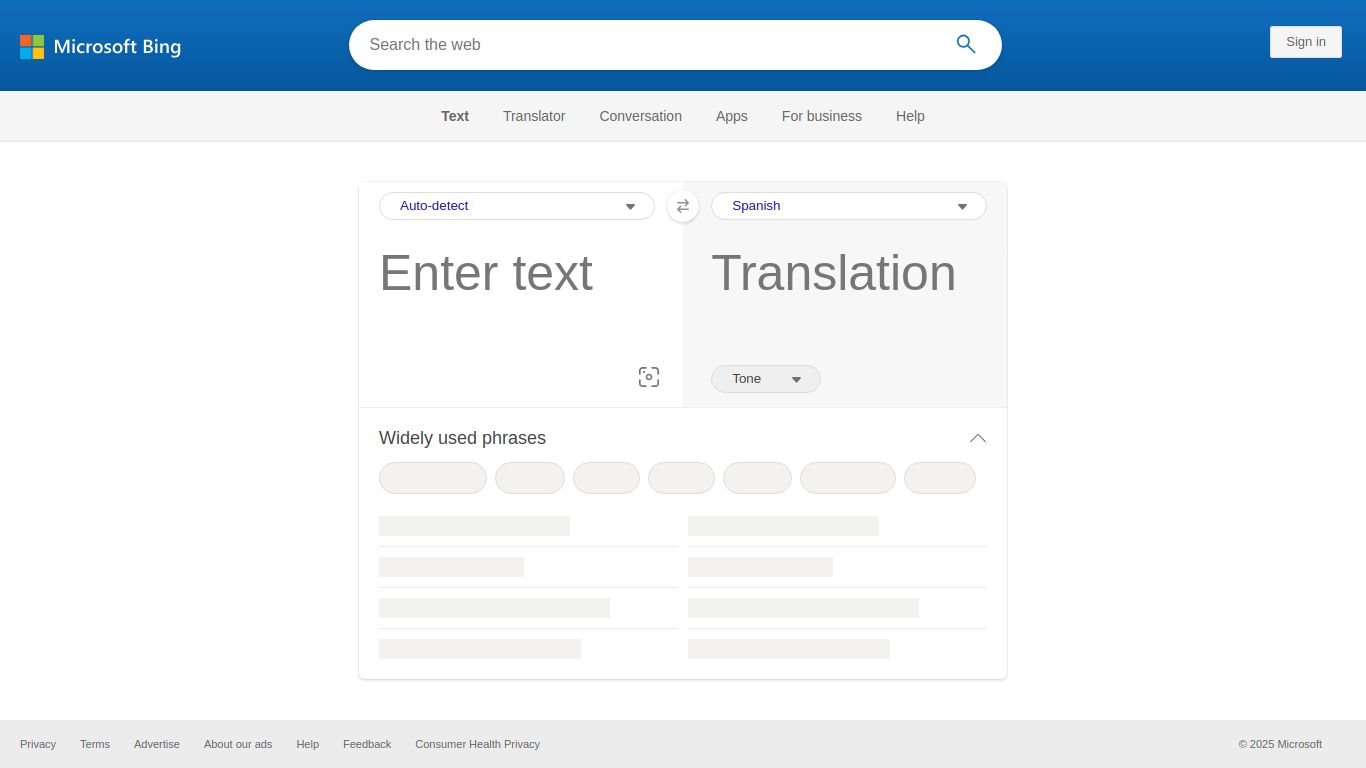
In our increasingly connected world, language should be a bridge, not a barrier. Enter Microsoft Translator (also widely known as Bing Translator), a powerful and versatile translation tool developed by the tech giant, Microsoft. This service isn’t just about swapping words; it’s about leveraging sophisticated AI and neural machine translation to provide context-aware, nuanced, and incredibly fast translations right at your fingertips. Whether you’re a globetrotter, a student, or a business professional, Microsoft Translator is designed to make cross-language communication seamless and intuitive.
Microsoft Translator is a multi-talented tool that goes far beyond simple text input. It harnesses different modes of communication to provide a comprehensive translation experience.
What sets Microsoft Translator apart is its thoughtful collection of features designed for convenience and accuracy.
For the vast majority of users, Microsoft Translator is 100% free. The web interface at Bing.com/translator, as well as the consumer mobile apps, come at no cost and offer a full suite of features for everyday translation needs. For developers and businesses requiring API access for integration into their own applications, Microsoft offers a Cognitive Services Translator API with a free tier and scalable paid plans based on usage.
Microsoft Translator is an incredibly versatile tool that caters to a wide array of users:
While Microsoft Translator is a top-tier option, it’s helpful to know its main competitors in the AI translation space.
Google Translate: The most direct competitor and industry giant. Both platforms offer a very similar set of features, including text, voice, and camera translation, with extensive language support. The choice between them often comes down to user preference and which ecosystem (Microsoft vs. Google) you are more integrated with.
DeepL: Often praised for its incredibly nuanced and natural-sounding translations, particularly for European languages. DeepL’s AI is considered by many to be superior for capturing context and tone. However, it supports a significantly smaller number of languages compared to Microsoft Translator and its free version has stricter character limits.
Choose Microsoft Translator (Bing) if you need a reliable, feature-rich, and completely free tool with one of the widest language coverages available, especially if you are already using Microsoft products like Windows or Office. For highly sensitive or literary translations where nuance is paramount, DeepL might be worth a look. For general-purpose, all-around excellence, Microsoft Translator is a formidable and highly recommended powerhouse.
