Adobe Firefly — Text to Image
Web-based generator that turns prompts into images with refine and edit options.
Prompt-based image generation and editing powered by diffusion models and API.
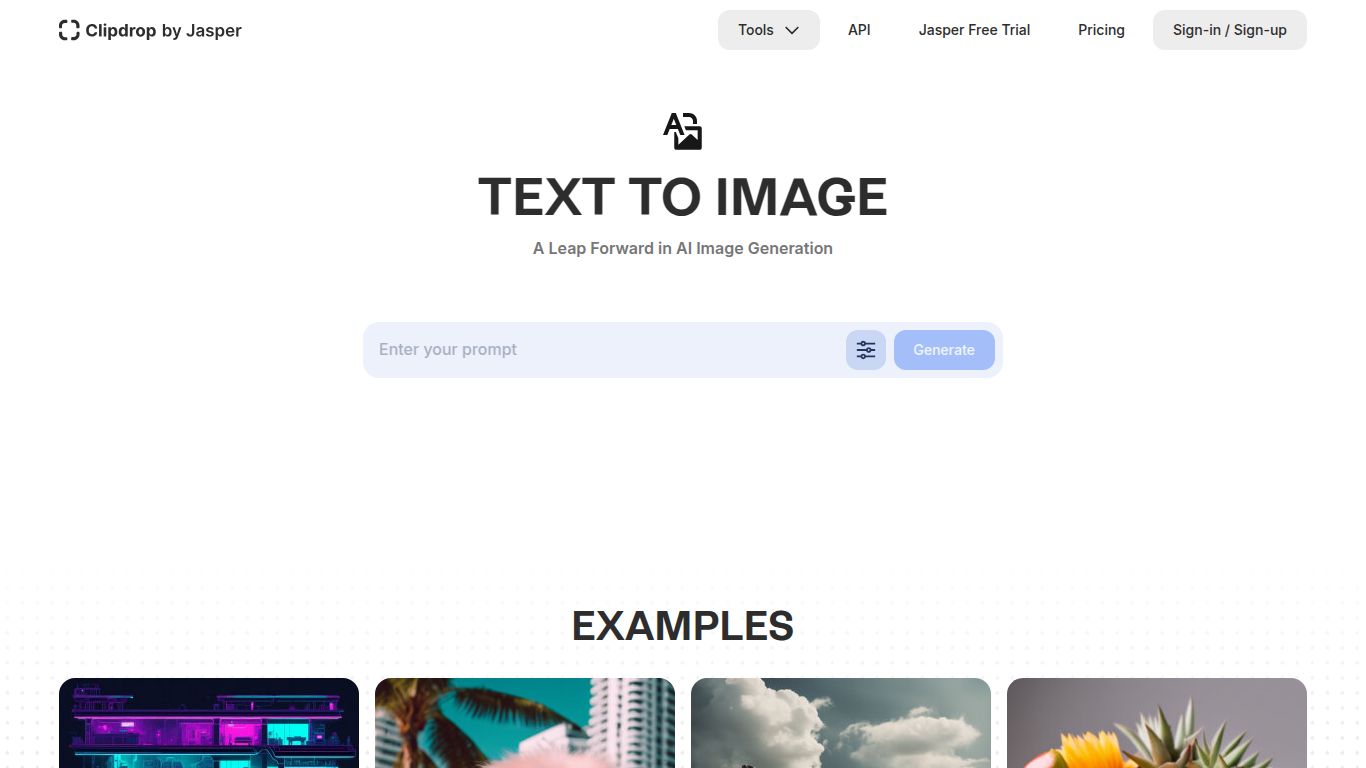
Welcome to the future of digital art and content creation! Clipdrop Text to Image, developed by the innovative team at Stability AI (the masterminds behind Stable Diffusion), is a powerful yet incredibly user-friendly tool designed to turn your textual ideas into breathtaking images. Forget spending hours searching for stock photos or learning complex design software. With Clipdrop, you simply describe the image you envision, and its advanced AI model, Stable Diffusion XL (SDXL), brings it to life in seconds. It’s a game-changer for anyone needing high-quality, original visuals on demand.
At its heart, Clipdrop excels at AI Image Generation. Its primary function is to interpret natural language prompts—from simple phrases like “a golden retriever wearing sunglasses on a beach” to complex scenes like “a surrealist painting of a clock melting over a floating city in the style of Salvador Dalí”—and generate corresponding visuals. While the Text to Image tool is the star, it’s important to note that it exists within the broader Clipdrop ecosystem, which includes a suite of other AI-powered utilities like background removal, image upscaling, and relighting, making it a comprehensive toolkit for visual content enhancement.
Perfect for casual users and those wanting to test the waters. The free plan typically offers a limited number of image generations per day. While the images may have a small watermark, it’s a fantastic way to experience the core power of the tool without any commitment.
For professionals and power users who need more. Priced competitively (often around $9 per month), the Pro plan unlocks a wealth of benefits. This usually includes a much higher number (or unlimited) of high-resolution, watermark-free image generations, faster processing queues, and full access to the entire suite of Clipdrop tools. It’s an excellent value proposition for anyone who regularly creates visual content.
The AI image generation space is bustling with great tools, but Clipdrop holds a unique position. Here’s a quick comparison:
Midjourney is famous for its highly artistic and often hyper-stylized outputs, but it operates primarily through a Discord server, which can be unintuitive for new users. Clipdrop offers a much more accessible and straightforward web-based interface while still delivering exceptionally high-quality, realistic images thanks to SDXL.
DALL-E 3, especially when accessed via ChatGPT Plus, excels at understanding complex, nuanced prompts and rendering text accurately within images. Clipdrop, powered by SDXL, often produces images with a more photographic or cinematically realistic quality and is part of a broader suite of practical editing tools that DALL-E lacks on its own.
Leonardo.Ai is a powerful platform aimed at power users, offering features like custom model training and a strong community focus. Clipdrop is more streamlined and user-friendly, making it the perfect choice for users who want top-tier results without getting bogged down in complex settings. It prioritizes ease of use and the utility of its integrated toolset.
In summary, Clipdrop — Text to Image stands out as a superb all-rounder, balancing world-class image quality with an elegant user experience and a practical suite of supporting tools, making it an essential bookmark for creators of all kinds.

