OpenAI — Image Generation
Generate and edit images from text prompts using OpenAI’s image models.
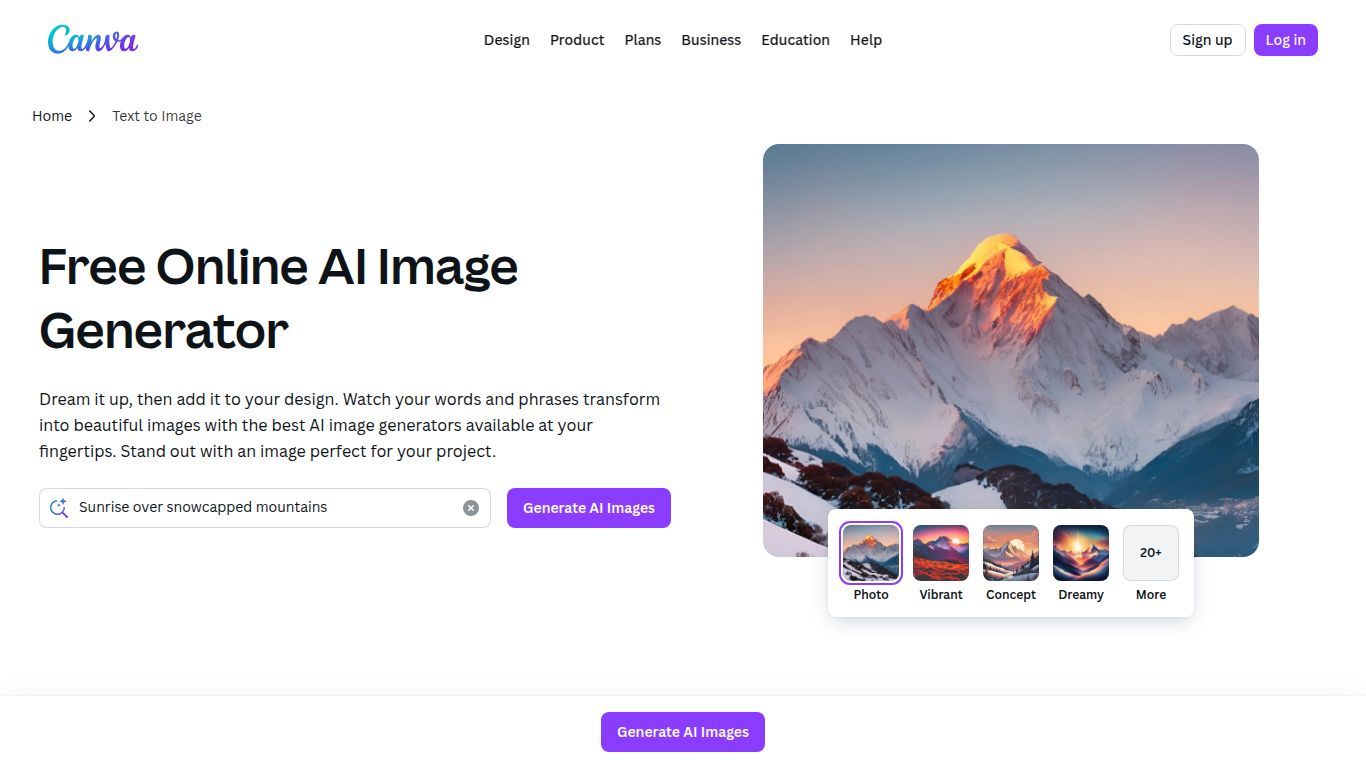
Built-in generator to create visuals from prompts directly in Canva.
In a world saturated with visual content, standing out is everything. What if you could conjure stunning, unique images from just a few words? Welcome to the magic of the Canva AI Image Generator. Developed by the design giant Canva, this tool isn’t just another standalone generator; it’s a seamlessly integrated feature within a platform already loved by millions for its simplicity and power. It’s designed to transform your creative ideas into vibrant visual realities, effortlessly.
While the star of the show is its text-to-image AI, Canva’s true strength lies in its ecosystem. This tool doesn’t operate in a vacuum. Once you generate an image, you are instantly inside one of the world’s most intuitive design editors. This means you’re not just creating a picture; you’re starting a complete design project.
Canva’s AI Image Generator is packed with features designed for maximum creativity and minimum friction.
No complex commands to learn. Just describe what you want to see. For example, “A friendly robot serving coffee in a retro Parisian cafe, cinematic lighting,” and let the AI do the heavy lifting. It’s incredibly user-friendly.
Don’t settle for a one-size-fits-all look. You can guide the AI to generate images in specific styles, including Photo, Vibrant, Minimalist, 3D, and Anime. This allows you to maintain brand consistency or explore different creative avenues with a single click.
This is where the magic truly happens. Generated an image but want to change one part of it? Use Canva’s Magic Edit tool to select an area and describe what you want to replace it with. It’s an intuitive way to refine your creations without starting from scratch.
Canva offers a flexible pricing structure that makes its AI tools accessible to all, from casual users to large-scale teams.
Note: Credit allowances and pricing are subject to change, so it’s always best to check Canva’s official website for the latest information.
Canva’s AI Image Generator is a versatile tool that caters to a wide audience:
How does Canva’s tool measure up against other popular AI image generators?
Midjourney is renowned for producing highly artistic and often hyper-realistic images. It’s a favorite among digital artists but operates through Discord and has a steeper learning curve. Canva wins on convenience, integration, and ease of use. It’s the perfect choice for users who need a great-looking image quickly and want to use it in a larger design project immediately.
DALL-E 3 excels at understanding complex prompts and generating text within images. It’s incredibly powerful. However, like Midjourney, it’s often a separate step in the creative process. With Canva, the entire workflow—from image generation to final design—is unified in one place, saving you time and effort.
The Canva AI Image Generator is more than just a novelty; it’s a powerful, practical addition to an already indispensable design platform. Its genius lies not just in its ability to create images from text, but in its seamless integration into a workflow that designers, marketers, and creators of all skill levels already know and love. If you want to supercharge your creativity and produce unique visuals without the hassle, this tool is an absolute must-try.
