Descript: Revolutionize Your Video Editing by Editing Text
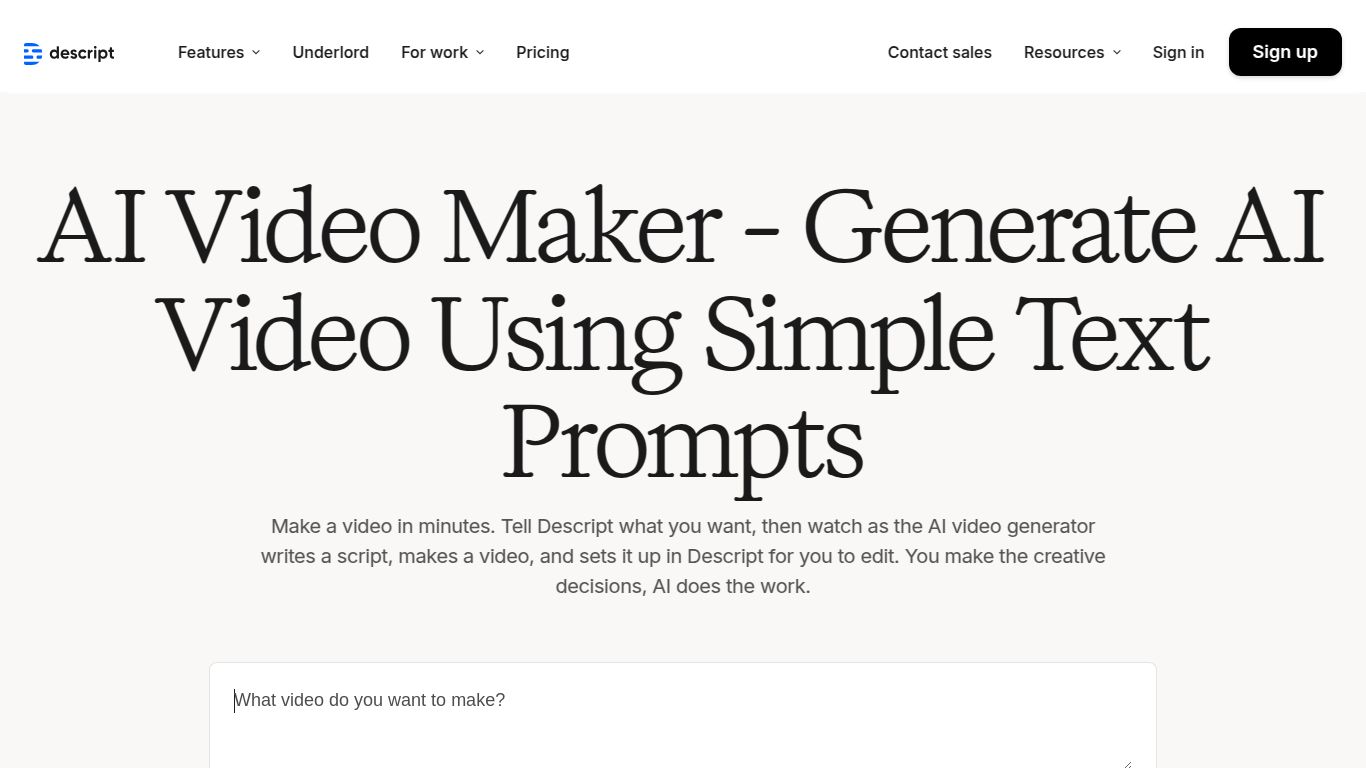
Welcome to the future of content creation! Descript, developed by Descript, Inc., is a groundbreaking all-in-one audio and video editing platform that redefines the entire creative workflow. Forget complex timelines and tedious cuts. With Descript, editing your video is as simple and intuitive as editing a Word document. Its powerful AI video generator can transform a simple script into a fully-fledged video, complete with visuals, voiceover, music, and titles, making it an indispensable tool for creators everywhere.
Core AI Capabilities
- AI Script-to-Video Generation: This is the star of the show. Simply paste your script, and Descript’s AI will instantly populate your timeline with relevant stock video clips, images, and B-roll, turning your text into a dynamic visual story in minutes.
- AI Voice Cloning (Overdub): Made a mistake in your recording? No need to re-record! Descript’s ultra-realistic Overdub feature lets you create a text-to-speech model of your own voice. Just type the correction, and it generates the audio in your voice.
- Automated Transcription: Get lightning-fast and highly accurate transcriptions for all your audio and video files. This transcript becomes the foundation for your entire editing process.
- Studio Sound: With a single click, this AI-powered feature magically removes background noise, eliminates echo, and enhances voice clarity, giving your audio a professional studio-quality finish.
- AI Green Screen: Don’t have a physical green screen? No problem. Descript’s AI can automatically detect and remove the background from your videos, allowing you to place yourself in any setting you can imagine.
Game-Changing Features
- Text-Based Video Editing: This is Descript’s signature feature. To delete a portion of your video, you simply delete the corresponding text in the transcript. To rearrange scenes, you cut and paste words. It’s an incredibly intuitive and efficient way to edit.
- Filler Word Removal: Clean up your audio effortlessly. Descript’s AI can identify and remove all instances of “um,” “uh,” “you know,” and other filler words with a single command.
- Integrated Screen & Webcam Recorder: Capture high-quality screen recordings and camera footage directly within the app. It’s perfect for creating tutorials, presentations, and product demos without needing separate software.
- Rich Stock Media Library: Gain access to a vast library of high-quality stock videos, images, sound effects, and music from providers like Giphy and Storyblocks to make your content more engaging.
- Seamless Collaboration: Work with your team in real-time. Share projects with a link, leave time-stamped comments, and manage permissions, making Descript a powerful hub for collaborative video production.
Pricing Plans
Descript offers a range of plans to suit everyone from beginners to large enterprises.
Free Plan
Price: $0. Perfect for getting started. Includes 1 hour of transcription per month, limited stock library access, and watermarked video exports at 720p resolution.
Creator Plan
Price: $12 per editor/month (billed annually). Ideal for individual creators. Unlocks watermark-free exports up to 4K, 10 hours of transcription per month, and full stock library access.
Pro Plan
Price: $24 per editor/month (billed annually). The professional’s choice. Includes everything in Creator, plus 30 hours of transcription, unlimited Overdub, AI Green Screen, Studio Sound, and filler word removal.
Enterprise Plan
Price: Custom. Tailored for teams and organizations. Offers everything in Pro, plus dedicated account management, enhanced security, SOC 2 compliance, and custom onboarding.
Who is Descript For?
- Podcasters: Easily edit multi-speaker audio, remove mistakes, and create promotional video clips.
- YouTubers & Video Creators: Drastically speed up the editing process for vlogs, tutorials, and reviews.
- Marketers: Quickly produce social media ads, product demos, and internal training videos from scripts.
- Educators & Course Creators: Record, edit, and transcribe online lectures and educational content with ease.
- Journalists: Transcribe interviews in minutes and pull key quotes for stories and video segments.
- Corporate Teams: Create professional internal communications, meeting recordings, and presentations.
Alternatives & Comparison
While Descript is a unique powerhouse, here’s how it compares to other tools in the AI video space:
- Descript vs. Pictory: Pictory excels at quickly turning long-form text or videos into short, shareable social media clips. Descript, however, is a much more comprehensive editor that offers granular control over every aspect of your audio and video, built around its revolutionary text-based workflow.
- Descript vs. Synthesia: Synthesia specializes in creating videos using AI-generated human avatars. It’s for content that doesn’t require real footage. Descript focuses on editing real recorded media, using AI to enhance and streamline the process rather than generate the entire visual from scratch.
- Descript vs. Runway: Runway is a broad suite of creative AI “magic tools” for advanced visual effects, generative video, and image manipulation. Descript is more focused on providing a cohesive, end-to-end workflow for dialogue-driven content like podcasts and educational videos, prioritizing speed and simplicity.
