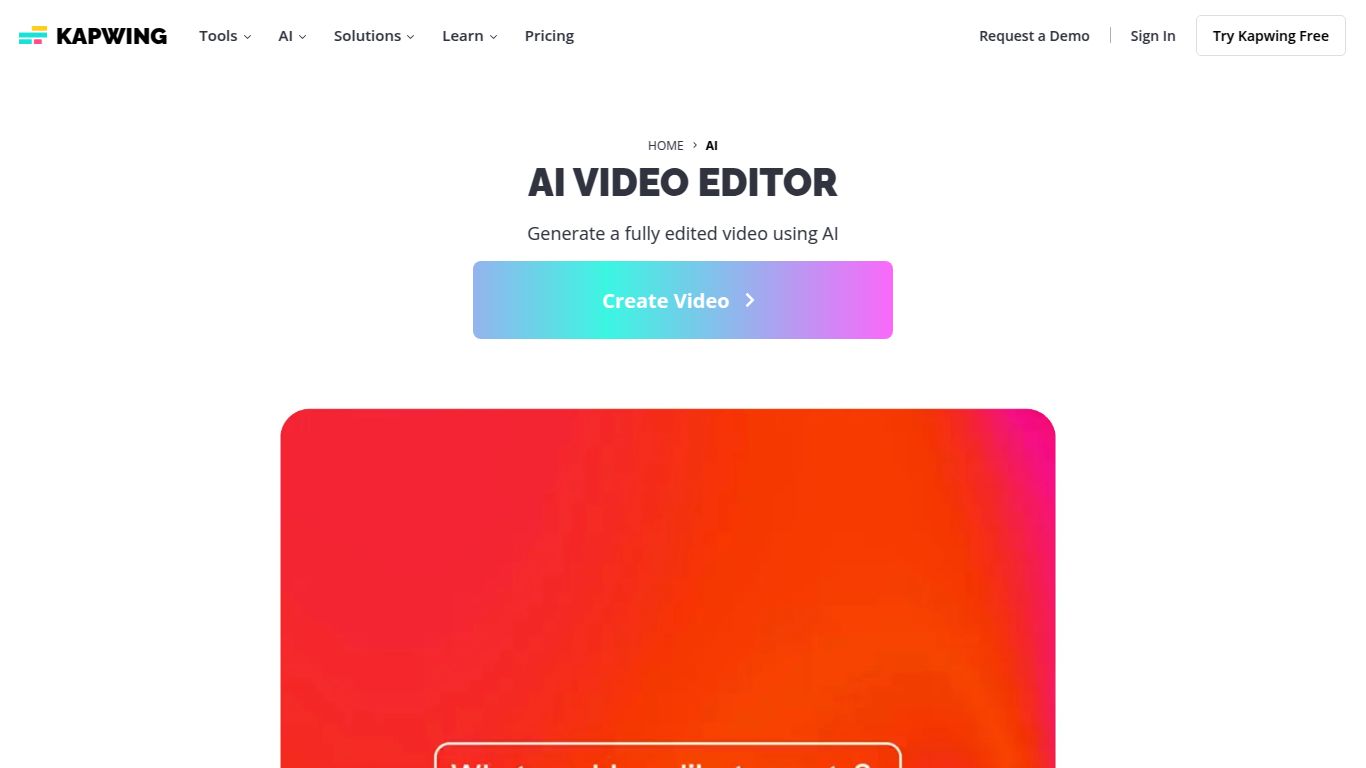
Kapwing — AI Assist & Generators

3wks agoupdate 32 0 0

AI assistant, background removal, eye-contact, B-roll insertion.

Collection time:
2025-10-26
Kapwing — AI Assist & GeneratorsKapwing — AI Assist & Generators

Kapwing AI: Your All-in-One Studio for Effortless Content Creation

Tired of juggling multiple apps for video editing, image generation, and subtitling? Meet Kapwing, a revolutionary browser-based creative studio powered by a suite of impressive AI tools. Developed by the San Francisco-based company of the same name, Kapwing is designed to streamline the content creation process, making professional-quality video and image editing accessible to everyone, regardless of their technical skill. It’s a collaborative platform where your creative ideas come to life in minutes, not hours, with smart features that automate the most tedious tasks.
Kapwing — AI Assist & Generators

Unleash Your Creativity: Kapwing’s AI Capabilities

Kapwing isn’t just a video editor; it’s a comprehensive content creation engine. Its AI capabilities span across video, image, audio, and text, providing a seamless workflow for any project.

AI-Powered Video Suite

  • Text-to-Video Generator: Transform a simple text prompt into a complete, ready-to-share video in seconds.
  • Smart Cut: Automatically detect and remove silences and awkward pauses from your videos, saving you hours of manual editing.
  • AI Video Script Generator: Overcome writer’s block by generating compelling video scripts from a simple topic or idea.
  • Auto Subtitler: Generate accurate, animated subtitles for your videos in over 70 languages with a single click.
  • Video Background Remover: Instantly remove the background from any video without needing a green screen.

Intelligent Image Generation & Editing

  • AI Image Generator: Create stunning, unique images and art from text descriptions.
  • Magic Eraser: Effortlessly remove unwanted objects, people, or text from any photo.
  • Photo Restorer: Bring old or blurry photos back to life with AI-powered restoration and enhancement.
  • Image Upscaler: Increase the resolution and quality of your images without losing detail.

Crystal Clear Audio Tools

  • Clean Audio: Remove background noise, echoes, and hisses from your audio recordings to achieve studio-quality sound.
  • Text-to-Speech: Generate realistic voiceovers in various languages and accents directly from your written text.

Why Choose Kapwing? Key Features

Beyond its powerful AI, Kapwing is packed with features that make it a top choice for modern creators.

  • All-in-One Creative Hub: Forget switching between tabs. Edit videos, generate images, create memes, and add subtitles all within a single, intuitive interface.
  • Real-Time Collaboration: Work with your team in the same project simultaneously. Share feedback and make edits together, just like in a Google Doc, making it perfect for remote teams and agencies.
  • Massive Template Library: Jumpstart your project with thousands of fully customizable templates for social media stories, YouTube intros, promotional videos, memes, and more.
  • Blazing Fast & Browser-Based: No heavy software to download. Kapwing runs smoothly in your browser, saving your computer’s resources and allowing you to create from any device, anywhere.

Kapwing Pricing: Plans for Every Creator

Kapwing offers a flexible pricing structure to fit different needs and budgets, from casual creators to professional teams.

Free Plan

Perfect for getting started. It includes access to most tools but comes with limitations like watermarked exports on videos longer than 4 minutes and a 720p export resolution.

Pro Plan – $16/month (billed annually)

Ideal for individual creators and professionals who need to produce high-quality content regularly. This plan removes the watermark, unlocks 4K video quality, provides access to all AI tools, and offers unlimited auto-subtitling.

Business Plan – $50/user/month (billed annually)

Designed for teams and agencies that require collaborative features. It includes everything in the Pro plan plus consolidated billing, dedicated brand kits, and priority customer support.

Who is Kapwing For?

Kapwing’s versatility makes it the perfect tool for a wide range of users, including:

  • Social Media Managers creating engaging content for platforms like Instagram, TikTok, and Facebook.
  • Content Creators & YouTubers looking to streamline their video production workflow.
  • Marketing Professionals developing promotional videos, ads, and internal communications.
  • Small Business Owners who need to create professional marketing materials without a big budget.
  • Educators and Students producing presentations, tutorials, and class projects.
  • Casual Users who want to create fun memes, slideshows, and personal video projects.

Kapwing Alternatives & Competitors

While Kapwing is a powerful all-in-one tool, it’s helpful to see how it stacks up against other popular platforms.

Kapwing vs. Canva

Canva is a design powerhouse, particularly for static graphics and simple video templates. However, Kapwing shines with its more advanced, AI-driven video editing toolkit—like Smart Cut and Clean Audio—making it the superior choice for serious video creators.

Kapwing vs. Descript

Descript is king for transcript-based editing, making it ideal for podcasters and interview-heavy content. Kapwing, on the other hand, is a more versatile and visual creative suite that integrates powerful image and design tools alongside its robust video editor.

Kapwing vs. Runway ML

Runway is at the cutting edge of generative AI video, offering more experimental and futuristic tools. Kapwing is more focused on practical, everyday content creation, providing a polished and user-friendly experience for producing professional-grade marketing and social media content quickly and efficiently.

data statistics

Relevant Navigation

No comments

none
No comments...