Adobe After Effects — Content-Aware & Roto
Content-Aware Fill and Roto Brush 2 for object removal & masking.
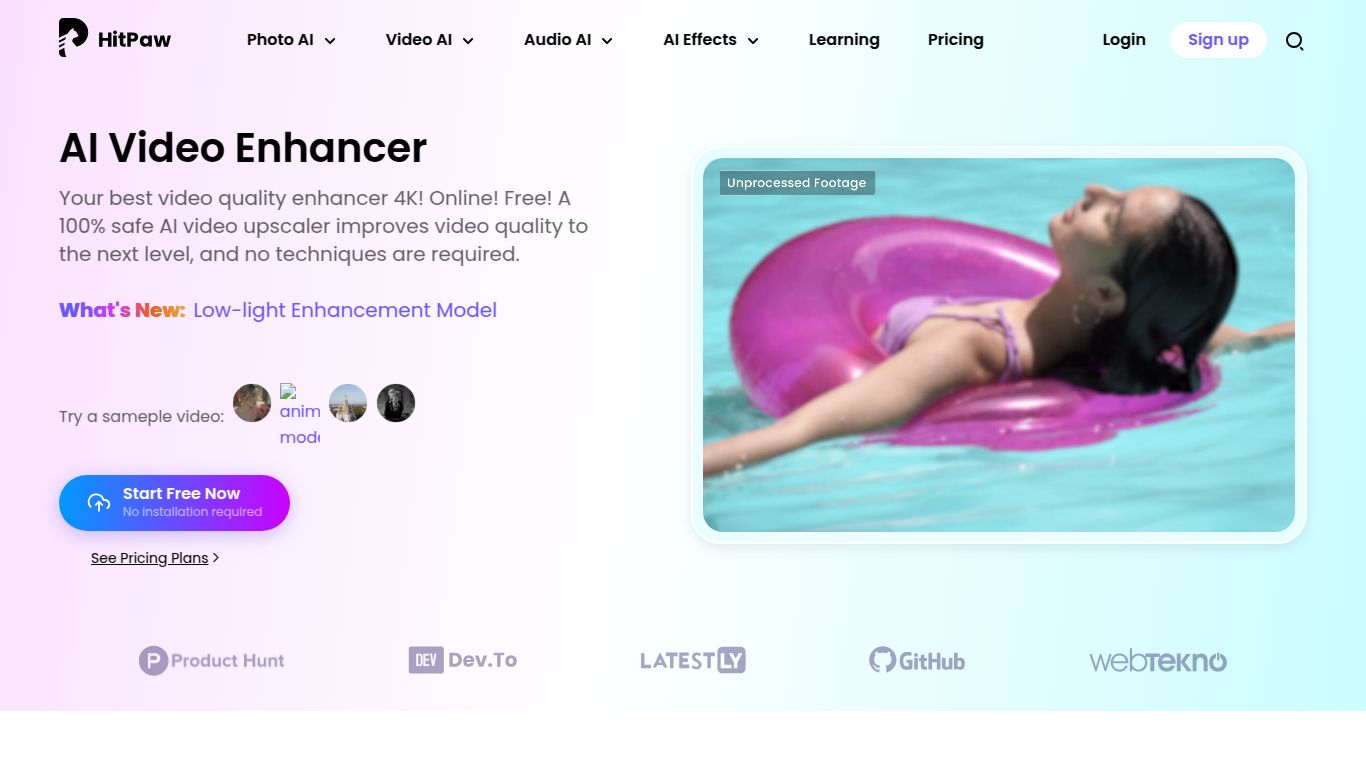
AI models for upscale, denoise, sharpen; very simple web workflow.
Tired of grainy, low-resolution, or shaky videos? HitPaw, a renowned software development company, has unleashed a powerful solution: the HitPaw Video Enhancer. Available as both a convenient online tool and a robust desktop application, this AI-driven software is designed to breathe new life into your old or imperfect footage. It intelligently analyzes and upgrades video quality with just a few clicks, transforming blurry clips into crisp, clear masterpieces without requiring any professional editing skills. Whether you’re restoring a precious family memory or polishing a professional project, HitPaw makes high-quality video enhancement accessible to everyone.
HitPaw Video Enhancer is laser-focused on one primary domain: Video Enhancement and Restoration. It doesn’t generate new content from text or images; instead, it leverages sophisticated AI models to radically improve existing video files. Its core capabilities include upscaling resolution from SD to stunning 4K or even 8K, removing noise and grain from low-light recordings, colorizing black and white films with startling realism, and intelligently sharpening details to make every frame pop. It is a specialist tool dedicated to perfecting the visual quality of your video assets.
HitPaw is packed with cutting-edge features that set it apart from traditional video editors. The software is built for simplicity and power, offering an intuitive experience with professional-grade results.
HitPaw offers flexible pricing to suit different needs, with both online and desktop versions having their own structures. The desktop version provides more power and is subscription-based.
The online enhancer typically works on a credit-based or limited free model, allowing you to process short clips for free (often with a watermark or size limit) and purchase plans for more extensive use.
HitPaw Video Enhancer’s ease of use and powerful results make it an ideal tool for a wide range of users:
While HitPaw is a strong contender, the AI video enhancement space has other notable players. The most well-known alternative is Topaz Video AI, which is often considered the industry standard for professionals due to its highly detailed controls and exceptional output quality. However, Topaz comes with a steeper learning curve and a higher price point. Other alternatives include AVCLabs Video Enhancer AI and DVDFab Video Enhancer AI, which offer similar feature sets.
Compared to these, HitPaw Video Enhancer carves out its own niche. It strikes an excellent balance between power and simplicity. While Topaz may offer more granular control for seasoned professionals, HitPaw provides a significantly more user-friendly experience and faster results for the majority of users, all at a more competitive price. Its dual online/desktop offering also adds a layer of flexibility that many competitors lack, making it the perfect choice for users who value both convenience and high-quality output.
