Prezi AI: Instantly Craft Stunning, Dynamic Presentations from a Single Prompt
Tired of the endless drag-and-drop, the hunt for the perfect template, and the pressure of a blinking cursor on a blank slide? Say goodbye to presentation dread. Prezi, the company that revolutionized presentations with its dynamic zooming canvas, has supercharged its platform with Prezi AI. This powerful new tool is designed to transform your simple ideas into fully-formed, visually captivating, and engaging presentations in mere seconds. Forget building slides one by one; with Prezi AI, you become a storyteller, an innovator, and a master communicator, all powered by intelligent automation.
Core Capabilities: More Than Just Slides
Prezi AI isn’t just a text generator; it’s a comprehensive creative partner that handles the heavy lifting of presentation design from start to finish. Its capabilities are built to create a cohesive and impactful narrative.
- Instant Text & Structure Generation: At its core, Prezi AI excels at turning a simple prompt into a well-structured presentation. It generates logical sections, compelling headlines, and detailed talking points, creating a complete narrative flow that’s ready to present or refine.
- Intelligent Design & Layout: The AI doesn’t just populate text. It intelligently selects professional templates, applies beautiful color palettes, and arranges your content in Prezi’s signature open-canvas format, ensuring your message is not only clear but also visually memorable.
- Automated Visuals & Imagery: To bring your story to life, Prezi AI automatically searches and inserts high-quality, relevant images and icons that perfectly match the content of each section. This saves you hours of scouring stock photo libraries for the right visuals.
- Dynamic, Video-like Experience: While not a traditional video generator, Prezi’s core technology creates a “conversational” and cinematic journey for your audience. The AI leverages this by designing smooth pans and zooms between topics, making your presentation feel like an interactive, professionally-produced video.
Features That Make Prezi AI Shine
Prezi AI is packed with features designed to maximize creativity and minimize effort.
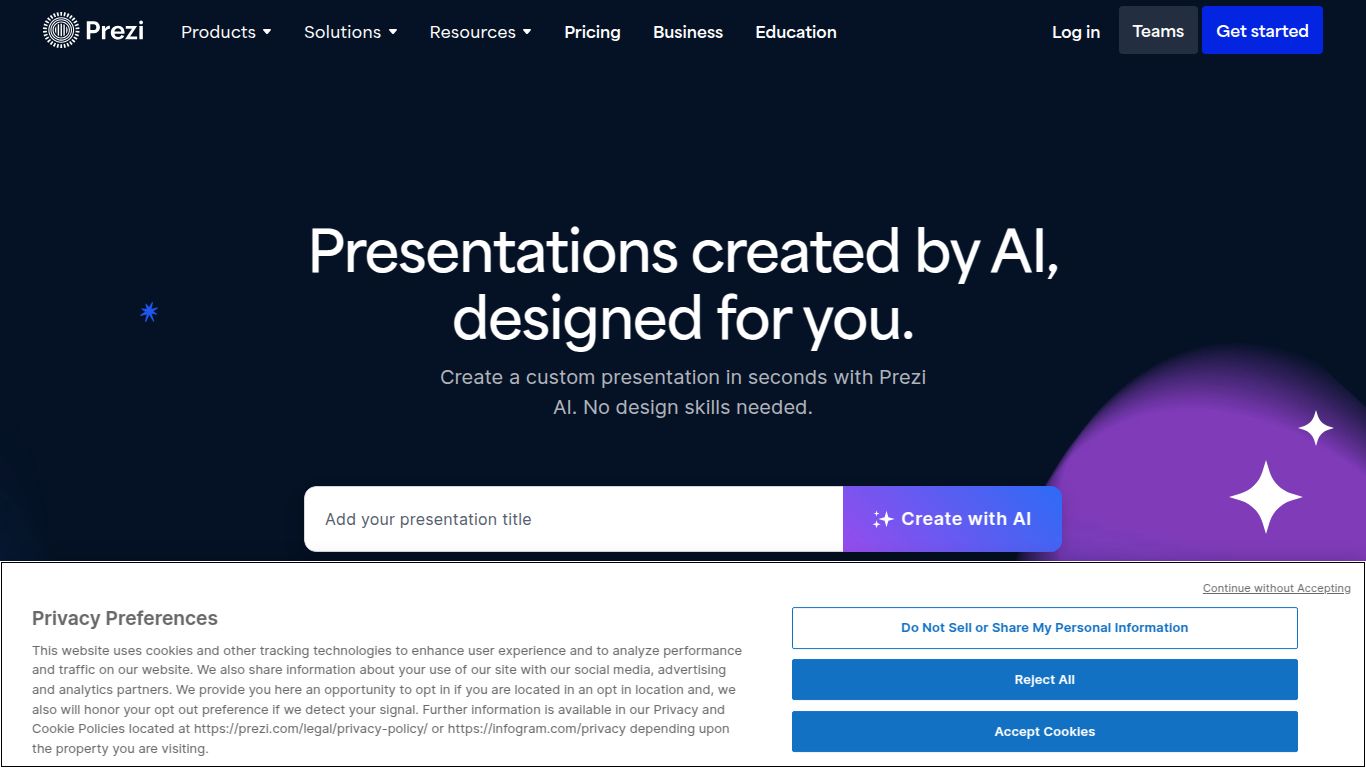
- Prompt-to-Presentation Magic: The star of the show. Simply enter your topic or idea, and watch as Prezi AI builds a complete, multi-section presentation out of thin air.
- AI-Powered Editing & Refinement: Your first draft is just the beginning. Use simple commands to tweak your presentation. Ask the AI to “make this section more detailed,” “summarize this point,” “change the tone to be more formal,” or even “add a new section about our Q4 results.”
- Customizable Templates and Branding: While the AI provides a fantastic starting point, you always have full control. Easily switch templates, customize colors and fonts to match your brand, and add your company logo for a polished, professional look.
- Signature Zoom Reveal: Ditch the boring, linear slide-by-slide format. Prezi AI builds your presentation on its unique zooming canvas, allowing you to reveal information contextually and show the big picture relationship between different ideas.
Pricing: Plans for Every Need
Prezi offers a flexible pricing structure to accommodate everyone from students to large enterprise teams. While a basic version is available for free, the AI features are primarily in the paid plans.
- Standard Plan (approx. $7/month): Perfect for individuals. Get access to the core AI generator, a wider selection of templates, and image editing tools.
- Plus Plan (approx. $19/month): The most popular choice for professionals. Includes everything in Standard, plus features like offline access, PDF export, and the ability to create video recordings of your presentations.
- Premium Plan (approx. $24/month): For the power user and data-driven presenter. Unlocks everything in Plus, along with advanced online analytics, and personalized training resources.
- Teams Plan (Custom Pricing): Designed for business collaboration, offering shared team libraries, custom branding, and dedicated support.
Who Should Use Prezi AI?
Prezi AI is a game-changer for anyone who needs to create compelling presentations quickly and efficiently. Its ideal users include:
- Business Professionals: For crafting winning sales pitches, impactful team meeting decks, and clear project updates in a fraction of the time.
- Educators and Teachers: To develop engaging lecture materials and dynamic course content that captures student attention.
- Students: To build visually impressive project presentations and reports that stand out from the crowd.
- Marketers: For designing persuasive webinar content, campaign proposals, and brand storytelling presentations.
- Entrepreneurs & Founders: To create compelling investor pitch decks that tell a memorable story about their vision.
Alternatives & Comparisons
While Prezi AI is a powerful contender, it’s helpful to know how it stacks up against other AI presentation tools.
- Tome & Gamma: These are excellent tools for creating sleek, modern, web-native presentations and documents from a prompt. They focus on a clean, card-based “storytelling” format. The key difference is the delivery: Tome and Gamma produce beautiful, interactive but ultimately linear or scrollable documents. Prezi AI’s unique advantage is its non-linear, zooming canvas, which creates a more dynamic and cinematic journey through the content.
- Microsoft PowerPoint AI (Designer): The industry classic now includes AI features that suggest slide layouts and designs. However, it’s still fundamentally a slide-based tool. Prezi AI is built from the ground up for a “conversational” presentation style, which is a completely different audience experience.
- Canva Magic Design: Canva’s AI can generate a full presentation deck based on a prompt, leveraging its massive library of design assets. It’s a strong choice for those who prioritize graphic design variety. However, Prezi AI’s focus on narrative flow and its unique zoom animation offers a more specialized and engaging way to present complex ideas.
In conclusion, if you’re looking to not only generate presentations with AI but also deliver them in a uniquely dynamic and memorable way, Prezi AI is in a class of its own.
