Visual Studio IntelliCode: Your AI-Powered Coding Partner for Smarter Development
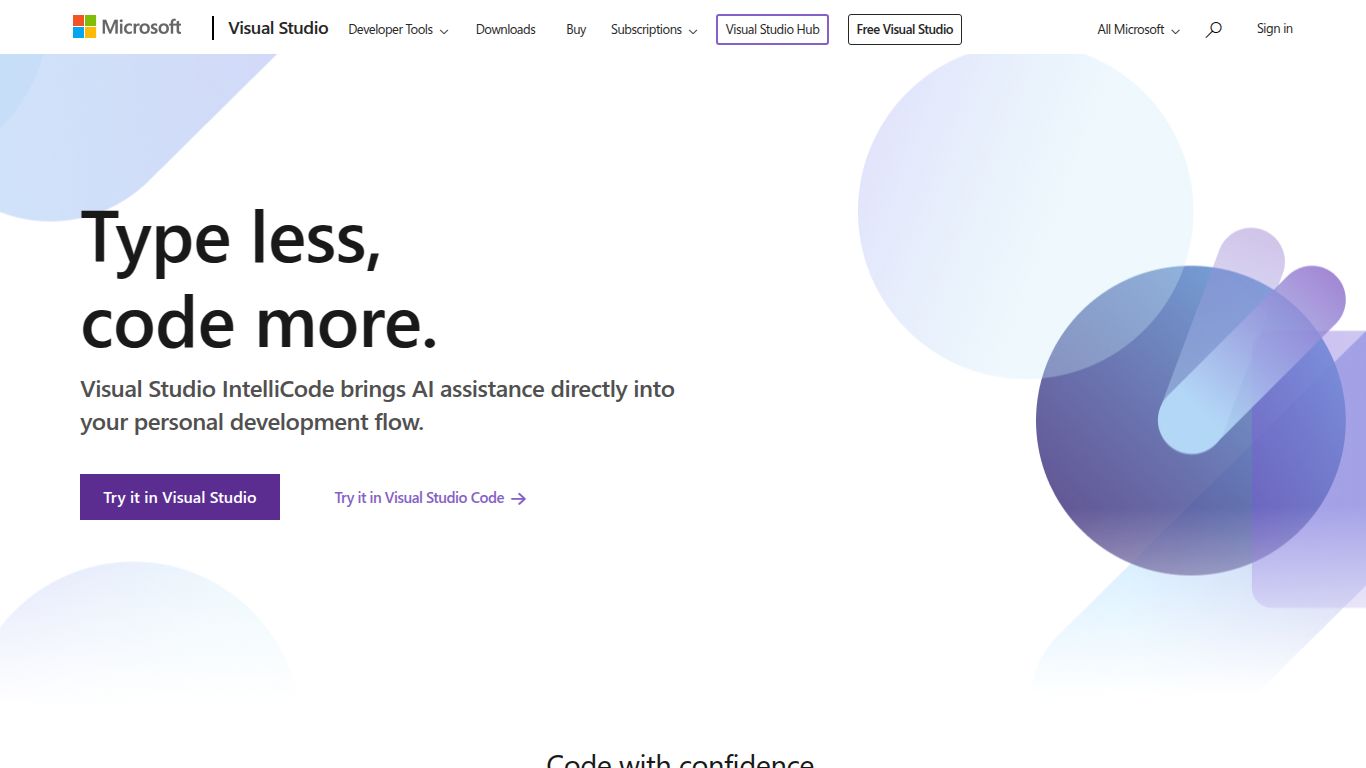
In the fast-paced world of software development, productivity and code quality are paramount. Meet Visual Studio IntelliCode, an innovative AI-assisted development tool crafted by the tech giant, Microsoft. It’s not just another autocompletion tool; IntelliCode enhances your everyday workflow by providing intelligent, context-aware code suggestions right inside your favorite development environments, Visual Studio and Visual Studio Code. By learning from thousands of high-quality, open-source projects on GitHub, it understands coding patterns to help you write better code, faster.
Capabilities
While IntelliCode doesn’t generate images or videos, its primary capability is sophisticated AI-Powered Code Assistance. It acts as a pair programmer that understands the context of your code, providing you with the most relevant suggestions to streamline your development process. Its core capabilities include:
- Intelligent Code Completion: Instead of a simple alphabetical list, IntelliCode predicts the most likely method or property you need, putting it at the top of your completion list, saving you precious time and keystrokes.
- Argument Completion: It helps you cycle through the most probable arguments as you’re calling a method, making API discovery and usage a breeze.
- Inferred Style and Formatting: IntelliCode can learn your coding conventions and help you maintain consistent style across your entire codebase automatically.
Key Features
Visual Studio IntelliCode is packed with features designed to make you a more efficient and accurate developer. It goes far beyond traditional code completion to offer a truly intelligent experience.
- Context-Aware Recommendations: The AI model analyzes your code’s context, including variable names, functions, and the libraries you’re using, to offer suggestions that are highly relevant and likely to be correct.
- Team Completions: This powerful feature allows you to train IntelliCode on your own private repositories. This creates a custom model that understands your team’s unique patterns, helper functions, and custom libraries, providing bespoke suggestions for everyone on the team.
- API Usage Examples: Stuck on how to use a specific library or API? IntelliCode provides real-world usage examples sourced from open-source projects, giving you the context you need without leaving your editor.
- Seamless IDE Integration: As a first-party Microsoft product, IntelliCode is flawlessly integrated into Visual Studio and Visual Studio Code. It works out-of-the-box, feeling like a natural extension of the editor you already know and love.
Pricing
Getting started with Visual Studio IntelliCode is incredibly accessible. The core features are available for free for both Visual Studio and Visual Studio Code users. For individual developers and small teams, the standard, pre-trained AI models provide a massive boost in productivity at no cost. Advanced features, such as Team Completions that train on your private codebase, are typically included as part of paid Visual Studio subscriptions (like Professional and Enterprise), offering enhanced value for professional development teams.
Applicable Scenarios
Visual Studio IntelliCode is a versatile tool that benefits a wide range of users in the tech industry. It’s an invaluable asset for:
- Professional Software Developers: Seasoned developers can accelerate their workflow, reduce boilerplate, and quickly learn new libraries and frameworks.
- Students and Junior Developers: Newcomers can learn best practices and discover APIs more intuitively, helping them write better code from the very beginning.
- Data Scientists: Individuals working with Python in VS Code can benefit from intelligent suggestions for popular data science libraries like TensorFlow and pandas.
- Open Source Contributors: Anyone contributing to projects can ensure they are following the established coding patterns with context-aware guidance.
Alternatives & Comparison
The AI coding assistant space is buzzing with innovation. While IntelliCode is a top-tier choice, here are a few alternatives:
- GitHub Copilot: Also from the Microsoft family, Copilot is a more powerful generative AI that can write entire functions and blocks of code from natural language comments. IntelliCode is more of a “suggestion” tool that enhances your existing workflow, while Copilot is a more active “pair programmer” that writes code for you.
- Tabnine: A popular alternative known for its broad language and IDE support. Tabnine also offers strong privacy features, including the ability to run its AI models locally, which can be a critical feature for organizations with strict data security policies.
- Amazon CodeWhisperer: Amazon’s entry into the field, CodeWhisperer is deeply integrated with AWS services. It’s an excellent choice for developers working within the Amazon ecosystem, as it provides specialized suggestions for AWS APIs and services.
In comparison, Visual Studio IntelliCode shines with its seamless, native integration into the Visual Studio family of products and its unique ability to learn from your team’s private code, making it the perfect “insider” for established development teams.
