Haystack by deepset
Open-source framework for retrieval, pipelines, and chat over files (on-prem friendly).
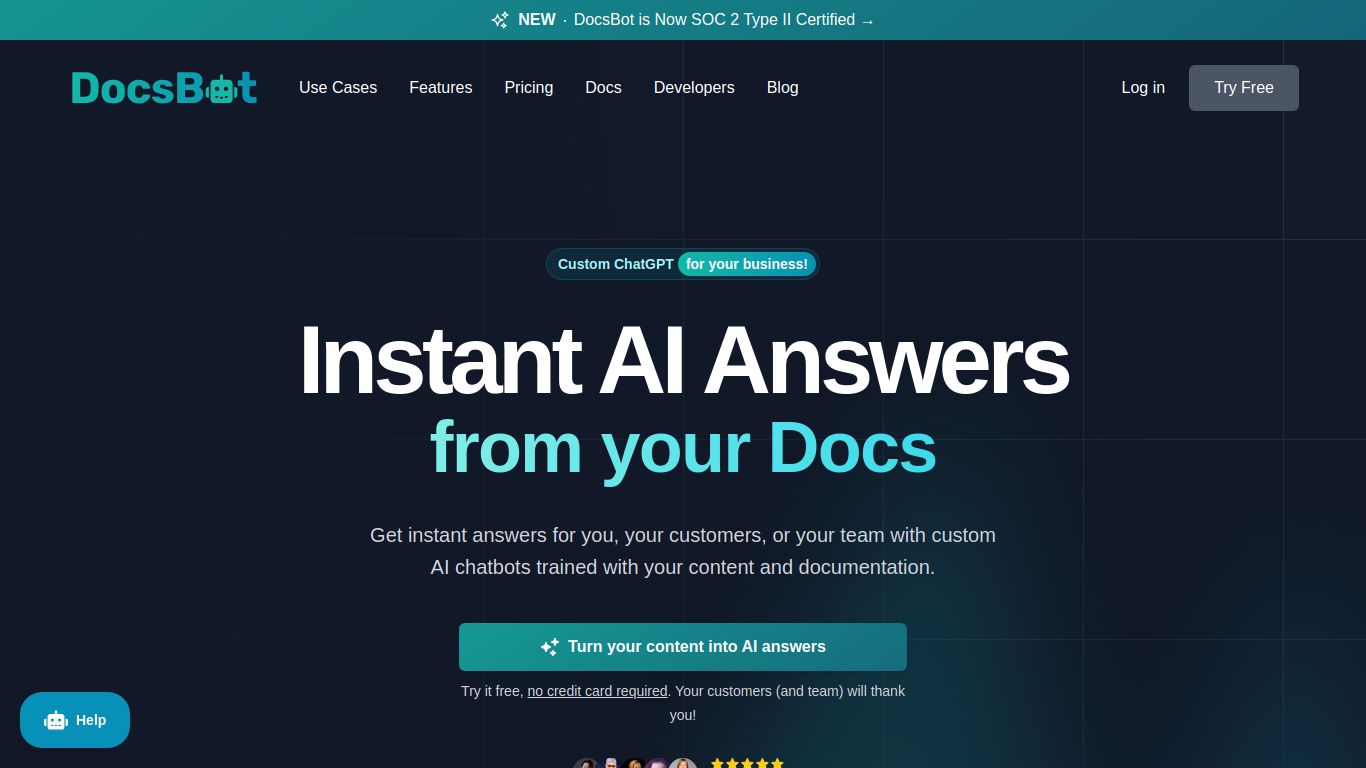
Train a chatbot on your docs and sites to answer user or team questions instantly.
Ever felt like your extensive documentation, support articles, or knowledge base was a silent library, holding valuable information that users struggle to find? DocsBot AI is the key to unlocking that library and giving it a voice. This powerful tool, developed by the innovative DocsBot team, allows you to create a custom-trained AI chatbot using your own content. Forget generic answers; this is about providing precise, context-aware support, 24/7, directly from your source of truth.
While some AI tools aim to be a jack-of-all-trades, DocsBot AI masters one critical domain: textual understanding and generation. It doesn’t create images or videos; instead, it hyper-focuses on converting your written content into an interactive and intelligent resource. Its core capabilities include:
DocsBot AI is packed with features designed for flexibility, power, and ease of use, making it a go-to solution for businesses of all sizes.
Stop forcing users to endlessly scroll through documentation. Let them ask and get instant answers.
DocsBot AI offers a tiered pricing structure to accommodate everyone from individual hobbyists to large enterprises.
Perfect for testing the waters. This plan allows you to create a bot with a limited number of sources and answers up to 50 questions per month, giving you a solid feel for the platform’s power.
Aimed at solo developers and small projects, this plan significantly increases the question credits, allows for more bots and sources, and provides access to the powerful GPT-4 model for higher-quality responses.
Ideal for growing businesses and startups, the Pro plan offers a generous allowance of questions per month, removes “Powered by DocsBot” branding, and unlocks advanced features like API access and automated source syncing.
For large-scale operations with high-volume needs, the Business plan provides custom question limits, dedicated support, team collaboration features, and advanced security options tailored to your enterprise requirements.
This tool is a game-changer for a wide range of roles and industries:
The AI chatbot space is competitive, with strong alternatives like Chatbase, Dante AI, and SiteGPT. So where does DocsBot AI stand out? While tools like Chatbase offer a similarly user-friendly experience for creating chatbots, DocsBot AI often appeals more to a technical audience with its robust API and deeper customization options. Compared to Dante AI, users might find DocsBot’s specific integrations with platforms like Zendesk a key advantage for existing support workflows. Its strength lies in its balance of simplicity for beginners and the high-ceiling functionality offered by its API and customization for advanced users, making it a uniquely versatile choice for turning static content into a dynamic conversational experience.
