Replit Agent
Autonomous builder that plans, codes, tests, and ships production-ready apps with feedback loops.
Terminal-based pair-programming agent that plans and edits code across repos with multi-step flows.
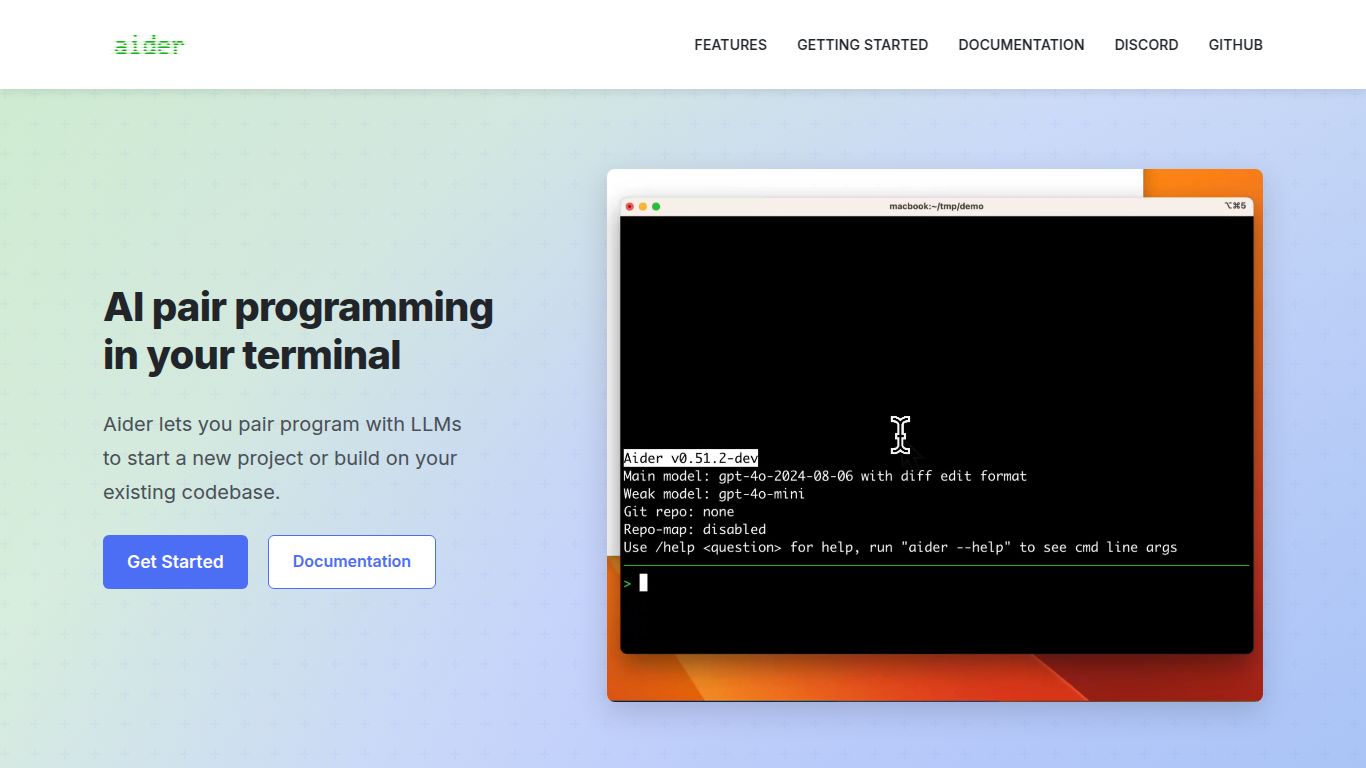
In a world overflowing with AI-powered IDE extensions and code completion tools, Aider emerges as a refreshingly different and powerful ally for developers. Developed as an open-source project, Aider isn’t just another autocomplete tool; it’s a true AI pair programmer that lives and breathes in your terminal. It’s designed for complex, project-wide coding tasks, allowing you to chat with your entire codebase, request large-scale changes, and have Aider handle the intricate work of editing files and committing the changes to git, all through a simple, conversational interface.
Aider focuses exclusively on the art of coding, acting as a direct extension of a developer’s thought process. It doesn’t generate images or videos; it architects, builds, and refines the code that powers applications. Its capabilities are deeply integrated into the software development lifecycle.
Aider is packed with features that set it apart from typical AI coding assistants, making it an indispensable tool for serious developers.
Aider operates directly within your terminal. This means no context switching, no heavy IDEs, and a seamless integration into the natural workflow of developers who are comfortable with the command line. It feels less like a tool and more like a senior developer you’re pairing with.
Before you even make a request, Aider scans your entire git repository. This gives it a deep understanding of your project’s structure, dependencies, and coding conventions, enabling it to make contextually aware and accurate changes across the whole codebase.
You are always in control. Use simple commands like /add to specify which files to work on, /run to execute tests or scripts to verify changes, /diff to see the proposed modifications, and /commit to save the work. This interactive loop makes for a highly efficient and transparent process.
Aider is not tied to a single AI. It allows you to connect your own API keys for leading models like OpenAI’s GPT-4o and GPT-4 Turbo or Anthropic’s Claude 3 Opus, ensuring you’re always using the most powerful and capable engine available.
Aider itself is a completely free and open-source tool, which is a massive advantage. There are no subscription fees or hidden costs to use the Aider application. The pricing model is based on a “Bring Your Own Key” (BYOK) system.
Aider is built for anyone who writes code and wants to enhance their productivity, particularly on complex tasks. Its terminal-based nature makes it a perfect fit for:
How does Aider stack up against giants like GitHub Copilot?
While both tools aim to help developers, their philosophies and workflows are fundamentally different. It’s not about which is better, but which is right for the task at hand.
In short, use GitHub Copilot for real-time, in-editor assistance. Fire up Aider when you have a bigger, more complex coding challenge that requires a back-and-forth dialogue with an AI that understands your entire project.
