Tired of drowning in a sea of open tabs and repetitive digital chores? Imagine having a personal assistant who lives inside your browser, ready to tackle any online task you throw at it with a simple command. That’s not science fiction—it’s the HyperWrite Browser Task Executor. Developed by the innovative team at HyperWrite AI, this tool isn’t just another writing assistant; it’s a powerful AI agent designed to operate your web browser and automate complex workflows, freeing you up to focus on what truly matters.
What Can the HyperWrite Browser Task Executor Do?
At its core, the Browser Task Executor transforms your natural language instructions into concrete actions on the web. It’s not about generating content in a vacuum; it’s about interacting with the web just like a human would, only much, much faster. Think of it as your digital co-pilot for navigating the internet’s endless demands.
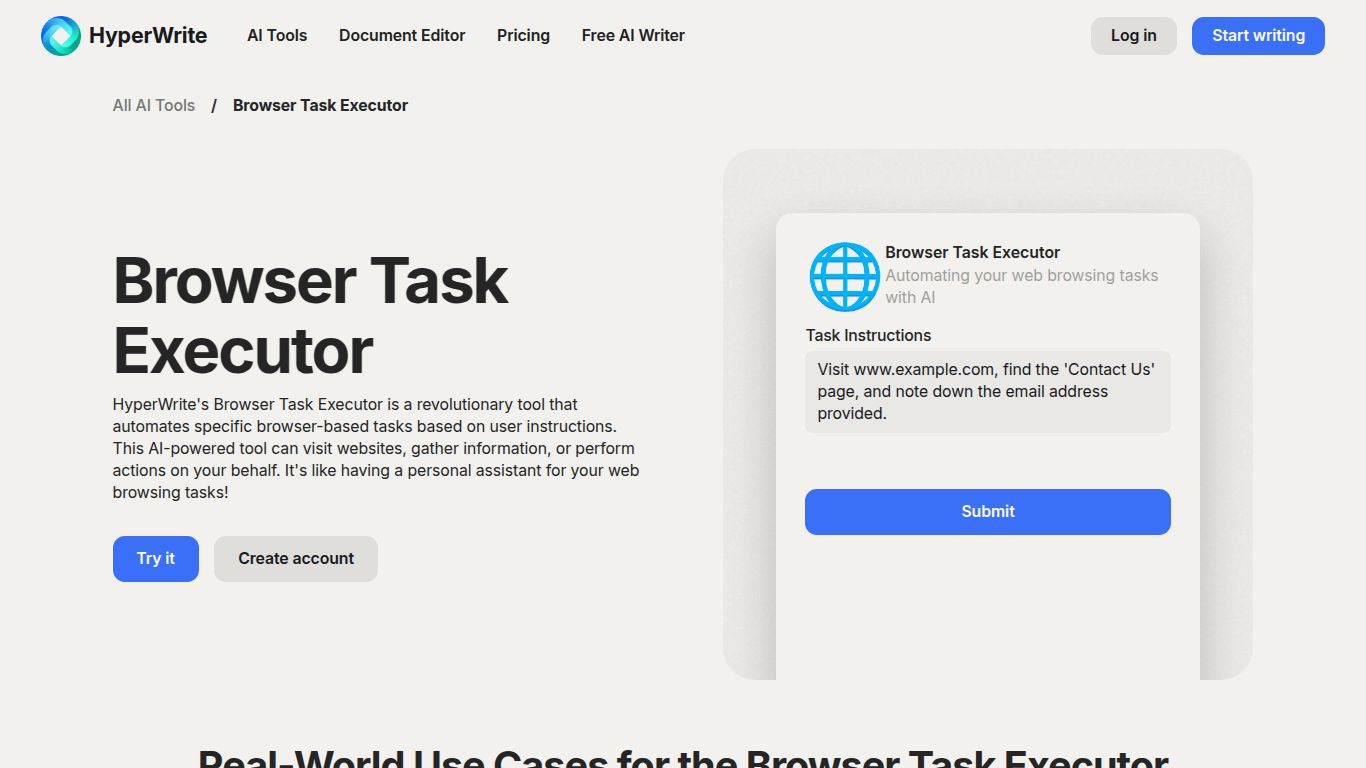
Key Capabilities:
- Task Automation: Give it a goal, and watch it work. It can book flights by checking multiple sites, order your weekly groceries, or manage your calendar appointments across different platforms.
- Data Extraction & Research: Need to compile a list of sales leads from LinkedIn, gather academic papers on a specific topic, or find the best product reviews? The agent can browse, collect, and organize information for you.
- Content Interaction: It goes beyond simple browsing. The agent can summarize lengthy articles, compose and send emails on your behalf, fill out complex application forms, and even post updates to your social media accounts.
- Workflow Management: String together multiple commands to create sophisticated workflows. For example, “Find the top 5 CRM tools, summarize their features, and draft an email to my team with the findings.”
Standout Features
What makes the HyperWrite Browser Task Executor a game-changer? It’s all in the intelligent design and user-centric approach.
- 🧠 Natural Language Interface: No coding or complicated setup required. You simply talk to it or type your request in plain English. It understands context and intent, making it incredibly intuitive.
- 🤖 Autonomous Web Navigation: The AI agent can click buttons, type into fields, navigate through menus, and switch between tabs to complete a task. It sees the web like you do and acts on your behalf.
- 🔒 Secure & Private: The agent operates directly within your browser, ensuring your data, passwords, and sensitive information remain secure and under your control.
- 🧩 Seamless Integration: It works on top of the websites you already use every day, from Google Suite and social media platforms to e-commerce sites and travel portals.
Pricing Plans
HyperWrite offers a flexible pricing structure to suit different levels of need, from casual users to power professionals.
Free Plan
- Price: $0/month
- Includes: A limited number of AI credits per month, standard AI assistance, and basic access to the browser agent for simple tasks. Perfect for trying it out.
Premium Plan
- Price: Typically around $19.99/month
- Includes: A generous amount of monthly credits, access to more advanced AI models, faster performance, and the ability to handle more complex, multi-step tasks with the browser agent.
Ultra Plan
- Price: Typically around $44.99/month
- Includes: The highest number of credits, priority access to the most powerful AI models, enhanced support, and the full, unbridled power of the browser agent for heavy-duty automation.
Who Is It For?
The HyperWrite Browser Task Executor is a versatile tool that can provide immense value to a wide range of users:
- Professionals & Entrepreneurs: Automate lead generation, market research, and daily administrative tasks to reclaim your workday.
- Researchers & Students: Effortlessly gather, synthesize, and organize information from countless online sources.
- Marketers: Streamline social media management, competitor analysis, and content distribution.
- Virtual Assistants: Scale your services by automating client tasks and managing multiple accounts with ease.
- Anyone Seeking Productivity: If you’ve ever felt bogged down by repetitive online chores, this tool is your key to a more efficient digital life.
Alternatives & Comparison
While the browser automation space has several players, HyperWrite carves out a unique niche.
- Axiom.ai & Bardeen: These are powerful “no-code” automation tools that rely on building visual workflows or “recipes.” They are excellent for structured, repeatable tasks but can have a steeper learning curve. HyperWrite’s advantage is its conversational, on-the-fly command structure, which requires no pre-built workflows.
- Adept AI: A direct competitor in the AI agent space, Adept shares a similar vision. HyperWrite is already widely available and integrated into a broader suite of AI writing tools, giving it a strong existing ecosystem.
- Selenium & Playwright: These are code-based frameworks for developers. They offer ultimate power and flexibility but are completely inaccessible to non-technical users. The HyperWrite Browser Task Executor provides much of that automation power without writing a single line of code.
In short, if you want an automation tool that feels less like a robot you have to program and more like an assistant you can talk to, the HyperWrite Browser Task Executor is in a class of its own.
