Merlin: Your All-in-One AI Assistant Powered by GPT-4
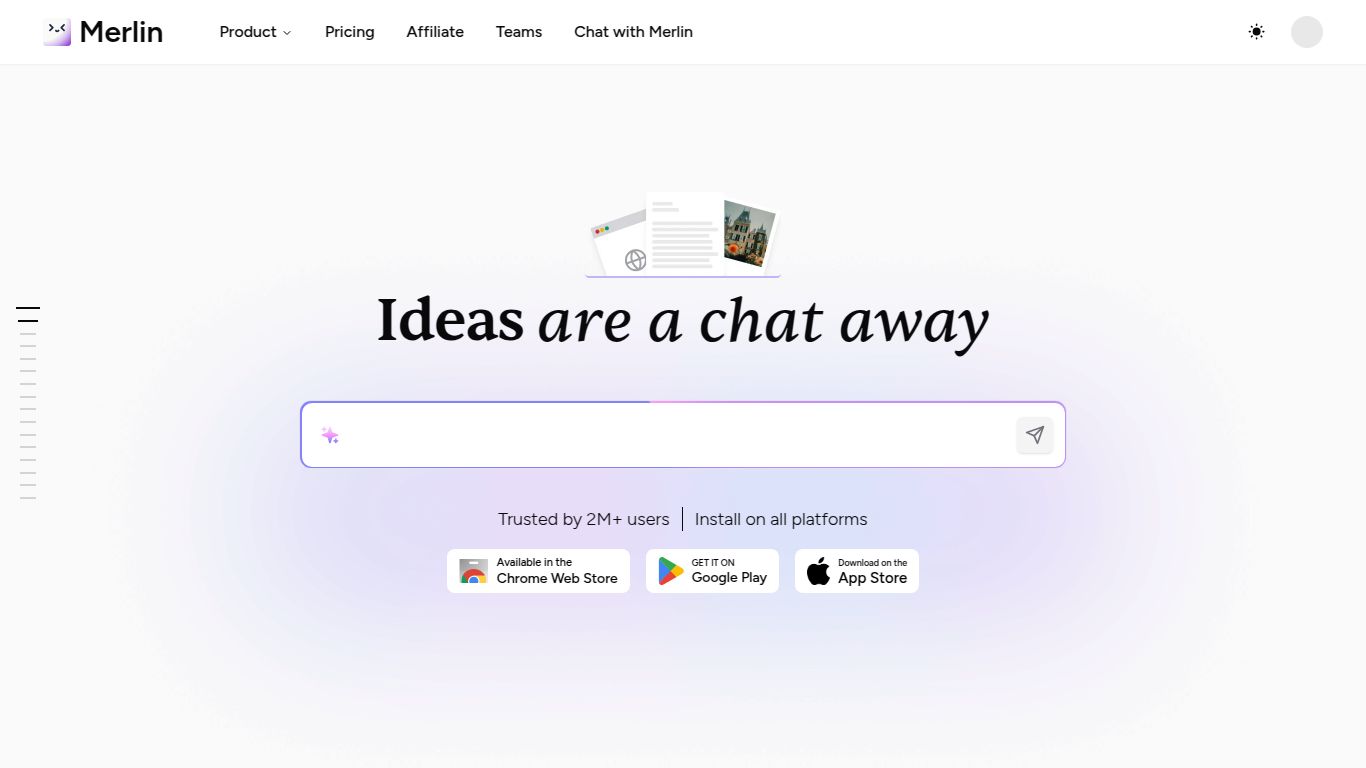
Unlock the full potential of the internet with Merlin, a revolutionary AI-powered browser extension designed to be your personal assistant on any website. Developed by the innovative team at Foyer, Merlin isn’t just another tool; it’s a comprehensive co-pilot that integrates seamlessly into your workflow. By harnessing the formidable power of OpenAI’s GPT-4, Merlin brings advanced AI capabilities directly to your fingertips, whether you’re drafting an email, summarizing a lengthy article, or generating creative content. It’s built to enhance your productivity and creativity without ever needing to switch tabs.
A Universe of Capabilities
Merlin is a multi-talented powerhouse, equipped to handle a wide array of tasks across different media types. Its core capabilities are designed to save you time and supercharge your output.
- Advanced Text Generation: From crafting compelling marketing copy and professional emails to writing insightful blog posts and social media updates, Merlin’s text generation is second to none. It can also rephrase, shorten, or expand any selected text on a webpage.
- Intelligent Web & YouTube Summarizer: Drowning in information? Use Merlin to instantly generate concise summaries of long articles, blog posts, or even YouTube videos. Get the key takeaways in seconds without watching or reading the entire content.
- AI Image Generation: Unleash your inner artist. Powered by cutting-edge models like DALL-E, Merlin allows you to create stunning, high-quality images from simple text descriptions, directly within your browser.
- Document Interaction: Chat with your documents! Upload a PDF, Doc, or other text-based file and ask Merlin questions about its content, have it summarize key points, or extract specific information effortlessly.
Standout Features That Shine
What truly sets Merlin apart is its rich feature set, thoughtfully designed for maximum convenience and power.
- Seamless Browser Integration: As a Chrome and Edge extension, Merlin is always just a click or a shortcut away (Ctrl+M / Cmd+M). It works flawlessly on all your favorite sites, including Gmail, LinkedIn, Twitter, and more.
- Website Chatbot: Interact with any webpage as if you’re having a conversation. Ask questions about the content, request summaries, or find specific information without manually searching.
- Versatile AI Chatbot: Merlin provides a free and powerful chatbot interface, giving you access to GPT-4’s capabilities for complex problem-solving, brainstorming, and code generation.
- Customizable Prompts: Tailor Merlin to your needs with custom prompts to streamline your repetitive tasks and ensure consistent output quality.
Pricing Plans: Power for Every Pocket
Merlin offers a flexible pricing structure to cater to everyone from casual users to power professionals. While there is a generous free plan, the premium tiers unlock the tool’s full potential.
- Free Plan: Perfect for getting started. This plan offers a limited number of daily queries to explore Merlin’s core features.
- Starter Plan: Aimed at regular users, this plan provides a significant boost in query credits, access to the more advanced GPT-4 model, and enhanced features for a monthly fee (typically around $19/month).
- Boost Plan: The ultimate package for professionals and teams. This tier offers the highest number of queries, priority access to new features, and unlimited saves, ensuring your workflow is never interrupted (typically around $39/month).
Note: Pricing is subject to change. Please visit the official getmerlin.in website for the most current information.
Who is Merlin For? A Tool for Everyone
Merlin’s versatility makes it an indispensable tool for a wide range of users:
- Content Creators & Marketers: To brainstorm ideas, draft SEO-friendly articles, and generate engaging social media posts in a fraction of the time.
- Students & Researchers: To quickly summarize academic papers, articles, and long videos, making research faster and more efficient.
- Business Professionals: To compose professional emails, generate reports, and enhance communication on platforms like LinkedIn.
- Developers: To write, debug, and explain code snippets without leaving their current window.
- Casual Users: To get quick answers, translate text, or simply explore the power of AI in their daily browsing.
Alternatives & How Merlin Compares
In the bustling market of AI tools, Merlin carves out a unique niche. While tools like Jasper or Copy.ai are powerful standalone content creation platforms, Merlin’s primary strength lies in its deep, contextual integration as an on-demand browser assistant. Compared to other AI extensions like Sider or Monica, Merlin often stands out with its polished user interface, robust YouTube summarization feature, and a well-balanced offering across its free and paid plans. Its focus is less on being a separate destination and more on being a ubiquitous co-pilot that enhances every site you visit, making it a true productivity multiplier.
