Browserflow: Your Personal No-Code Robot for Web Automation
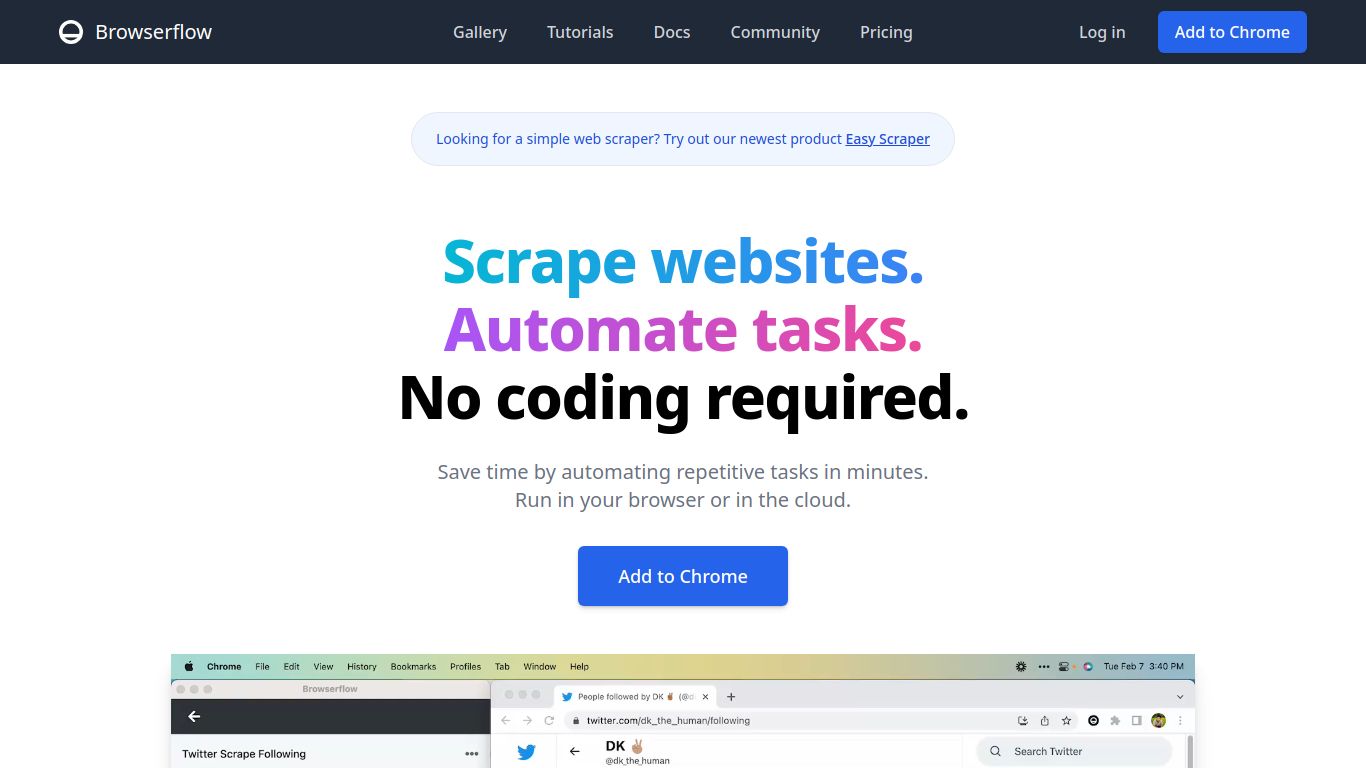
Are you tired of the endless cycle of copy-pasting, data entry, and other repetitive tasks that drain your productivity? Meet Browserflow, a powerful yet user-friendly browser extension designed to automate any workflow directly within your web browser. Developed as a cutting-edge tool for efficiency, Browserflow allows you to record your actions—like clicks, typing, and scrolling—and transform them into a repeatable automation, all without writing a single line of code. It acts as your digital assistant, handling the mundane so you can focus on what truly matters.
Core Capabilities: More Than Just Clicks
While Browserflow doesn’t generate content like images or videos, its power lies in automating the processes around that content. Its core capabilities are centered on sophisticated web interaction and data manipulation.
- Web Scraping and Data Extraction: Effortlessly pull data from websites. You can scrape product listings, contact information, articles, and prices, then organize and export this data into a clean CSV file or directly to Google Sheets.
- Automated Data Entry: Say goodbye to manual form filling. Browserflow can automatically populate forms, log into websites, and input data from a spreadsheet, saving you countless hours.
- Task Automation: Automate virtually any repetitive sequence of actions on a website. This could be anything from checking for updates, posting on social media, or navigating complex dashboards.
- Process Monitoring: Set up automations to monitor websites for changes, such as price drops on an e-commerce site or new listings on a real estate portal, and get notified automatically.
Features That Set Browserflow Apart
Browserflow is packed with intuitive features designed for both beginners and power users.
- Record and Replay: Simply perform a task once, and Browserflow records your actions. You can then replay this “flow” anytime to repeat the task instantly.
- Visual Workflow Editor: Fine-tune your automations with a simple drag-and-drop interface. Add loops to repeat actions, insert conditional logic (if/then statements), and set custom delays without any coding knowledge.
- Scheduling and Triggers: Don’t just run automations manually. Schedule them to run at specific times—daily, weekly, or hourly—to ensure tasks are completed consistently even when you’re away from your computer.
- Seamless Integration: With Google Sheets and webhooks, Browserflow connects your web automation to other parts of your digital ecosystem, allowing you to build complex, multi-app workflows.
- Background Execution: Once an automation is set up, it can run quietly in the background, freeing up your browser and your screen for other work.
Pricing Plans for Every Need
Browserflow offers a flexible pricing structure to suit individual users, professionals, and teams.
- Free Plan: $0/month – Perfect for getting started. This plan includes a generous number of runs per month, access to the core automation features, and is ideal for light or occasional use.
- Pro Plan: Starting at $19/month – Designed for professionals and power users. This tier unlocks advanced features like scheduling, a significantly higher number of runs, priority support, and the ability to run more complex, multi-step automations.
- Team/Enterprise Plan: Custom Pricing – For businesses and teams that require collaboration, centralized management, and custom run limits. This plan offers shared workspaces, team billing, and dedicated support to scale automation across your organization.
Who is Browserflow For?
This tool is a game-changer for a wide range of professionals looking to boost their efficiency:
- Marketers: Automate lead generation by scraping contact info, track competitor pricing, or manage social media posting schedules.
- Sales Professionals: Automatically fill out CRM forms, gather prospect data from LinkedIn, and streamline outreach processes.
- Recruiters: Scrape job boards for candidates, automate application tracking, and source contact information from professional networks.
- Data Analysts & Researchers: Collect vast amounts of data from multiple web sources for analysis without manual effort.
- E-commerce Store Owners: Monitor competitor stock and prices, automate order processing, or scrape product reviews.
- Anyone Tired of Repetitive Tasks: If you find yourself doing the same thing over and over again on the web, Browserflow is for you.
Alternatives & Comparisons
Browserflow operates in a competitive space of web automation tools. Here’s how it stacks up:
- Axiom.ai & Bardeen.ai: These are direct competitors offering similar no-code, in-browser automation. Browserflow differentiates itself with its highly intuitive record-and-replay interface and a clean, user-friendly visual editor that many find easier to master.
- Zapier & Make (Integromat): While Zapier and Make are titans of automation, they primarily focus on connecting different apps via APIs. Browserflow specializes in automating actions within a single website or across multiple web pages, a task that API-based tools often can’t handle with the same level of granularity.
- Selenium & Puppeteer: These are powerful, code-based automation frameworks for developers. Browserflow provides a similar level of power for web interaction but packages it in a completely no-code, accessible interface, making it suitable for the entire team, not just engineers.
In conclusion, Browserflow strikes a perfect balance between power and simplicity, making it an exceptional choice for anyone looking to reclaim their time from the clutches of repetitive web tasks.
