HARPA AI
AI browser agent/extension to summarize, extract data, and automate on-page actions.
Open-source browser RPA with visual automation for filling forms and repeating multi-page tasks.
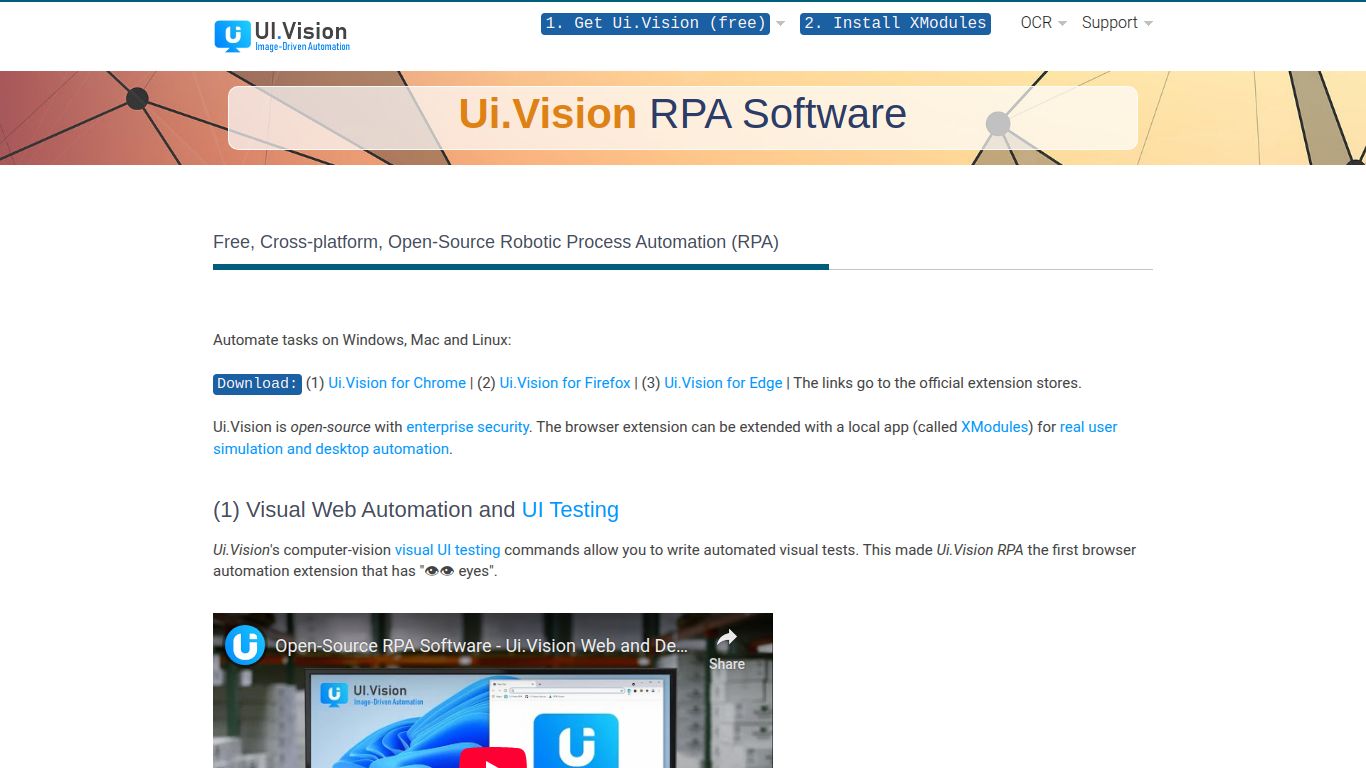
In a world of repetitive digital tasks, UI.Vision RPA emerges as a game-changing tool designed to give you back your most valuable asset: time. Developed by the innovative team at a9t9 software GmbH, this open-source Robotic Process Automation (RPA) software is your personal digital assistant, capable of automating virtually any task you perform in your web browser or on your desktop. Forget tedious data entry, endless form filling, and repetitive testing—UI.Vision is here to handle it all with precision and speed. It’s built on the foundations of the popular Selenium IDE but supercharged with modern computer vision and desktop automation capabilities, making it a uniquely powerful and accessible solution for everyone from individual users to large enterprises.
Unlike AI tools focused on generating content like images or text, UI.Vision RPA is an automation powerhouse. Its capabilities are centered around mimicking human interaction with computers to execute tasks flawlessly. Think of it as a set of programmable eyes and hands for your machine. Here’s what it can do:
UI.Vision is packed with features that make it both powerful for developers and accessible for beginners.
UI.Vision offers a flexible pricing structure that makes powerful automation accessible to all.
Perfect for students, hobbyists, and personal use. This plan is completely free and offers the full feature set for browser automation and basic desktop automation on Windows, backed by community support.
Designed for individual professionals and freelancers. For a one-time fee of $299, you get access to priority support, full desktop automation on macOS and Linux, and advanced features for professional-grade projects.
The ultimate solution for teams and businesses. Starting at $499 per user/year, this plan includes all PRO features plus team management, floating licenses, enterprise-level support, and integration capabilities for scaling automation across your organization.
This versatile tool is a perfect fit for a wide range of users:
While the RPA space includes heavyweights like UiPath and Automation Anywhere, UI.Vision carves out a unique niche. Unlike these complex and expensive enterprise platforms, UI.Vision offers an incredibly accessible entry point with its powerful free version and affordable PRO licenses. Compared to simpler browser-only extensions like Automa, UI.Vision provides a far more comprehensive solution with its desktop and visual automation capabilities. Its key differentiators are its unbeatable combination of being open-source, privacy-focused (local execution), truly cross-platform, and incredibly cost-effective. It’s the perfect middle ground—offering enterprise-grade power without the enterprise-level complexity or price tag.
