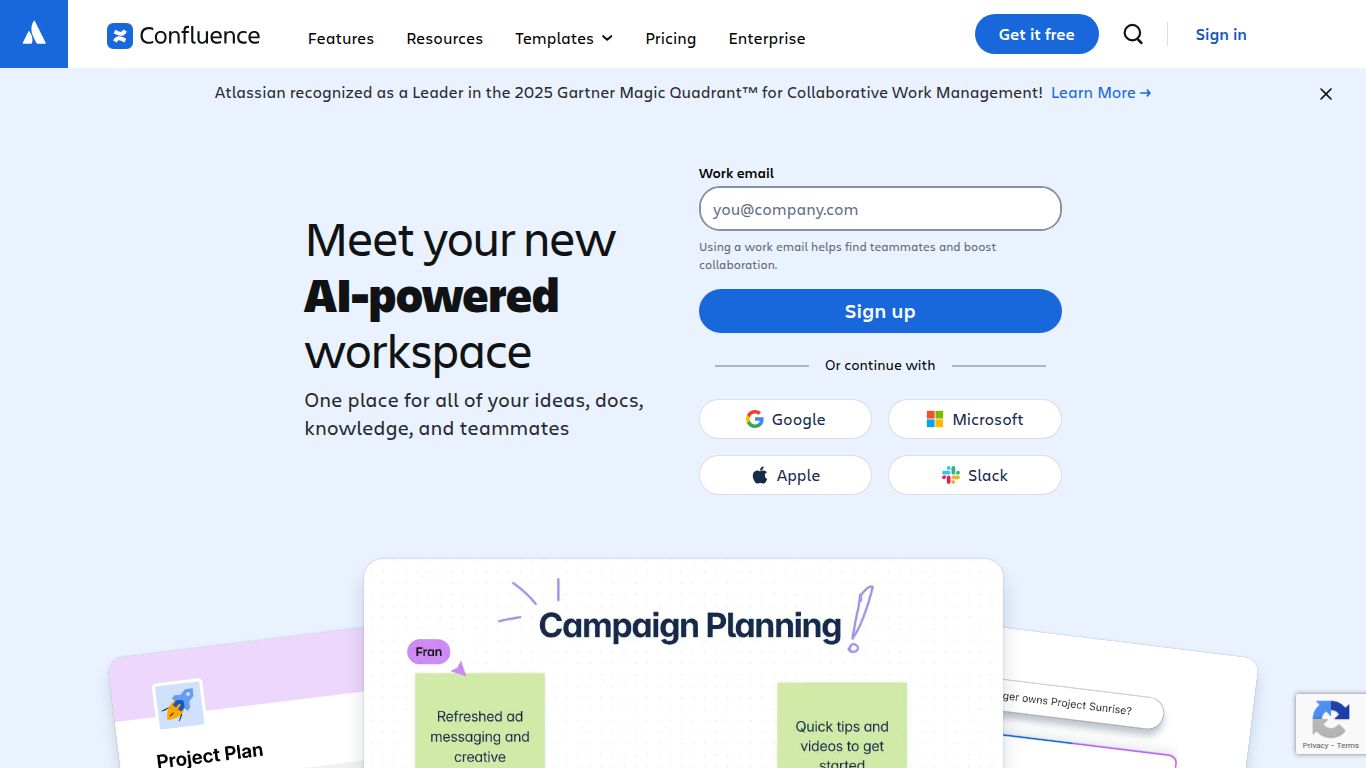
Tired of hunting for documents, deciphering cryptic meeting notes, and reinventing the wheel on every project? Say hello to Confluence with Atlassian Intelligence, the next-generation collaborative workspace from Atlassian, the creators of Jira and Trello. This isn’t just a documentation tool; it’s a dynamic, AI-powered knowledge hub designed to centralize your team’s work, connect disparate information, and move projects forward with unprecedented speed and clarity. It transforms your company’s scattered knowledge into an actionable, intelligent, and single source of truth that empowers every team member.
AI Capabilities: Your Text-Based Superpower
Confluence with Atlassian Intelligence excels in the realm of text and data, acting as your ever-present digital assistant. While it doesn’t create images or videos, its mastery over language and information will revolutionize how you work. Its core capabilities are built to enhance understanding and accelerate content creation.
- Advanced Text Generation: Instantly draft blog posts, project plans, meeting agendas, or technical documentation from a simple prompt. Overcome writer’s block and get a solid first draft in seconds.
- Intelligent Summarization: Transform lengthy documents, meeting transcripts, or comment threads into concise, easy-to-digest summaries. Get the key takeaways without reading every word.
- Smart Q&A: Ask questions in natural language and get immediate answers sourced directly from your entire Confluence knowledge base, saving you hours of manual searching.
- Tone and Content Editing: Effortlessly adjust the tone of your writing to be more professional, casual, or empathetic. You can also ask the AI to shorten, lengthen, or fix spelling and grammar.
- Action Item Extraction: Automatically identify and list action items and decisions from your meeting notes or project updates, ensuring nothing falls through the cracks.
Key Features: More Than Just a Wiki
Confluence is packed with features that, when combined with AI, create an unparalleled environment for collaboration and knowledge sharing.
- AI-Enhanced Search: Go beyond simple keyword matching. The AI understands context and intent to deliver highly relevant search results from across all your spaces.
- Collaborative Whiteboards: Brainstorm ideas, visualize workflows, and plan projects with your team in real-time on an infinite canvas.
- Dynamic Templates: Jumpstart your work with a massive library of pre-built templates for project plans, marketing campaigns, HR policies, and more—now with AI to help you fill them out.
- Seamless Jira Integration: Create a powerful workflow between your project plans in Confluence and your development tasks in Jira. Embed issues, create reports, and maintain alignment effortlessly.
- Deep Integrations: Connect Confluence to the tools you already love, including Slack, Microsoft Teams, Google Drive, and Trello, to create a centralized work hub.
Pricing Plans: Options for Every Team
Atlassian offers a scalable pricing model designed to grow with your team. Atlassian Intelligence features are primarily available on the Premium and Enterprise plans.
- Free Plan: Perfect for small teams of up to 10 users to get started. Offers basic functionality for knowledge sharing. Price: $0.
- Standard Plan: Ideal for growing teams that need more collaboration and content controls. Price: Approximately $6.05 per user/month.
- Premium Plan: The best choice for organizations that need to scale. Includes advanced features and the full power of Atlassian Intelligence, analytics, and greater admin control. Price: Approximately $11.55 per user/month.
- Enterprise Plan: Tailored for large, global enterprises requiring the highest levels of security, compliance, and centralized administration. Includes all features. Contact sales for pricing.
Who Is It For? The Ideal User Profile
Confluence with Atlassian Intelligence is a versatile tool that benefits a wide array of roles and teams within any organization.
- Project Managers: To create project plans, track progress, and centralize all project-related documentation.
- Software Development Teams: For technical documentation, release notes, and sprint planning in tight integration with Jira.
- Marketing Teams: To collaborate on campaign strategies, create content calendars, and share creative briefs.
- HR Departments: For building an internal knowledge base of company policies, onboarding materials, and employee handbooks.
- IT & Support Teams: To create and manage public and internal knowledge bases, FAQs, and troubleshooting guides.
- Product Managers: To define product requirements, build roadmaps, and gather user feedback.
Alternatives & Comparisons
While Confluence is a leader in its class, here are a few alternatives and how they stack up:
- Notion AI: A highly flexible, all-in-one workspace. Notion is like a set of building blocks, offering more creative freedom than Confluence’s structured approach, making it great for personal use and creative teams.
- Slite: Focuses on simplicity and a clean writing experience, designed to be a modern, remote-first alternative. It’s less complex than Confluence but also has fewer deep integrations, particularly with development tools.
- ClickUp AI: Primarily a project management tool with a powerful AI assistant. If your main focus is task management and productivity workflows, ClickUp might be a better fit, though its knowledge base features are not as robust as Confluence’s.
- Microsoft 365 Copilot (in SharePoint/Teams): A strong contender for organizations heavily invested in the Microsoft ecosystem. It brings powerful AI to your existing documents and communication channels, but it lacks the dedicated, structured wiki-like environment of Confluence.

