Tray.io Templates Review: Your Shortcut to Powerful Enterprise Automation
In today’s fast-paced digital landscape, having your cloud applications talk to each other isn’t just a luxury—it’s a necessity. But who has the time to build complex integrations from scratch? Enter Tray.io Templates, a game-changing solution from the automation experts at Tray.io. This isn’t just another tool; it’s a comprehensive library of pre-built, fully customizable automation workflows designed to connect your entire tech stack and put your most tedious tasks on autopilot. Say goodbye to manual data entry and hello to seamless, scalable efficiency.
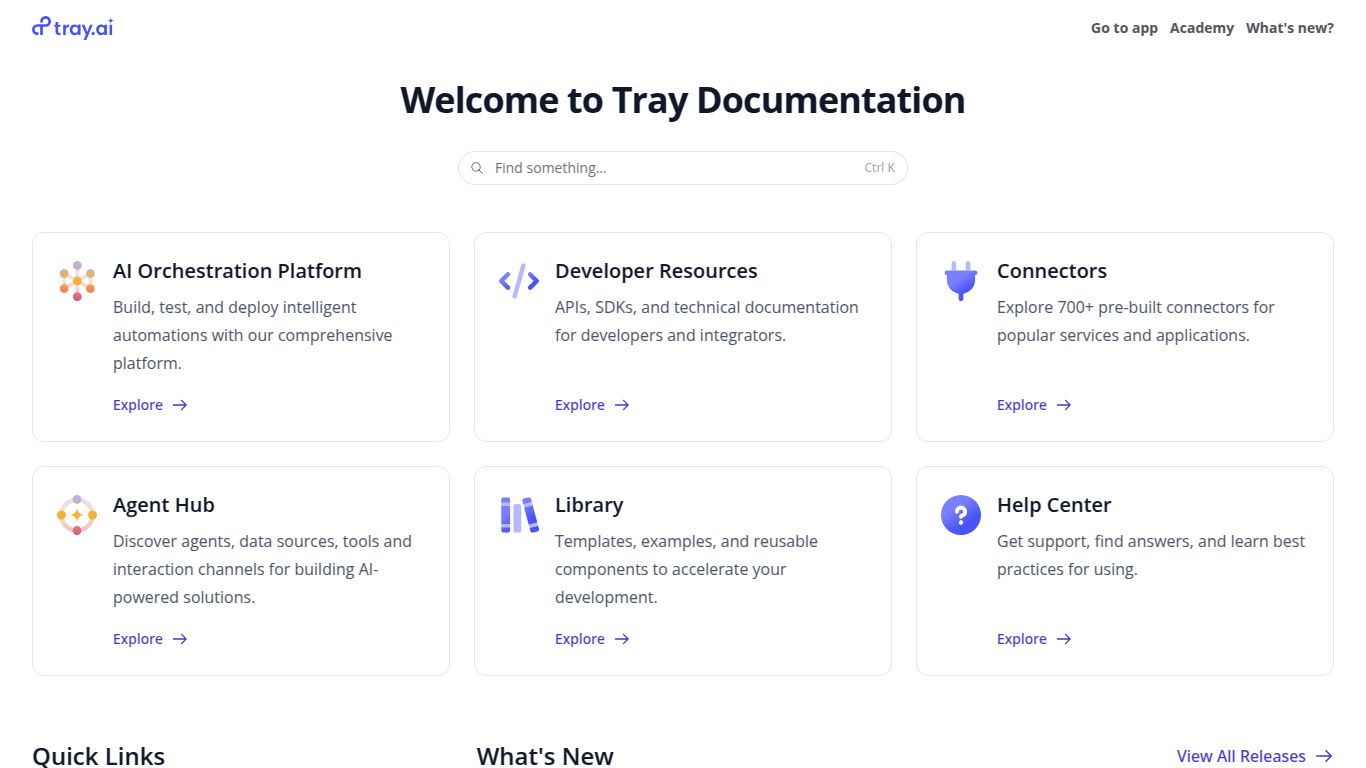
Core Capabilities: The Power of Orchestration
It’s important to understand that Tray.io Templates don’t directly generate content like images, text, or videos. Instead, its superpower is orchestration. It acts as the central nervous system for your software suite, enabling you to build powerful workflows that can incorporate specialized AI tools. Its main capabilities include:
- Process Automation: This is its bread and butter. Tray.io excels at automating multi-step business processes, such as lead nurturing, employee onboarding, financial reporting, and customer support ticketing. If a task involves moving data between two or more applications, Tray.io can automate it.
- Data Integration & Syncing: Effortlessly sync customer data between Salesforce and Marketo, transfer transaction details from Stripe to QuickBooks, or create a unified customer view by pulling data from multiple sources into a data warehouse like Snowflake.
- API Connectivity: With a vast library of pre-built connectors for hundreds of popular apps (like Slack, HubSpot, Jira, and Google Sheets) and a Universal API Connector, you can connect to virtually any service with an API, even custom internal tools.
Standout Features That Make a Difference
Tray.io Templates are more than just simple recipes; they are robust starting points packed with advanced functionality.
- Pre-built Best Practices: Each template is a ready-to-use workflow that encapsulates a common business use case, designed with best practices in mind. This dramatically cuts down on development time.
- Visual Workflow Builder: The heart of the Tray Platform is its intuitive, drag-and-drop interface. You can easily visualize and modify any template, adding complex logic like branching (if/then statements), loops, and data mapping without writing a single line of code.
- Fully Customizable & Scalable: Unlike rigid, one-size-fits-all solutions, every template can be tailored to your exact business needs. The platform is built to handle enterprise-level volume, ensuring your automations run smoothly as your company grows.
- Extensive Connector Library: Gain instant access to hundreds of service connectors, from CRMs and marketing automation platforms to databases and communication tools.
- Logic Helpers: Go beyond simple triggers and actions. Implement sophisticated logic to handle data transformations, error handling, and conditional process flows, making your automations truly intelligent.
Pricing Structure
Tray.io’s pricing is designed for businesses of varying sizes, focusing on the value and complexity of the automations rather than per-task billing. The plans are generally structured in tiers.
Please Note: Pricing models can change. For the most accurate and current information, it is always best to visit the official Tray.io website or contact their sales team.
- Standard: Geared towards teams and departments getting started with automation, offering a set number of workflows and tasks.
- Professional: A more advanced offering with higher limits, more complex logic capabilities, and enhanced support, suitable for growing businesses with critical automation needs.
- Enterprise: A custom solution for large organizations requiring unlimited scalability, advanced security features, dedicated support, and governance controls. Pricing is typically customized based on usage and requirements.
Who Is It For? The Ideal User Profile
Tray.io Templates are perfect for anyone in a technical or operational role who needs to integrate systems and automate processes. This includes:
- Marketing Operations (MarOps): For automating lead routing, syncing campaign data across platforms, and personalizing customer journeys.
- Sales Operations (RevOps/SalesOps): To streamline lead-to-account matching, automate CRM data enrichment, and trigger sales alerts.
- IT Professionals: For managing company-wide integrations, automating user provisioning, and ensuring data governance across applications.
- Business Analysts: To create data pipelines for reporting and analysis without relying on engineering resources.
- Product Teams: For automating user feedback loops, syncing product usage data, and managing feature release communications.
Alternatives & How Tray.io Compares
The automation space is vibrant, and Tray.io has some well-known competitors.
- Zapier: Often seen as the go-to for simple, linear automations. Zapier is incredibly user-friendly and great for connecting two or three apps for a specific task. Comparison: Tray.io is significantly more powerful, offering the ability to build complex, multi-path workflows with advanced logic that Zapier cannot handle. Tray.io is built for business-critical, high-volume processes.
- Make (formerly Integromat): Known for its highly visual interface and more complex logical capabilities than Zapier. Comparison: Make and Tray.io are closer competitors. However, Tray.io is generally considered more robust and scalable for enterprise use cases, with a stronger focus on security, governance, and support.
- Workato: A direct competitor in the enterprise iPaaS (Integration Platform as a Service) space. Workato is also extremely powerful and feature-rich. Comparison: Both are enterprise-grade leaders. The choice often comes down to specific connector needs, user interface preference, and pricing structure. Tray.io is often praised for its flexibility and the balance it strikes between power and usability.
In conclusion, if your automation needs have outgrown simple point-to-point tools and you require a scalable, secure, and highly flexible platform to orchestrate your entire tech stack, Tray.io Templates provide the perfect launchpad to achieve sophisticated automation with remarkable speed.
