Text Generation WebUI (oobabooga): Your Personal AI Chatbot Powerhouse
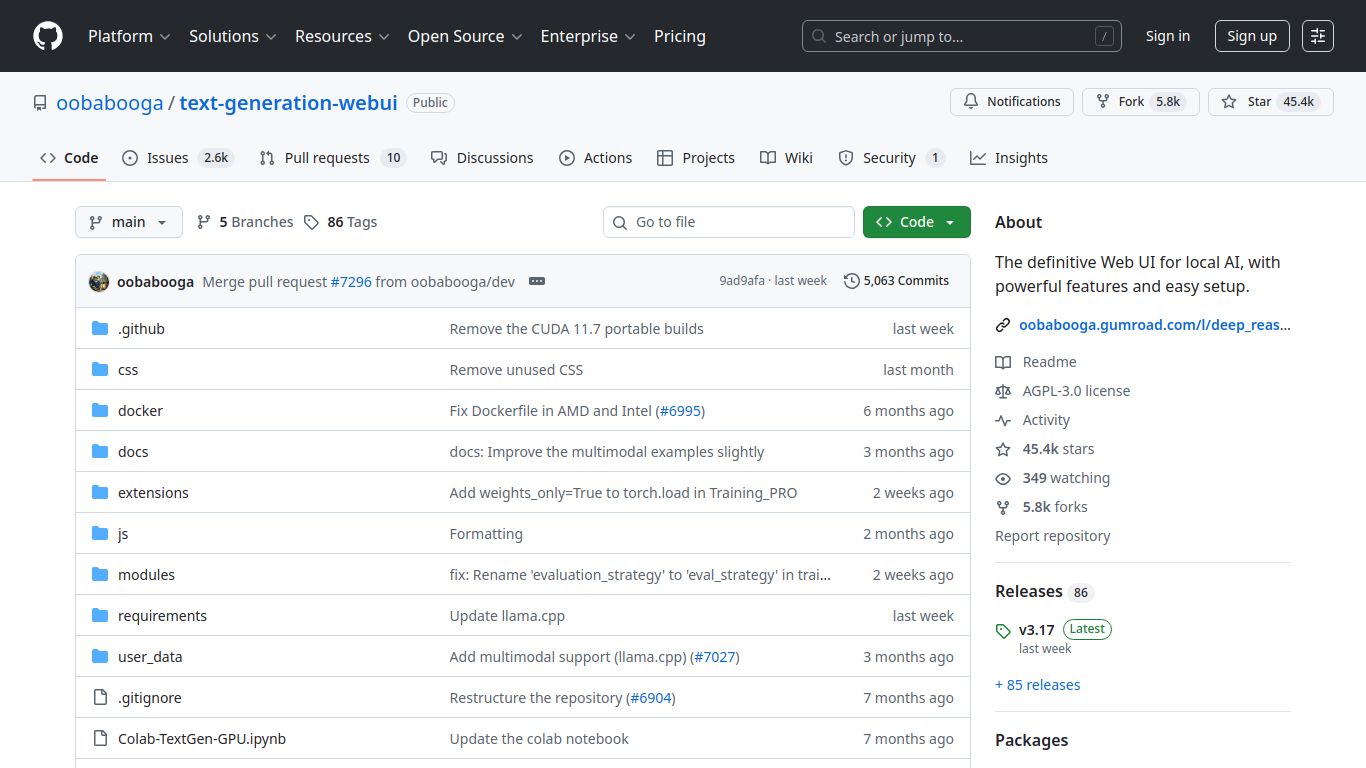
Welcome to the ultimate playground for language model enthusiasts! Text Generation WebUI, affectionately known in the AI community as “oobabooga,” is a leading open-source project that provides a powerful and user-friendly interface for running large language models (LLMs) directly on your own computer. Developed by the community and spearheaded by the GitHub user oobabooga, this tool puts you in the driver’s seat, offering unparalleled control, privacy, and customization for your AI interactions. Forget relying on cloud services; with oobabooga, you are the master of your own AI domain.
Core Capabilities
While its name highlights text generation, oobabooga’s capabilities extend far beyond simple chat, thanks to its robust architecture and vibrant extension ecosystem.
- Advanced Text Generation: This is its core strength. Engage in sophisticated conversations, write stories, generate code, summarize documents, or role-play with a vast array of AI models. The interface supports multiple modes, including a classic chat interface, a notebook mode for structured experiments, and an instruct mode for question-and-answer formats.
- Model Versatility: It’s not tied to one AI. Oobabooga is a versatile loader that supports an incredible range of open-source models, including formats like GGUF, GPTQ, and full-precision models. Whether it’s Llama, Mistral, Vicuna, or a fine-tuned custom model, you can run it here.
- Image Generation (via Extensions): While not a native feature, the tool’s powerful extension system allows for the integration of image generation models like Stable Diffusion. This lets you create a multi-modal creative environment where your text prompts can generate stunning visuals without leaving the interface.
- Voice and Audio Transcription (via Extensions): With extensions like Whisper, you can add voice-to-text capabilities, allowing you to speak your prompts directly to the AI. This transforms the chat experience into a hands-free, conversational flow.
Standout Features
Oobabooga is packed with features designed for both beginners and power users, making it a top choice for local AI hosting.
- One-Click Installers: Gone are the days of complex command-line setups. The project provides simple one-click installers for Windows, Linux, and macOS, getting you up and running in minutes.
- Extensive Hardware Support: It is highly optimized to run on a variety of hardware, including NVIDIA GPUs (with CUDA), AMD GPUs (with ROCm), and even Apple Silicon (M1/M2) via Metal, as well as on CPUs for users without a dedicated graphics card.
- Deep Customization: Tweak every aspect of your model’s output. The UI gives you granular control over parameters like temperature, top-p, repetition penalty, and more, allowing you to fine-tune the AI’s personality and response style.
- Powerful Extension Framework: The true power of oobabooga lies in its extensibility. Add new features, connect to other services, and customize the UI with a rich library of community-built extensions.
- API Access: Run your own local OpenAI-compatible API. This allows you to connect other applications, scripts, or services (like SillyTavern or Agnaistic) to your locally running models, creating a powerful, private AI ecosystem.
Pricing: Absolutely Free
Text Generation WebUI is a testament to the power of open-source collaboration. There are no subscription plans, no hidden fees, and no premium tiers.
- Software Cost: $0. The software is completely free to download, use, and modify from its official GitHub repository.
- Operational Cost: Your only “cost” is the hardware you run it on and the electricity to power it. By leveraging your own computer, you gain full data privacy and avoid ongoing cloud service fees.
Who Is This For?
This tool caters to a wide spectrum of users who value control, privacy, and performance.
- AI Hobbyists & Enthusiasts: Individuals who love experimenting with the latest open-source language models without restrictions.
- Developers & Researchers: Professionals who need a stable, local environment for testing, fine-tuning, and integrating LLMs into their applications.
- Writers & Content Creators: Creative individuals looking for a private, highly customizable AI writing assistant that can be tailored to their specific style and needs.
- Privacy-Focused Individuals: Anyone who is uncomfortable sending their data to third-party companies and wants to ensure their conversations remain 100% private on their own machine.
Alternatives & Comparisons
While oobabooga is a giant in the local AI space, it’s helpful to know how it stacks up against other options.
LM Studio
LM Studio offers a more polished, beginner-friendly user experience focused on easily downloading and running models. It’s fantastic for newcomers, but oobabooga provides deeper customization, more advanced features, and a far more powerful extension system for power users.
KoboldAI
Another popular local UI, KoboldAI is heavily focused on creative writing and storytelling. It has excellent features for writers, but oobabooga is generally considered a more versatile, all-purpose tool with better support for chat and instruction-following models.
Cloud-Based Services (ChatGPT, Claude)
The main difference is Local vs. Cloud. Services like ChatGPT offer incredible convenience with no hardware requirements. However, Text Generation WebUI provides total privacy, no content filters or censorship, the ability to run any custom model you want, and zero running costs. It’s the choice for those who prioritize freedom and ownership over convenience.
