What is Open WebUI? Your Private AI Chat Hub
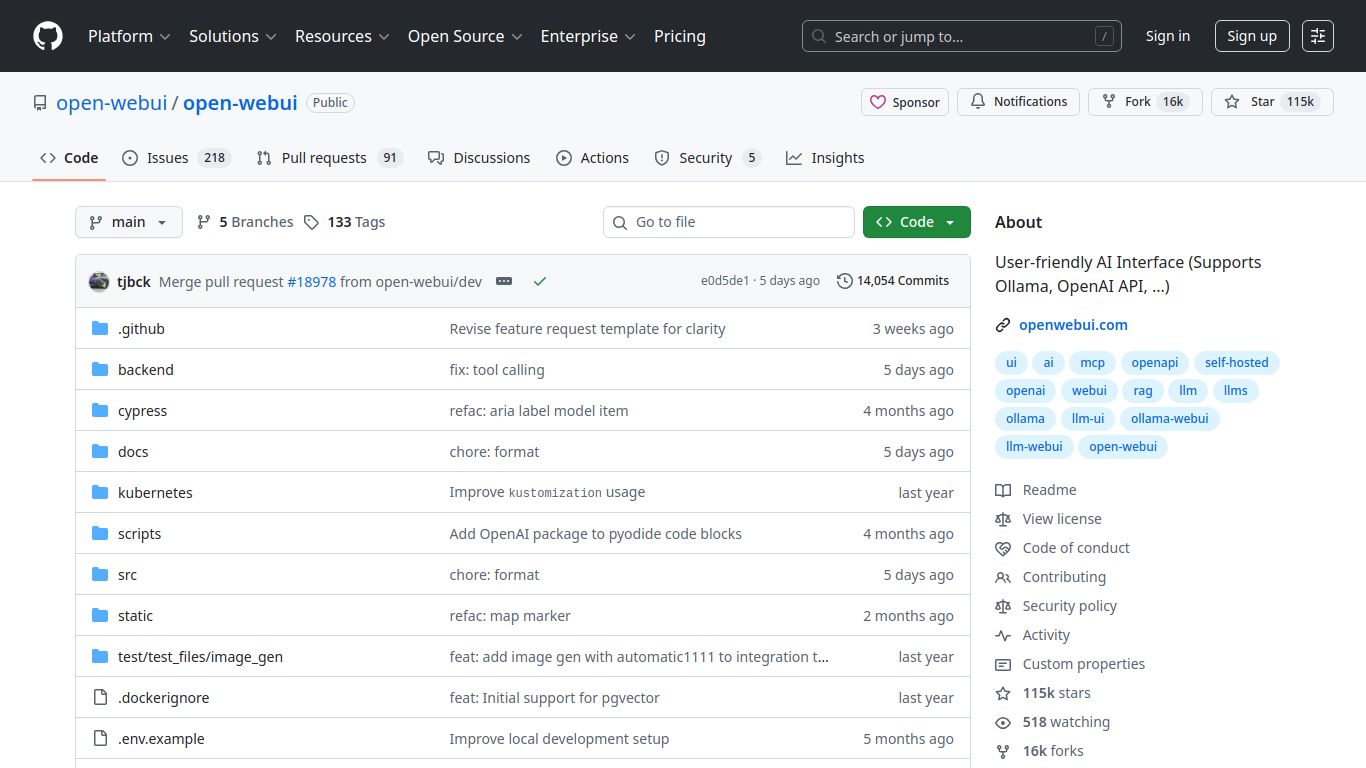
Ever wished for a ChatGPT-like experience but with total control, privacy, and the freedom to use any AI model you want? Enter Open WebUI. Born from the hugely popular Ollama WebUI project, this open-source tool is a sleek, user-friendly web interface designed to interact with a vast array of Large Language Models (LLMs). It’s not just a chat window; it’s your personal, self-hosted command center for cutting-edge AI, running securely on your own hardware. Developed and maintained by a vibrant community, Open WebUI puts the power of generative AI firmly back in your hands, free from corporate clouds and data tracking.
A Universe of AI Capabilities
Open WebUI is more than just a text generator. It’s a versatile platform that unlocks a wide spectrum of AI capabilities, making it a true multi-tool for creation and analysis.
- Advanced Text Conversation: At its core, Open WebUI provides a seamless and responsive chat experience. Engage in complex dialogues, brainstorm ideas, draft emails, or get help with writing, all with the LLM of your choice.
- Multimodal Magic (Image & Text): The platform embraces multimodal models like LLaVA. This means you can upload images and ask questions about them! Furthermore, it integrates smoothly with popular image generation tools like Stable Diffusion WebUI (AUTOMATIC1111) and ComfyUI, letting you pivot from conversation to creation in an instant.
- Chat With Your Documents (RAG): This is a game-changer. Using its built-in Retrieval-Augmented Generation (RAG) feature, you can feed your own documents (PDFs, text files, and more) into Open WebUI and create a personalized chatbot that knows your data inside and out. Analyze reports, query research papers, or get summaries of long contracts effortlessly.
- Code Generation & Review: For developers, Open WebUI is a powerful sidekick. Connect it to code-centric models to generate boilerplate code, debug complex functions, learn new programming languages, or get a second opinion on your logic.
Standout Features
What makes Open WebUI a top choice for self-hosted AI? It’s all in the details.
- Unmatched Model Compatibility: Don’t get locked into one ecosystem. Open WebUI flawlessly connects with models run via Ollama, and supports OpenAI-compatible APIs, Google Gemini, and the lightning-fast Groq API, giving you unparalleled flexibility.
- Intuitive and Customizable Interface: The UI is clean, modern, and a joy to use. Switch between light and dark modes, organize your chats, and use helpful features like prompt presets to streamline your workflow.
- Robust Collaboration Tools: Share your chat sessions with a link, allowing others to view your conversations. It’s perfect for team collaboration, teaching, or showcasing a model’s capabilities.
- Voice-to-Text and Text-to-Speech: Interact with your AI hands-free! Open WebUI supports voice input for dictating your prompts and can read responses aloud, making it incredibly accessible.
- Effortless Deployment: Thanks to official Docker support and a simple one-command installation, you can have your private AI server up and running in minutes, not hours.
- On-the-Fly Model Creation: Use the interface to create and edit ‘Modelfiles’, allowing you to tweak and customize model behaviors directly within the WebUI without touching the command line.
Pricing: The Ultimate Deal
Completely Free & Open Source
This is the best part. Open WebUI is 100% free. As an open-source project under the permissive MIT license, there are no subscriptions, no usage fees, and no hidden costs. Your only “investment” is the hardware you choose to run it on. Enjoy unlimited access to all its features without ever worrying about a credit card. This is the true democratization of powerful AI technology.
Who is Open WebUI For?
This versatile tool caters to a wide range of users, each finding unique value in its self-hosted, flexible approach:
- Developers: The perfect local environment for testing, integrating, and building applications powered by various LLMs without API costs.
- AI Enthusiasts & Hobbyists: An easy-to-use playground for exploring the latest open-source models on home hardware.
- Researchers & Academics: A controlled, private environment for conducting experiments and analyzing model behavior without data leakage.
- Privacy-Conscious Users: Anyone who wants to leverage AI without sending their personal or sensitive data to third-party companies.
- Small Businesses & Teams: A cost-effective, self-hosted solution for internal Q&A, document analysis, and content creation.
Alternatives & Comparisons
How does Open WebUI stack up against other players in the space?
- vs. LM Studio: Both are excellent for running local models. The key difference is access. LM Studio is a polished desktop application, great for a single user on one machine. Open WebUI is a web server, meaning you set it up once and can access it from any device on your network (your laptop, tablet, or phone) through a browser, making it better for shared or remote access.
- vs. AnythingLLM: Both are open-source and offer powerful RAG capabilities. AnythingLLM is hyper-focused on being the best “chat with your documents” tool. Open WebUI is a more general-purpose AI chat interface that also has excellent RAG features, making it a better all-rounder if your needs go beyond just document analysis.
- vs. ChatGPT / Gemini (Cloud Platforms): This is a battle of philosophy. Cloud platforms offer extreme convenience and access to massive, proprietary models. Open WebUI offers complete control. With Open WebUI, you have data privacy, no censorship, no operational downtime from third parties, and the freedom to use any model you can run. You trade a little setup time for ultimate freedom and security.
