ModernMT
Adaptive machine translation that learns from your data in real time; enterprise-grade.
Open-source local LLM desktop app—download models, chat offline, and customize prompts for RP-style dialogs.
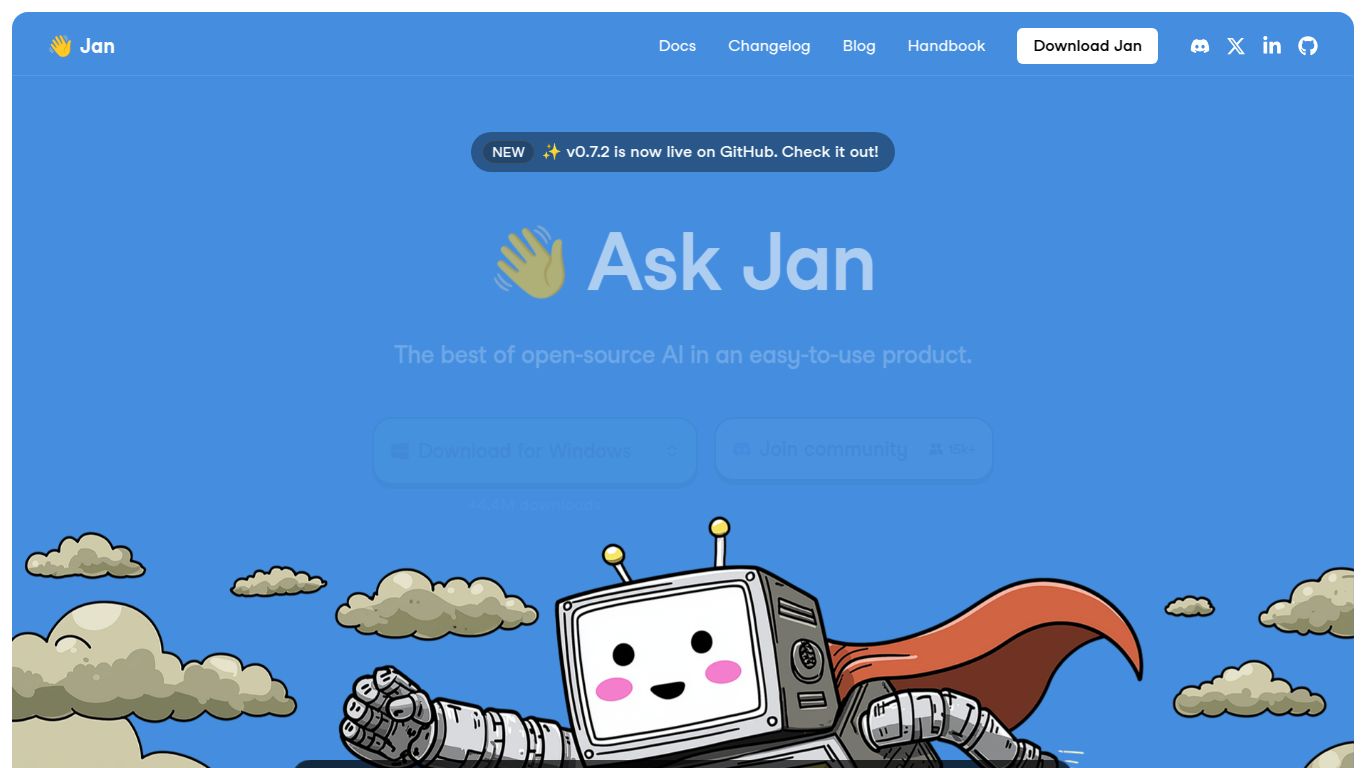
Tired of cloud-based AI and worried about your data’s privacy? Meet Jan, a revolutionary desktop application that brings the full power of artificial intelligence directly to your computer. Developed as a 100% open-source and offline-first alternative to services like ChatGPT, Jan allows you to run, customize, and experiment with a wide range of large language models without ever sending your data to a third-party server. It’s your personal AI, operating entirely within the confines of your local machine, giving you unparalleled control, privacy, and freedom.
Jan is built to be a versatile and powerful hub for local AI. While its primary strength lies in text-based interaction, its flexible architecture opens the door to much more.
At its core, Jan excels at running local language models for a variety of text-based tasks. You can use it for anything from drafting emails, writing code, and summarizing long documents to creative writing and brainstorming sessions. Because it runs locally, the response speed is only limited by your hardware, often resulting in near-instantaneous output.
Jan is not limited to a single AI model. It acts as a universal interface for a growing list of open-source models, including popular choices like Llama, Mistral, and Mixtral. Furthermore, if you need the power of a state-of-the-art cloud model, Jan can also connect to remote APIs like OpenAI’s GPT-4 or Groq, giving you the best of both worlds in a single, unified application.
Jan is packed with features designed for both casual users and power-hungry developers. Here’s what makes it stand out from the crowd.
This is where Jan truly shines. The core Jan (Desktop) application is completely free to download and use.
For users who opt to connect to remote APIs (like GPT-4), standard pay-as-you-go fees from those providers will apply, but this is an entirely optional feature.
Jan’s unique blend of privacy, power, and accessibility makes it an ideal tool for a diverse range of users:
Both Jan and LM Studio are excellent choices for running local LLMs with a graphical interface. They offer similar core functionality, allowing users to download and chat with various models. Jan often appeals to users looking for a cleaner, more modern UI and a seamlessly integrated, one-click API server experience. LM Studio, on the other hand, provides slightly more granular controls for advanced model configuration.
Think of Ollama as the powerful engine and Jan as the complete car with a beautiful dashboard. Ollama is a fantastic command-line tool for running and managing local models. Jan provides a full graphical user interface on top of that power, making the entire experience much more accessible for users who aren’t comfortable working exclusively in the terminal.
The primary difference is privacy and ownership. With services like ChatGPT, your data is processed on company servers to train and improve their systems. With Jan, everything stays on your machine, period. While cloud AIs may offer access to larger, more powerful models, Jan provides unbeatable security, offline capability, and zero running costs for local models.
