Backyard AI Desktop: A Look Back at the Local Image Generation Powerhouse
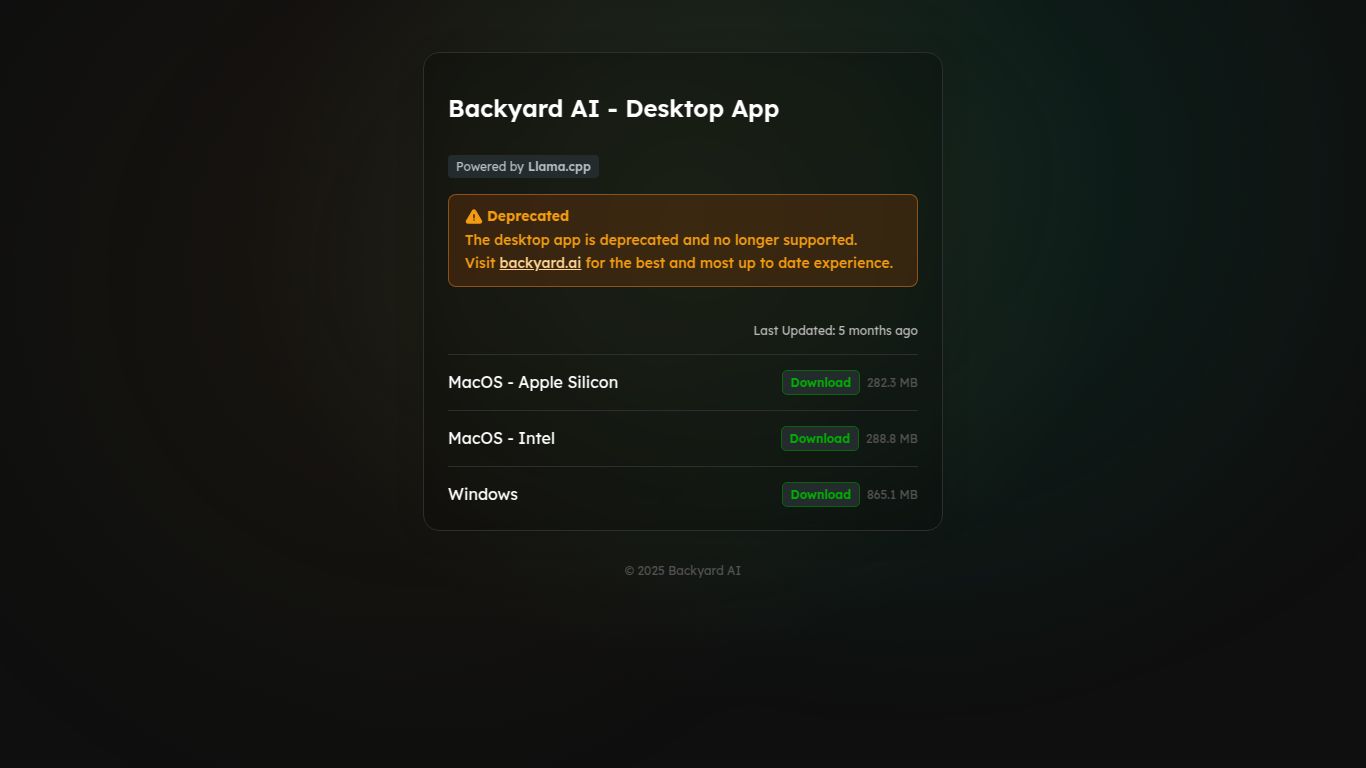
Step into the world of AI image creation with Backyard AI Desktop, a powerful application designed to run Stable Diffusion models directly on your own computer. Developed by the team at Backyard AI, this tool was celebrated for giving users complete control over their creative process, free from cloud servers and subscription fees. Please note: The Backyard AI Desktop application has been officially deprecated and is no longer supported or updated by the developers. Users are now encouraged to explore their modern, feature-rich web platform at backyard.ai. This review serves as an informative look at the capabilities and legacy of the original desktop version.
Core Capabilities: Your Personal AI Art Studio
While its development has ceased, Backyard AI Desktop was a focused and capable tool centered on one primary function: high-quality AI image generation. It acted as a user-friendly graphical interface (GUI) for the powerful Stable Diffusion model, allowing creators to turn simple text prompts into stunning visuals without needing to write a single line of code.
- Text-to-Image Generation: At its heart, the application excelled at interpreting textual descriptions and transforming them into detailed, unique images. Users could describe a scene, a character, or an abstract concept and watch the AI bring it to life on their screen.
- Local Model Management: A key strength was the ability to download and run various Stable Diffusion models and custom checkpoints directly from your hard drive. This gave users the freedom to experiment with different artistic styles, from photorealism to anime, by simply loading a different model file.
Standout Features of the Desktop Version
The appeal of Backyard AI Desktop lay in its approach to AI creation, which prioritized user control and privacy. Here are the features that made it a popular choice for enthusiasts.
- Complete Privacy: Since all processing happened on your local machine, your prompts and generated images remained 100% private. Nothing was ever sent to a third-party server, offering peace of mind for personal or sensitive projects.
- Zero Per-Image Costs: Unlike cloud services that charge per generation or via credit packs, Backyard AI Desktop was completely free to use. The only cost was the electricity to run your computer. You could generate thousands of images without ever paying a dime.
- Offline Functionality: Once the models were downloaded, you could generate images without an active internet connection, making it a reliable tool for creating on the go or in areas with poor connectivity.
- User-Friendly Interface: It was designed to be more accessible than highly technical interfaces like AUTOMATIC1111’s WebUI, offering a simpler, more intuitive workflow for getting started with AI image generation.
Pricing: Absolutely Free
The pricing structure for Backyard AI Desktop was its biggest draw: it was completely free. There were no hidden fees, subscriptions, or credit systems.
- Desktop App (Deprecated): $0. The software was free to download and use.
- Successor Web App: The new backyard.ai web platform operates on a different model, offering free trials and subscription plans (such as a Pro plan for around $10/month) that provide cloud generation credits, faster speeds, and advanced features like model fine-tuning.
Who Was Backyard AI Desktop For?
The desktop tool catered to a specific group of creative individuals who valued autonomy and experimentation:
- AI Hobbyists: Tinkerers and tech enthusiasts who wanted to explore the cutting edge of Stable Diffusion on their home PCs.
- Digital Artists & Illustrators: Creatives seeking a private, cost-effective tool for brainstorming, concept art, and generating unique visual elements.
- Privacy-Focused Creators: Anyone wary of sharing their creative prompts and outputs with cloud-based AI services.
- PC Power Users: Individuals with powerful GPUs who wanted to maximize their hardware’s potential for AI tasks.
Modern Alternatives to Backyard AI Desktop
Since the desktop app is no longer a viable option, here are the best alternatives to consider in the current AI landscape.
The Official Successor
Backyard AI Web App: The developer’s official platform is the natural next step. It offers a streamlined cloud-based experience with model training (Dreambooth & LoRA), a vast community model library, and doesn’t require a powerful local GPU.
Other Local Desktop UIs
- AUTOMATIC1111/Stable Diffusion WebUI: The gold standard for power users. It’s incredibly powerful and customizable but has a much steeper learning curve.
- InvokeAI: Known for its polished, professional interface that is particularly friendly for artists and designers.
- ComfyUI: A node-based interface that provides unparalleled flexibility for creating complex, custom image generation workflows.
Popular Cloud-Based Platforms
- Midjourney: Renowned for its exceptionally high-quality, artistic, and often opinionated image outputs, all operated through a simple Discord bot interface.
- Leonardo.Ai: An all-in-one platform for generating images, training custom models, and exploring a community-driven ecosystem of AI art tools.
