Notion AI Review: Your Integrated Brainstorming and Writing Partner
Welcome to the future of productivity, where your workspace isn’t just a place to store information, but an active partner in creating it. We’re talking about Notion AI, a powerful suite of artificial intelligence tools built directly into the beloved Notion workspace. Developed by Notion Labs, Inc., this isn’t a separate app you have to toggle to; it’s a seamless extension of the platform you already use for note-taking, project management, and knowledge sharing. Notion AI acts as your on-demand editor, brainstormer, and summarizer, all accessible with a simple command, fundamentally changing how you interact with your own documents.
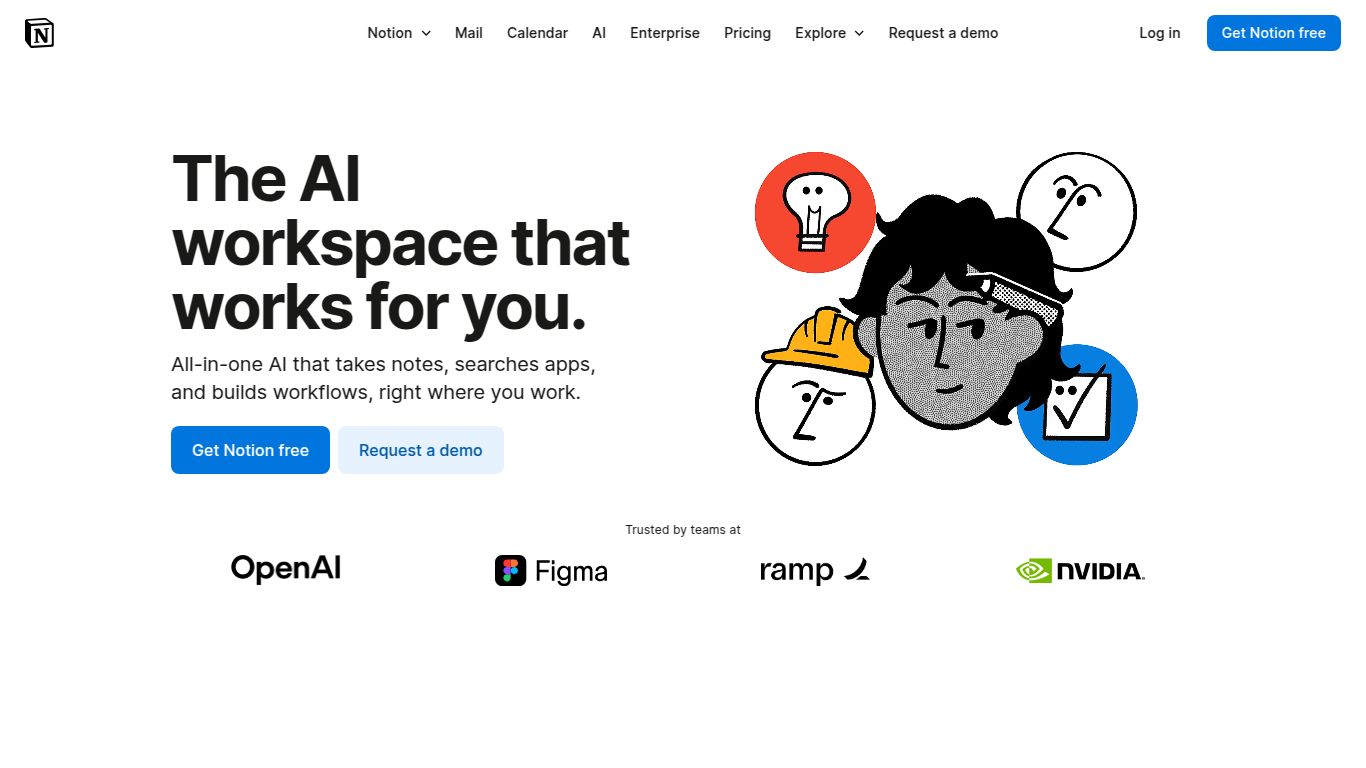
Core Capabilities: A Text-First Powerhouse
Notion AI is laser-focused on augmenting your ability to work with text. While some AI tools cast a wide net, Notion AI doubles down on being the best possible writing and thinking assistant within your documents. Its primary capabilities are centered around:
- Text Generation: From drafting emails and blog posts to creating meeting agendas and job descriptions, Notion AI can generate high-quality first drafts on virtually any topic.
- Text Editing & Enhancement: It goes beyond a simple spell-check. It can improve your writing’s clarity and impact, fix grammar, and even change the entire tone of your text—from professional to casual, or from confident to friendly.
- Summarization: Have a long research document or messy meeting notes? Highlight the text and ask Notion AI to provide a concise summary, pulling out key points and action items in seconds.
- Information Retrieval (Q&A): This is a game-changer. You can ask questions based on the information stored across your Notion workspace, and the AI will find and synthesize the answers for you, saving you from manually searching through pages.
It’s important to note that Notion AI currently does not natively generate images, video, or audio. Its strength lies entirely in its mastery over the written word and its unique contextual awareness within your Notion environment.
Standout Features: What Makes Notion AI Special?
The magic of Notion AI is in its seamless integration. Here are some of the features that make it an indispensable tool for users:
- Inline AI Assistance: Simply press the spacebar on a new line or highlight existing text to bring up the AI prompt. There’s no need to leave your page or copy-paste text into another window. This frictionless workflow keeps you in a state of flow.
- Context-Aware Suggestions: Because it lives inside your Notion pages, the AI understands the context of what you’re working on. Its suggestions and generated text are more relevant and useful than a generic AI tool’s would be.
- AI Blocks: Create dedicated blocks like ‘Summary’, ‘Action Items’, or ‘Custom Prompt’ that automatically populate based on the content of the page. This is fantastic for standardizing reports and meeting notes.
- Autofill for Databases: Supercharge your Notion databases by using AI to fill entire columns based on the properties of an entry. For example, you can generate a summary or extract keywords for every new database item automatically.
- Multi-Language Support: Effortlessly translate text within your notes to break down language barriers when working with international teams or research.
Pricing: An Affordable Add-On
Notion AI is offered as a simple and accessible add-on to any existing Notion plan, including the free one. This makes it easy to integrate AI capabilities without a massive financial commitment.
- Pricing Model: Notion AI is available for an additional $10 per member per month.
- Annual Discount: If you choose to pay annually, the price drops to $8 per member per month, offering a 20% saving.
- Free Trial: Notion typically offers a limited number of free AI responses for every user, allowing you to test its capabilities before committing to a subscription.
This straightforward pricing makes it one of the most cost-effective ways to integrate powerful AI assistance into your daily workflow, especially for teams already invested in the Notion ecosystem.
Who Is Notion AI For?
Notion AI is incredibly versatile, making it a valuable asset for a wide range of users:
- Students: Perfect for summarizing lecture notes, drafting essays, cleaning up research, and checking grammar before submitting assignments.
- Content Creators & Marketers: A fantastic partner for brainstorming content ideas, writing first drafts of blog posts, generating social media captions, and crafting compelling email newsletters.
- Project Managers: Instantly create meeting agendas, summarize project updates, and pull action items from call transcripts to keep teams aligned and on track.
- Entrepreneurs & Founders: Quickly draft business plans, investor updates, website copy, and internal policy documents without hiring a dedicated copywriter.
- Researchers & Academics: Condense dense academic papers into digestible summaries and rephrase complex ideas for better clarity.
Alternatives & Comparisons
While Notion AI is unique in its integration, it’s helpful to see how it stacks up against other popular AI writing tools.
- Jasper AI (formerly Jarvis): Jasper is a standalone, high-powered AI copywriting tool focused heavily on marketing and sales content. Comparison: Jasper has more templates and features specifically for marketing copy, but Notion AI wins on workflow integration and general-purpose productivity. If you live in Notion, its convenience is unbeatable.
- Copy.ai: Similar to Jasper, Copy.ai is a dedicated writing tool with a vast library of templates for specific tasks. Comparison: Copy.ai is great for generating a high volume of short-form content ideas. Notion AI is better for long-form drafting, editing, and knowledge synthesis within a single, unified workspace.
- Microsoft 365 Copilot: The AI assistant for the Microsoft Office suite. Comparison: Copilot is the direct competitor for users embedded in the Microsoft ecosystem (Word, Excel, Teams). Your choice depends on your primary workspace. If your team’s “single source of truth” is Notion, Notion AI is the logical and more deeply integrated choice.
Conclusion
Notion AI isn’t just another AI writer; it’s a true productivity partner that enhances the workspace you already love. By embedding intelligent assistance directly into your notes, documents, and projects, it eliminates friction and empowers you to think bigger and create faster. For any individual or team looking to supercharge their productivity within Notion, the AI add-on is a powerful and worthwhile investment.
