Unleash Your Productivity: A Deep Dive into Notion AI Templates
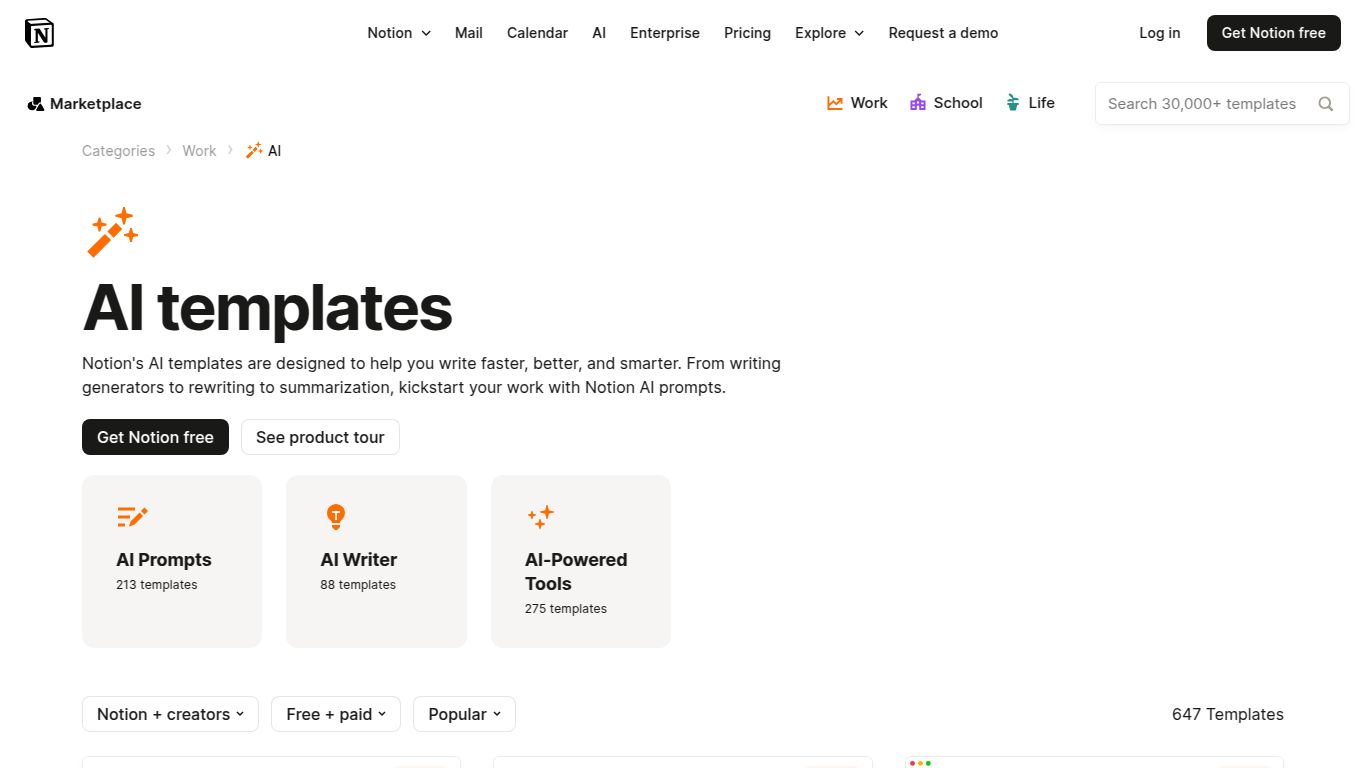
Are you tired of jumping between different apps for writing, planning, and using AI? Imagine a world where your entire workflow, supercharged by artificial intelligence, lives within one beautifully organized space. That’s the promise of Notion AI Templates, a powerful collection of pre-built workspaces from the brilliant minds at Notion Labs, Inc. These aren’t just static pages; they are dynamic, intelligent systems designed to streamline your tasks, spark your creativity, and bring the power of AI directly into your projects, notes, and databases.
What Can You Achieve with Notion AI Templates?
It’s important to understand that these templates are not standalone AI generators. Instead, they act as the ultimate command center, leveraging Notion’s built-in AI to enhance your work. They provide the structure and prompts to unlock a new level of efficiency. Here’s a glimpse of what’s possible:
- Advanced Text Generation & Manipulation: Effortlessly draft articles, summarize lengthy reports, compose professional emails, translate languages, or brainstorm a flood of new ideas, all without leaving your Notion page.
- Intelligent Workflow Automation: Imagine a content calendar that helps write its own social media posts, or a project plan that automatically generates action items and follow-ups. These templates make complex workflows feel effortless.
- Centralized Prompt Engineering: For users of tools like Midjourney or DALL-E, these templates offer a sophisticated way to build, manage, and refine your creative prompts. Organize your ideas, track variations, and create a personal library of prompts that deliver perfect results every time.
- AI-Powered Knowledge Management: Transform the way you handle information. Use templates to automatically extract key insights from research papers, analyze customer feedback, or organize your personal goals with an AI assistant guiding you.
Core Features That Set It Apart
Notion AI Templates are more than just a pretty layout; they are packed with features designed for maximum impact.
- Seamless Notion AI Integration: The core strength lies in its native connection to Notion AI. All the power of a cutting-edge language model is available right inside your documents, tables, and databases.
- Plug-and-Play Productivity: The gallery is filled with professionally designed, ready-to-use templates. Simply duplicate a template and start working within seconds, saving you hours of setup time.
- Infinite Customizability: While they work great out of the box, every template is a starting point. Feel free to tweak, modify, and expand upon any design to create a system that is perfectly tailored to your unique needs.
- A Rich and Diverse Library: Whether you’re in marketing, engineering, academia, or simply want to organize your personal life, there’s a template for you. The collection is constantly growing with submissions from both Notion and its vibrant community.
Pricing: How to Access the Magic
The pricing structure is refreshingly straightforward and flexible. It’s broken into two parts: the templates themselves and the AI functionality.
- The Templates: Many of the templates featured in Notion’s official gallery are completely free to duplicate and use. Some more complex templates created by independent community members may be available for a one-time purchase price.
- The AI Engine (Notion AI Add-On): To activate the AI features within the templates, you need a Notion AI subscription. This is an add-on to any standard Notion plan (including the free one).
- Free Trial: New users get a number of complimentary AI responses to try out the features.
- Paid Subscription: The Notion AI add-on costs approximately $10 per member, per month (or $8 per member/month when billed annually). This provides unlimited access to all AI features.
Who Are Notion AI Templates For?
This tool is a game-changer for a wide range of users who want to work smarter, not harder.
- Content Creators & Marketers: Perfect for planning content strategy, drafting blog posts, generating social media copy, and managing editorial calendars.
- Students & Researchers: A powerful ally for organizing notes, summarizing academic papers, and drafting essays with perfect structure.
- Project Managers: Ideal for creating project briefs, generating meeting agendas and summaries, and outlining clear action items for the team.
- Entrepreneurs & Small Business Owners: The ultimate all-in-one solution for managing marketing, sales, client relations, and internal documentation.
- Writers & Bloggers: A fantastic tool for brainstorming, overcoming writer’s block, checking grammar, and improving the style and tone of their work.
- AI Enthusiasts: An incredible sandbox for building and organizing sophisticated prompt libraries for various AI models.
Alternatives & Comparisons
How do Notion AI Templates stack up against other tools? It’s a matter of integrated workspace versus specialized applications.
- Versus Specialized AI Writers (e.g., Jasper, Copy.ai): Tools like Jasper are hyper-focused on content generation with extensive features for that one purpose. However, they exist in a separate ecosystem, requiring you to copy and paste content. Notion’s advantage is its all-in-one, integrated nature—your writing, planning, and final product all live in the same place.
- Versus Other AI-Powered Workspaces (e.g., ClickUp AI, Asana AI): These platforms are excellent for structured, team-based project management. Their AI is geared towards tasks, deadlines, and reporting. Notion offers far greater flexibility with its free-form pages, making it superior for knowledge bases, creative ideation, and document creation alongside project management.
In conclusion, if you are already a Notion user or are seeking a single, unified command center to manage your work and life with a powerful AI co-pilot, Notion AI Templates are in a league of their own. They offer an unparalleled combination of organization, flexibility, and intelligent automation.
