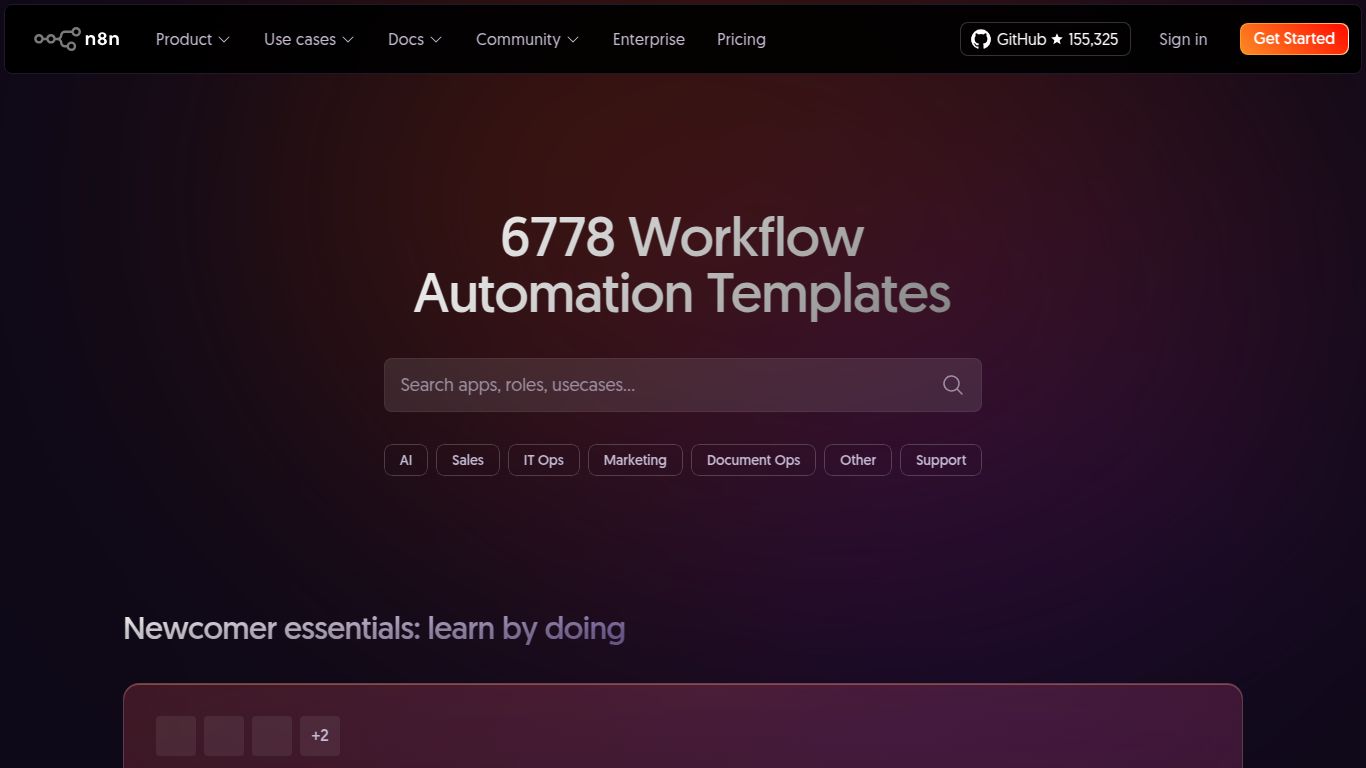
n8n Workflow Templates

3wks agoupdate 35 0 0

Community library of reusable automation workflows, including AI/LLM nodes.

Collection time:
2025-10-26
n8n Workflow Templatesn8n Workflow Templates

n8n Workflow Templates: Your Shortcut to Powerful Automation

Welcome to the world of hyper-efficiency! n8n Workflow Templates, developed by the Berlin-based company n8n GmbH, are a game-changer in the realm of workflow automation. At its core, n8n is a powerful, open-source, and fair-code licensed platform that acts as the central nervous system for your digital tools. Instead of manually moving data between apps, n8n lets you build complex, multi-step automations with a visual, node-based editor. The Workflow Templates are the ultimate accelerator for this process, providing a vast library of pre-built, ready-to-use automations that you can deploy in minutes, not hours. Think of it as having an expert automation engineer’s playbook right at your fingertips.
n8n Workflow Templates

What Can You Automate with n8n Templates?

While n8n itself doesn’t generate content, its true power lies in its ability to connect and orchestrate tools that do. It is the conductor of your digital orchestra, enabling you to build sophisticated pipelines for virtually any task. The templates library covers a massive range of capabilities, including:

  • AI-Powered Content Pipelines: Connect to OpenAI, Anthropic, or Hugging Face to automatically generate blog posts from keywords, summarize articles, translate text, and then post the results to your CMS like WordPress or Ghost.
  • Marketing & Social Media Automation: Create workflows that automatically post new YouTube videos to Twitter and Discord, sync leads from Facebook Lead Ads to your CRM, or generate personalized marketing emails based on user activity.
  • Data Synchronization & ETL: Effortlessly move and transform data. Sync customer information between Salesforce and Mailchimp, pull data from Google Sheets into a PostgreSQL database, or create daily backups of your critical information.
  • Sales & CRM Operations: Automate your sales funnel by creating templates that notify your team on Slack about new deals in HubSpot, generate invoices in Stripe for closed deals, or enrich new leads with data from services like Clearbit.
  • DevOps & System Administration: Use templates to monitor services, create GitHub issues from error logs, or trigger deployments based on specific events.

Key Features of n8n Workflow Templates

n8n is packed with features designed for both beginners and power users, making automation accessible yet incredibly robust.

  • Vast & Growing Template Library: Access hundreds of community- and officially-created templates covering a wide spectrum of use cases, from simple social media posting to complex data processing.
  • Visual Workflow Editor: The intuitive drag-and-drop, node-based interface allows you to see exactly how your automation works. Each step is a “node,” making it easy to understand, customize, and debug your workflows.
  • Extensive Integrations: n8n boasts native integrations with over 400 popular apps and services, and with its HTTP Request node, you can connect to virtually any API on the internet.
  • Fully Customizable and Extendable: Templates are not rigid boxes. They are starting points. You can easily add, remove, or modify nodes to perfectly fit your unique requirements. You can even write custom JavaScript or Python code within a node for ultimate flexibility.
  • Open-Source and Self-Hostable: This is n8n’s superpower. You can run n8n on your own infrastructure for free, giving you complete control over your data, security, and costs.

n8n Pricing: Flexible Plans for Every Scale

n8n offers a pricing model that scales with your needs, from individual hobbyists to large enterprises.

Community (Self-Hosted)

Price: $0 (Free). This is the self-hosted version. You get the full power of the n8n platform with no restrictions on the number of workflows or steps, limited only by your own hardware. It’s the perfect choice for developers and businesses who want total control.

Starter (Cloud)

Price: Starting around €20/month. This plan is for individuals and small teams getting started with automation. It includes a generous number of workflow executions and active workflows on n8n’s managed cloud infrastructure, so you don’t have to worry about hosting.

Pro (Cloud)

Price: Starting around €80/month. Aimed at growing businesses and teams, the Pro plan offers significantly more workflow executions, more advanced features like custom branding, and priority support.

Enterprise (Cloud or Self-Hosted)

Price: Custom. For large organizations with demanding security, scalability, and support needs, the Enterprise plan offers features like single sign-on (SSO), role-based access control (RBAC), and a dedicated account manager.

Who is n8n For?

The flexibility of n8n makes it an ideal tool for a diverse range of users:

  • Developers & DevOps Engineers: For building complex system integrations, internal tools, and automating CI/CD pipelines with ultimate control.
  • Marketing & Growth Hackers: To automate lead nurturing, social media management, content distribution, and data enrichment without writing code.
  • Business Owners & Entrepreneurs: To connect all their business-critical applications (CRM, e-commerce, accounting) and streamline operations without a large IT budget.
  • Data Analysts: For creating powerful ETL (Extract, Transform, Load) pipelines to move and process data between various sources and destinations.
  • Productivity Enthusiasts: To automate personal tasks, connect smart home devices, and build a truly integrated digital life.

n8n vs. The Competition: How Does It Stack Up?

n8n vs. Zapier

Zapier is known for its simplicity and massive library of app integrations, making it extremely easy for non-technical users to get started. However, it operates on a more linear “if this, then that” logic and can become very expensive as your task volume increases. n8n offers far greater flexibility with complex logic (branching, merging, looping), is significantly more cost-effective (especially the self-hosted version), and gives you unparalleled control, though it has a slightly steeper learning curve.

n8n vs. Make (formerly Integromat)

Make is a closer competitor, also featuring a powerful visual workflow builder. Both are excellent for complex scenarios. Make is often praised for its polished UI and detailed execution history. n8n’s key differentiators are its open-source nature, the ability to self-host for free, and its developer-friendly features like the ability to easily write custom code snippets within workflows.

data statistics

Relevant Navigation

No comments

none
No comments...