Unlock Peak Productivity with ClickUp Automation Templates & AI Builder
Tired of drowning in a sea of repetitive tasks and manual updates? Say hello to your new best friend: ClickUp Automation Templates & AI Builder. Developed by the productivity powerhouse ClickUp, this feature isn’t just another tool; it’s a revolutionary way to build intelligent, automated workflows directly within your project management ecosystem. Forget complex coding or clunky integrations. With ClickUp’s AI, you can simply describe the automation you need in plain English, and watch as it brings your ideal workflow to life, saving you countless hours and letting you focus on what truly matters.
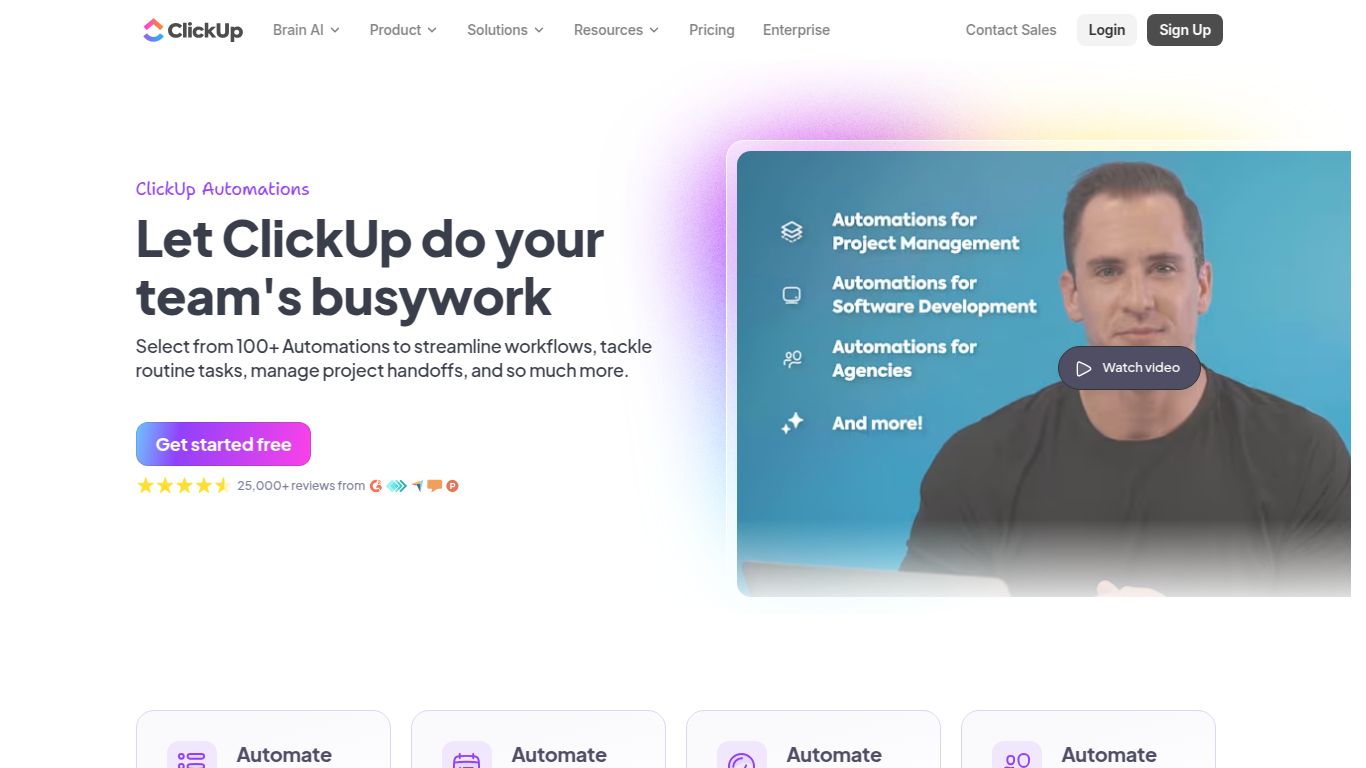
Core Capabilities: More Than Just a Task Manager
ClickUp AI’s strength lies in its deep integration with your workspace, focusing on intelligent workflow and content assistance rather than standalone media generation.
- 🤖 Advanced Workflow Automation: This is the heart of the tool. Create multi-step, conditional automations that manage your projects for you. Automatically assign tasks, change statuses, apply templates, send emails, or move items through your pipeline based on custom triggers you define.
- ✍️ AI-Powered Text Generation & Management: While not a DALL-E or Midjourney, ClickUp AI is a wizard with words. It can summarize long comment threads, generate action items from meeting notes, write emails, create marketing copy, and even help you brainstorm ideas directly within a task.
Key Features: What Makes It Stand Out?
ClickUp has packed its AI builder with features designed for both power and simplicity.
- 💬 Natural Language AI Builder: Simply tell the AI what you want to automate. For example, type “When a task status changes to ‘In Review’, assign it to the QA lead and post a message in the #dev-updates Slack channel,” and the AI builds the automation for you. No code, no fuss.
- 📚 Extensive Template Library: Don’t want to start from scratch? Choose from a vast library of pre-built automation templates for every department, from marketing and sales to engineering and HR.
- 🔗 50+ Native Integrations: Connect your workflows seamlessly with tools you already use, including Slack, GitHub, Google Drive, Calendly, and many more, creating a truly unified command center.
- ⚙️ Custom Triggers and Conditions: Gain granular control over your workflows. Set up automations that run on specific dates, when a custom field is updated, when a task is created, or based on a complex set of “if-this-then-that” conditions.
Pricing: Flexible Plans for Every Team
ClickUp offers a tiered subscription model, with the AI feature available as an affordable add-on to any paid plan.
- Free Forever Plan: Limited automations to get you started.
- Unlimited Plan: Starts at $7 per member/month. Offers more robust features and increased automation limits.
- Business Plan: Starts at $12 per member/month. Unlocks advanced automations and features.
- ✨ ClickUp AI Add-On: For an additional $5 per member per month, you can add the full power of the AI Builder and content generation tools to any paid workspace.
Who Is It For? The Ideal User
ClickUp AI is a game-changer for a wide range of professionals looking to reclaim their time.
- 🚀 Project Managers: Automate status reports, task assignments, and dependency management to keep projects on track without constant manual intervention.
- 📣 Marketing Teams: Streamline content calendars, automate social media post approvals, and manage campaign workflows from start to finish.
- 💻 Software Developers: Integrate with GitHub or GitLab to automatically update task statuses based on pull requests and code commits.
- 📈 Operations Managers: Build powerful systems for onboarding, inventory management, and internal processes to ensure consistency and efficiency.
- 🏢 Small Business Owners: Wear fewer hats by automating client communication, lead management, and daily administrative tasks.
Alternatives & Comparison
While ClickUp’s integrated approach is unique, here’s how it stacks up against other automation tools.
- Asana Rules: Asana also offers robust in-platform automation. However, ClickUp’s AI Builder provides a more intuitive, natural language interface for creating complex workflows, making it more accessible to non-technical users.
- monday.com Automations: Similar to ClickUp, monday.com offers powerful “recipes” for automation. The key differentiator is ClickUp’s all-in-one platform philosophy and the added layer of generative AI for content within tasks, which monday.com is still building out.
- Zapier & Make (Integromat): These are powerful, dedicated automation platforms that connect thousands of apps. They are excellent for cross-platform integrations but can be more complex and costly. ClickUp’s AI Automations offer a more seamless and cost-effective solution for workflows that live primarily *within* your project management hub.
