Zapier Templates: Your No-Code AI Automation Powerhouse
Welcome to the future of productivity, where you don’t need to be a coding wizard to make your apps talk to each other. We’re diving deep into Zapier Templates (AI & Automation), a revolutionary offering from the masters of integration, Zapier Inc. At its core, Zapier is the ultimate digital matchmaker, connecting thousands of web applications to automate your workflows. Their AI & Automation templates take this to a whole new level, providing pre-built “Zaps” or recipes that infuse the power of artificial intelligence into your daily tasks, transforming complex processes into a simple, one-click setup.
What Can You Automate with AI-Powered Zapier Templates?
Imagine your digital tools not just performing tasks, but thinking, creating, and analyzing for you. That’s the magic Zapier’s AI templates unlock. These aren’t just simple connections; they are intelligent workflows designed to supercharge your efficiency across various domains.
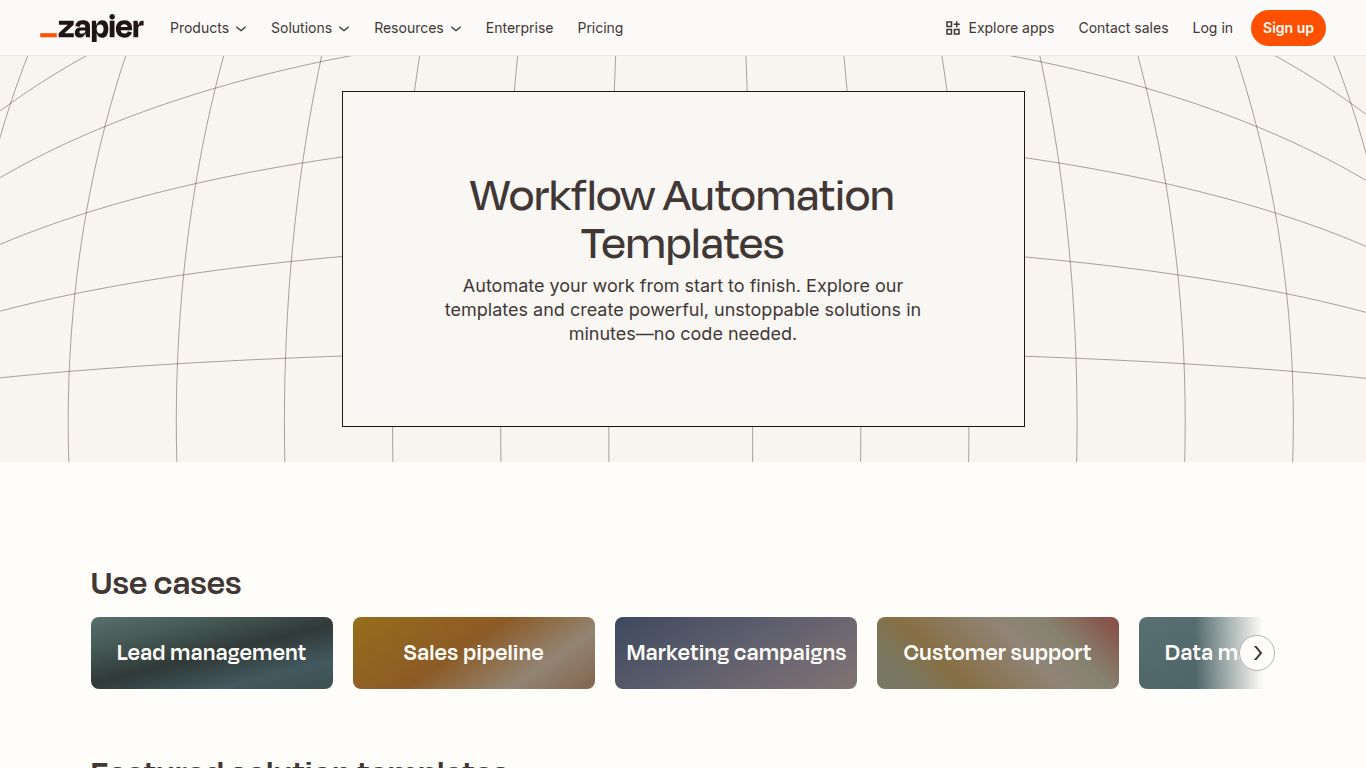
- Text Generation & Analysis: Seamlessly connect tools like OpenAI’s GPT-4 or Anthropic’s Claude to your favorite apps. Automatically draft emails in Gmail, generate blog post outlines in Google Docs, summarize long articles from a URL and post them to Slack, or even perform sentiment analysis on customer feedback from a Typeform submission.
- Image Generation: Connect to AI image generators like DALL-E 3. You can set up a workflow where a new row in a Google Sheet with a product description automatically generates a corresponding product image and saves it to a Dropbox folder. Perfect for e-commerce, marketing, and creative brainstorming.
- Data Processing & Management: Let AI handle the heavy lifting. Create Zaps that automatically categorize incoming leads in your CRM based on their enquiry text, extract key information from PDFs and populate a spreadsheet, or translate customer support tickets into your preferred language in real-time.
- Content & Social Media Automation: Supercharge your content pipeline. A template can take a topic, use AI to generate a series of social media posts, and then schedule them across Twitter, LinkedIn, and Facebook. It’s like having a dedicated AI social media manager working 24/7.
Key Features That Make Zapier a Game-Changer
- Massive App Ecosystem: With over 6,000 integrated applications, the possibilities are virtually limitless. If you use a popular web tool, chances are it’s on Zapier.
- No-Code Simplicity: The entire platform is built on a user-friendly, point-and-click interface. The templates make it even easier—just pick a workflow, connect your accounts, and turn it on.
- Pre-Built Genius: The AI & Automation templates are curated, tested, and ready to go. This eliminates the guesswork and provides instant value, allowing you to deploy sophisticated AI workflows in minutes, not days.
- Endless Customization: While templates are a fantastic starting point, every Zap is fully customizable. You can add more steps, introduce filters and logic, or tweak the AI prompts to perfectly match your unique needs.
Zapier Pricing: Plans for Every Scale
Zapier operates on a freemium model, ensuring that everyone from solo entrepreneurs to large enterprises can benefit from automation.
Free Plan
Perfect for getting started. It allows you to run a limited number of single-step Zaps and tasks per month to get a feel for the platform’s power.
Paid Plans (Starter, Professional, Team, Company)
As your needs grow, you can upgrade to a paid plan. These plans start from around $19.99/month (billed annually) and scale upwards. Key benefits of upgrading include a higher number of monthly tasks, the ability to create complex multi-step Zaps, faster update times, and access to premium applications and advanced features like custom logic paths.
Who is Zapier For?
Zapier’s AI templates are for anyone looking to reclaim their time and work smarter, not harder. Here are just a few roles that can see a massive impact:
- Marketers: Automate lead nurturing, social media content creation, and performance reporting.
- Small Business Owners: Streamline everything from customer support and invoicing to inventory management without hiring a developer.
- Sales Teams: Automate CRM data entry, personalized follow-up emails, and lead qualification processes.
- Content Creators: Generate content ideas, draft articles, and distribute them across multiple platforms automatically.
- Project Managers: Automate task assignments, progress notifications, and meeting summaries to keep teams in sync.
Zapier Alternatives: How Does It Stack Up?
While Zapier is a dominant force in the automation space, it’s worth knowing the landscape.
Make (formerly Integromat)
Often seen as a more powerful alternative for highly complex, visual workflows. It can be slightly more technical than Zapier but offers incredible flexibility and a more generous free tier for complex automations.
IFTTT (If This Then That)
IFTTT is the king of simplicity, excelling at simple, two-step automations (applets), especially for personal productivity and smart home devices. It’s less business-focused than Zapier.
Microsoft Power Automate
The best choice for businesses heavily invested in the Microsoft 365 and Azure ecosystem. It offers deep integration with tools like SharePoint, Teams, and Dynamics 365, making it a powerful enterprise solution.
