Canva AI Logo Generator: Your Instant Branding Partner
In the bustling world of digital branding, a strong logo is your handshake, your first impression, and your calling card all in one. But what if you don’t have a design degree or a hefty budget? Enter the Canva AI Logo Generator. Developed by the design powerhouse Canva, this intuitive tool leverages artificial intelligence to demolish the barriers to professional branding. It empowers anyone to generate a unique, stunning logo in mere minutes. Simply tell the AI about your business and style, and watch as it crafts a variety of beautiful, customizable options right before your eyes, seamlessly integrating into the world’s most popular online design platform.
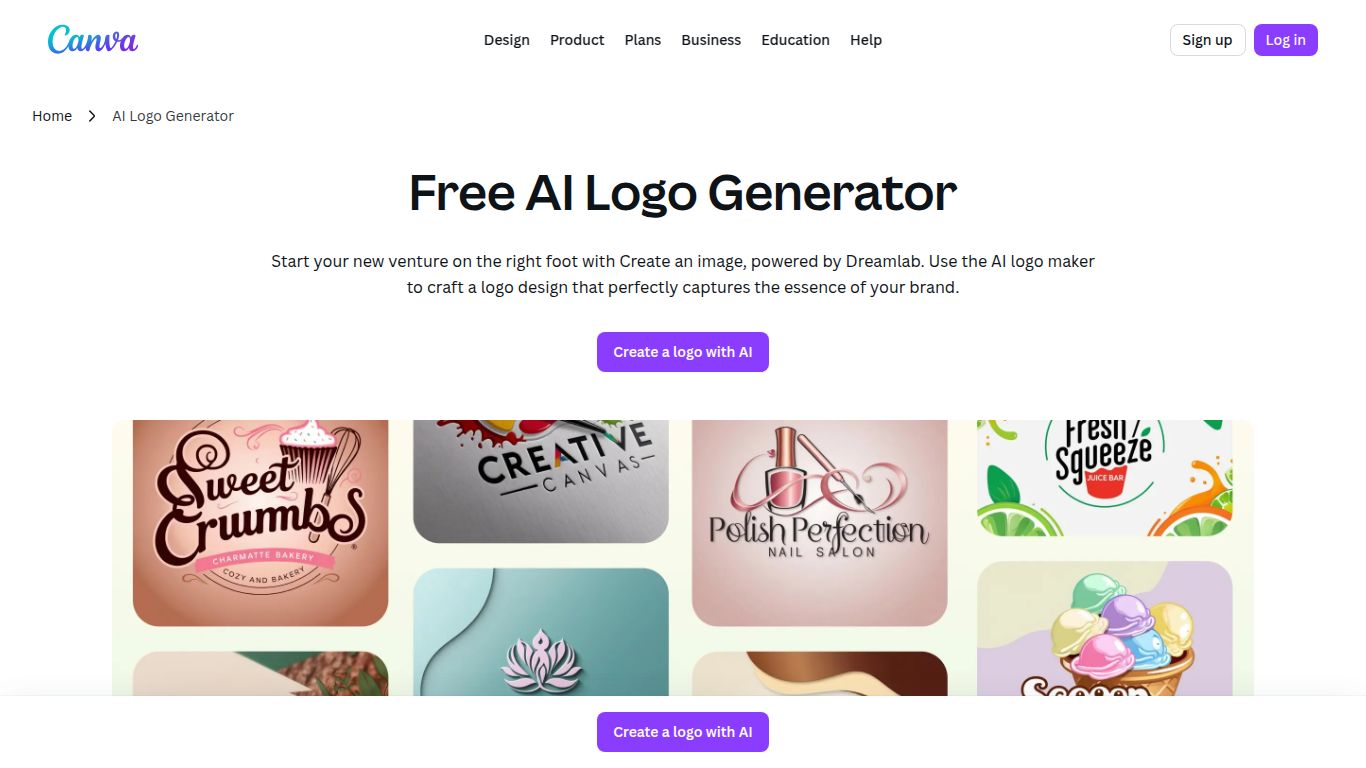
Core Capabilities
At its heart, the Canva AI Logo Generator is a specialized Image and Icon Generation tool. It excels at creating clean, vector-style logos by intelligently combining fonts, colors, and graphical elements based on your input. While it’s not designed for generating photorealistic images like Midjourney, its strength lies in producing practical, high-quality brand assets. The true magic, however, is its place within the Canva ecosystem. Your generated logo isn’t just a static file; it’s a living part of an Integrated Design Workflow. Instantly drag and drop your new logo into presentations, social media graphics, videos, business cards, and websites, ensuring flawless brand consistency across every single touchpoint.
Key Features That Set It Apart
- AI-Powered Ideation: Kickstart your creativity. Just provide a few keywords about your industry and aesthetic (e.g., “modern tech startup,” “organic cafe”), and the AI presents a diverse gallery of logo concepts to serve as your foundation.
- Effortless Customization: Found a concept you like? Now make it yours. Canva’s world-renowned drag-and-drop editor lets you tweak every detail with absolute ease. Adjust colors, experiment with hundreds of fonts, resize icons, and perfect the layout until it’s exactly right. No complex software needed.
- Massive Asset Library: Your creative options are nearly limitless. Tap into Canva’s gigantic library of millions of icons, illustrations, and fonts (both free and premium) to find the perfect elements for your brand identity.
- Brand Kit Synergy (Pro Feature): This is a game-changer for consistency. With a Canva Pro subscription, you can save your logo’s color palette and fonts directly to your Brand Kit. From then on, apply your exact brand identity to any new design with a single click.
- Versatile Download Options: Your logo needs to look crisp everywhere. Download your final design in high-resolution formats like PNG and JPG. Upgrade to Pro to unlock downloads with transparent backgrounds and in SVG (Scalable Vector Graphics) format, which can be resized to any dimension without losing quality.
Pricing Plans
Canva Free
Amazingly, you can design, customize, and download a high-quality logo completely for free. This plan is perfect for testing ideas and getting a great-looking logo for online use (standard PNG format).
Canva Pro
For professionals and serious brand builders. Starting around $14.99/month, the Pro plan unlocks the essentials: transparent backgrounds, SVG downloads, the full premium asset library, and the powerful Brand Kit feature.
Canva for Teams
Designed for collaboration, this plan includes all Pro features plus advanced tools for brand management, team folders, and collaborative workflows to keep your entire organization on-brand.
Who Is It For?
- Startups and Entrepreneurs who need a professional brand identity on day one without the associated costs.
- Small Business Owners looking to create a memorable logo or refresh their existing branding with minimal hassle.
- Freelancers and Solopreneurs building a strong personal brand across their portfolio, website, and social channels.
- Marketers and Content Creators who need to quickly produce logos for new products, campaigns, or events.
- Anyone without design experience who wants to feel empowered to create a beautiful logo they can be proud of.
Alternatives & Comparisons
How does the Canva AI Logo Generator stack up against the competition?
- Canva vs. Looka: Looka is a powerful alternative that also generates a full brand kit (social media templates, business cards, etc.) alongside the logo. It often feels more comprehensive out-of-the-box, but Canva’s strength lies in its unmatched post-creation design ecosystem and a more generous free offering.
- Canva vs. LogoAI: These two are very similar in their core function. Both are fast and easy to use. The best choice often boils down to whose AI-generated styles you prefer and which user interface feels more intuitive to you.
- Canva vs. Fiverr: Fiverr connects you with human designers. Opt for Fiverr if you need a truly bespoke, hand-crafted logo and have a bit more time and budget. It’s human creativity vs. AI efficiency.
- Canva vs. Midjourney: Midjourney is for artistic exploration. It can generate incredibly unique, illustrative concepts that are difficult to replicate. However, it offers no easy editing, font pairing, or vector exporting, making Canva the far more practical choice for creating a usable business logo.
