Cleanvoice AI: Your Personal AI Audio Editor for Flawless Recordings
Are you tired of spending countless hours meticulously editing your podcast, hunting down every “um,” “ah,” and awkward silence? Enter Cleanvoice AI, a powerful and intelligent tool designed to automate the most tedious parts of audio editing. Developed for creators who value pristine sound and efficiency, Cleanvoice uses advanced artificial intelligence to clean up your voice recordings, leaving you with a professional, studio-quality track in a fraction of the time. It’s not just about removing mistakes; it’s about reclaiming your time so you can focus on creating great content.
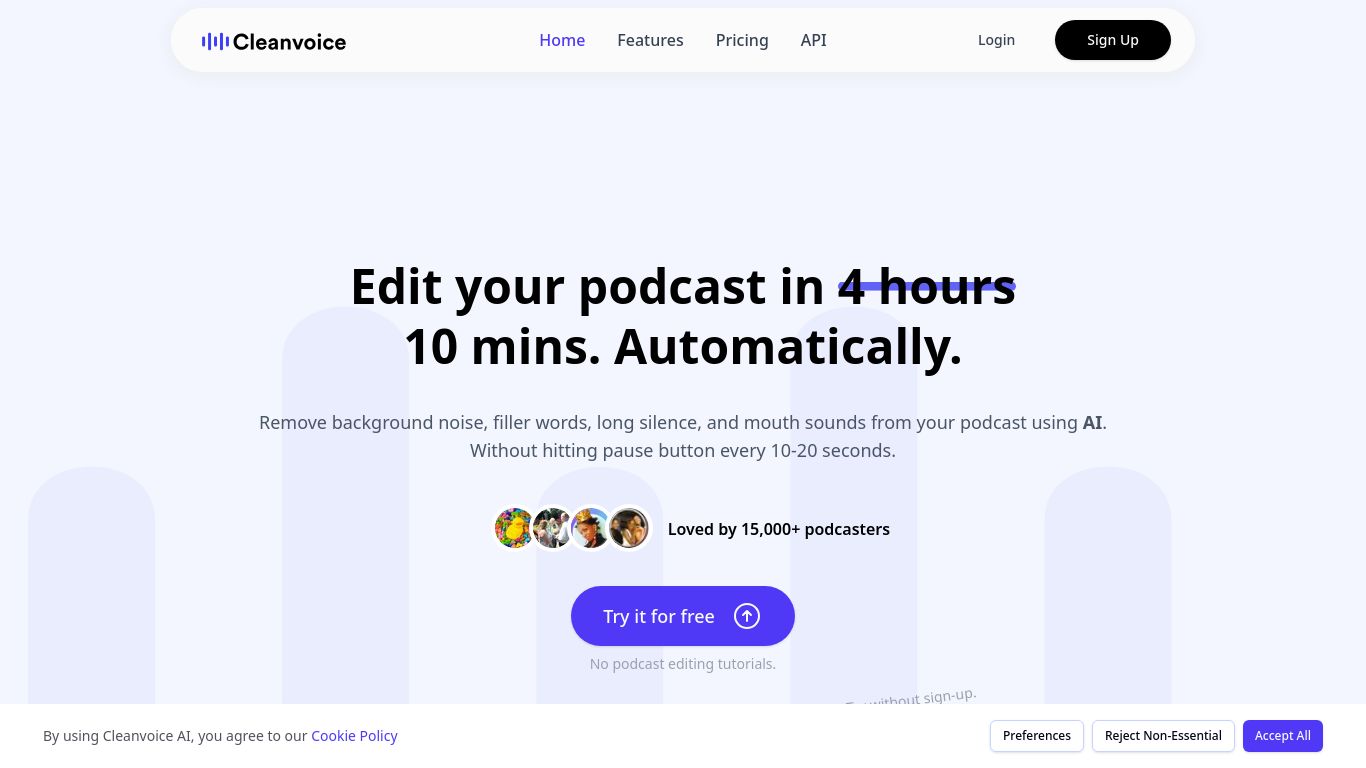
Capabilities: A Specialist in Audio Perfection
Cleanvoice AI is a highly specialized tool. Its core and only capability is advanced audio editing and enhancement. Unlike broad-spectrum AI platforms, it dedicates all its processing power to making your spoken audio sound perfect. It’s important to note what it doesn’t do: Cleanvoice AI does not generate images, write text, or create video content. It is a master of one craft: refining your voice.
Key Features: The Magic Behind the Clean Sound
Cleanvoice is packed with features that target the most common annoyances in raw audio recordings. Let the AI do the heavy lifting with these powerful functions:
- Filler Word Removal: Automatically detects and removes filler words like “um,” “uh,” “ah,” and other hesitations from your audio. It intelligently handles stutters and repetitions to create a smooth, confident flow.
- Mouth Sound Removal: Say goodbye to distracting mouth clicks, lip smacks, and popping sounds. The AI identifies and eliminates these subtle noises that can cheapen the listening experience.
- Dead Air & Silence Removal: Effortlessly trims long, awkward pauses between sentences, tightening up your recording and keeping your audience engaged without making it sound unnatural.
- Background Noise Reduction: While not its primary feature, Cleanvoice can help reduce consistent background hums and noise, providing a clearer final product.
- Multi-Language Support: The AI is not limited to English. It has been trained on multiple languages, including German and French, making it a versatile tool for international creators.
- Timeline Editor: For those who want full control, the intuitive timeline editor allows you to review the AI’s changes and make manual adjustments, ensuring the final result is exactly to your liking.
Pricing: Flexible Plans for Every Creator
Cleanvoice offers a straightforward and flexible pricing structure, ensuring there’s an option for everyone from hobbyists to professional production houses.
- Free Trial: Get started without any commitment. Cleanvoice offers 30 minutes of free audio processing so you can experience the magic for yourself.
- Subscription Plans: For regular creators, monthly subscriptions offer the best value. Plans typically start at around $10 per month for 10 hours of audio processing, with higher tiers available for those with greater needs.
- Pay-As-You-Go: Perfect for occasional projects. Simply purchase credits as you need them without being tied to a monthly fee. This is a great option for single-project editing or infrequent users.
Who Is It For? The Ideal Cleanvoice User
Cleanvoice AI is a game-changer for anyone who works with spoken-word audio. Its primary audience includes:
- Podcasters: The core user base. It dramatically reduces editing time, allowing for more frequent and higher-quality episode production.
- YouTubers & Video Creators: Clean audio is just as important as good video. Use it to perfect your voiceovers and on-camera dialogue.
- Voiceover Artists: Deliver flawless takes to clients by quickly removing minor imperfections and breaths.
- Corporate Trainers & E-learning Creators: Ensure your instructional content is clear, professional, and easy to follow.
- Journalists & Interviewers: Clean up interview recordings for transcription or broadcast, removing distracting verbal tics from both the interviewer and the guest.
Alternatives & How Cleanvoice Compares
While the audio editing space has several players, Cleanvoice carves out a specific niche.
- Descript: A powerful all-in-one tool that offers transcription, video editing, and audio enhancement (Studio Sound). Descript is a broader suite, whereas Cleanvoice is a specialist laser-focused on removing filler words and mouth sounds with surgical precision. If you need a complete production suite, Descript is a strong contender; if you just need the best-in-class audio cleanup, Cleanvoice excels.
- Adobe Podcast (Enhance Speech): An incredibly popular and often free tool for general audio enhancement and noise reduction. It’s fantastic at making low-quality audio sound like it was recorded in a studio. However, it does not specifically edit out filler words or silence. Many creators use Adobe Podcast for overall quality and then run it through Cleanvoice for the detailed editing.
- Manual Editing (Audacity, Adobe Audition): The traditional method. While it offers ultimate control, it is incredibly time-consuming. Cleanvoice’s primary value proposition is saving you the hours or even days you would spend manually hunting for and deleting every tiny imperfection.
In summary, if your biggest pain point is the tedious, time-sucking process of editing out verbal stumbles, pauses, and mouth noises, Cleanvoice AI is not just an alternative; it’s the dedicated solution you’ve been looking for.
