Tana AI
AI agents for meeting follow-ups, voice memos, and knowledge linking.
Rewrite, summarize, and cite with grammar checking.
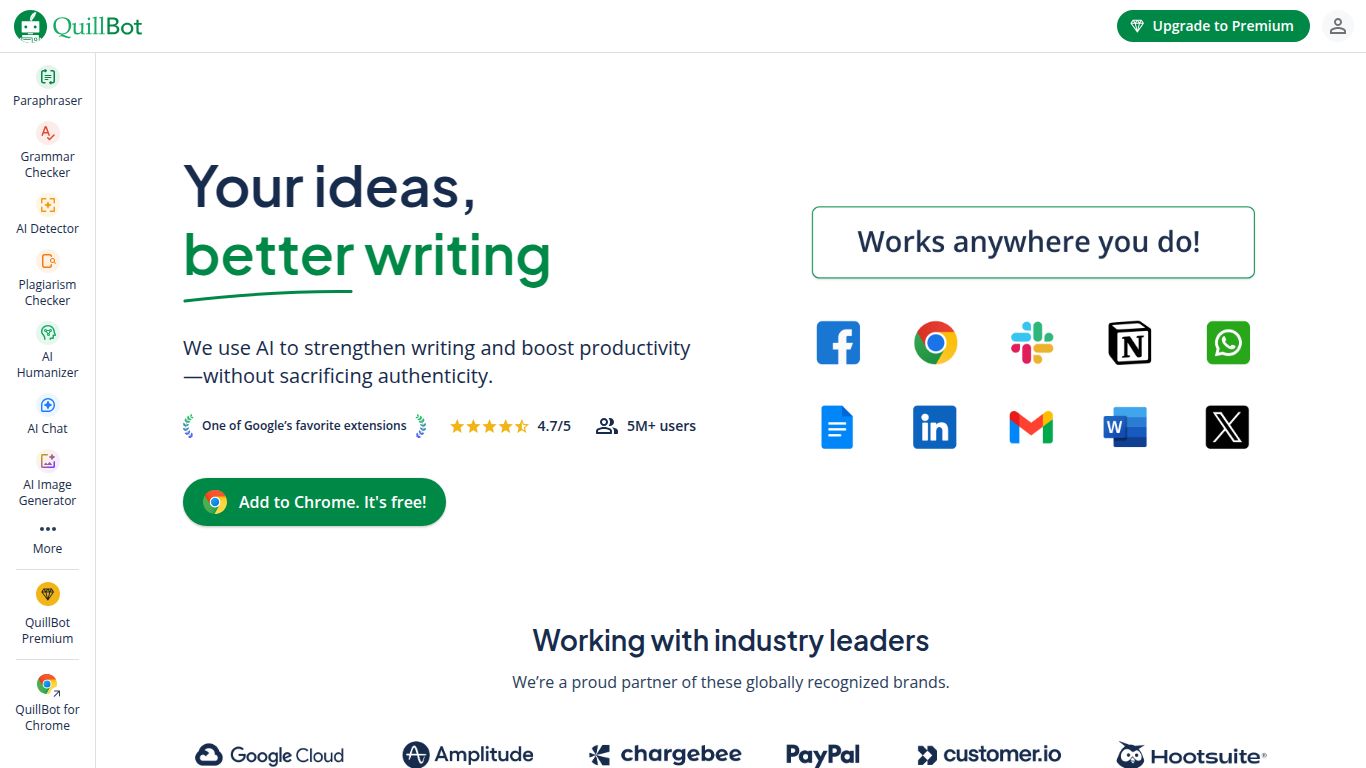
Tired of staring at a blank page or struggling to find the perfect words? Meet QuillBot, an all-in-one AI-powered writing platform designed to supercharge your writing process. Developed by a team dedicated to making writing painless, QuillBot goes beyond simple spell-checking to help you articulate your ideas with precision and flair. Whether you’re aiming for clarity, creativity, or conciseness, this tool is built to refine your text and elevate your message, making it an indispensable asset for writers of all levels.
While QuillBot won’t be generating your next viral video or photorealistic image, its mastery lies firmly and deeply in the realm of text. It’s a specialist tool focused on enhancing, refining, and transforming written content. Think of it as a digital wordsmith at your service. Its primary capabilities include:
What sets QuillBot apart isn’t just what it does, but how it does it. It’s packed with user-centric features that give you granular control over your writing.
Go beyond a simple rewrite. With the Premium version, you can choose from several modes to match your desired tone: Standard, Fluency, Formal, Simple, Creative, Expand, and Shorten. This flexibility is perfect for adapting your content for different audiences.
Want more vocabulary changes or prefer to stick closer to the original? The Synonym Slider lets you adjust the degree of alteration, giving you the perfect balance between originality and intent.
Need to keep specific terms, names, or jargon untouched? The “Freeze” feature allows you to lock in certain words or phrases, ensuring the paraphraser doesn’t change them.
Write where you’re comfortable. QuillBot offers robust extensions for Google Chrome, Microsoft Word, and Google Docs, bringing its powerful features directly into your existing workflow.
QuillBot offers a flexible pricing structure that caters to everyone, from casual users to professional writers.
Perfect for getting started. The free version offers limited access to the Paraphraser (125-word limit), two writing modes, and the Summarizer (1,200-word limit). It’s a great way to test the waters without any commitment.
$0
Unlock the full potential of QuillBot. The Premium plan gives you unlimited words in the Paraphraser, all writing modes, advanced grammar rewrites, a plagiarism checker, and faster processing. It’s the ultimate choice for serious writers.
QuillBot’s versatility makes it a valuable tool for a wide range of users:
In the bustling world of AI writing tools, how does QuillBot hold its own? Let’s see.
QuillBot vs. Grammarly: While both tools offer excellent grammar checking, their core strengths differ. Grammarly excels at in-depth grammar, tone, and style suggestions. QuillBot’s main advantage is its best-in-class paraphrasing and summarizing technology, making it superior for rewriting and condensing text.
QuillBot vs. Jasper AI: These tools serve different purposes. Jasper is a content generator, designed to create new text from scratch based on prompts. QuillBot is a content refiner, designed to improve and transform existing text. They can even be used together: generate with Jasper, then refine with QuillBot.
QuillBot vs. Wordtune: Wordtune is a direct competitor with a similar focus on rephrasing. Users often find Wordtune’s suggestions to be very creative, while QuillBot provides more modes and granular control (like the Synonym Slider and Freeze Words), making it a more versatile and technical writing assistant.
