Erase Image Backgrounds in 5 Seconds with a Single Click
Tired of spending tedious hours tracing pixels in complex photo editing software? Say goodbye to the magic wand tool and hello to the future of photo editing. Meet remove.bg, a powerhouse AI tool developed by Kaleido AI (now part of the Canva family) that intelligently and automatically removes the background from any image in a flash. Whether you’re dealing with portraits, products, or pets, this tool delivers stunningly accurate cutouts with zero effort, making it an essential utility for creators everywhere.
A Master of One: Core Capabilities
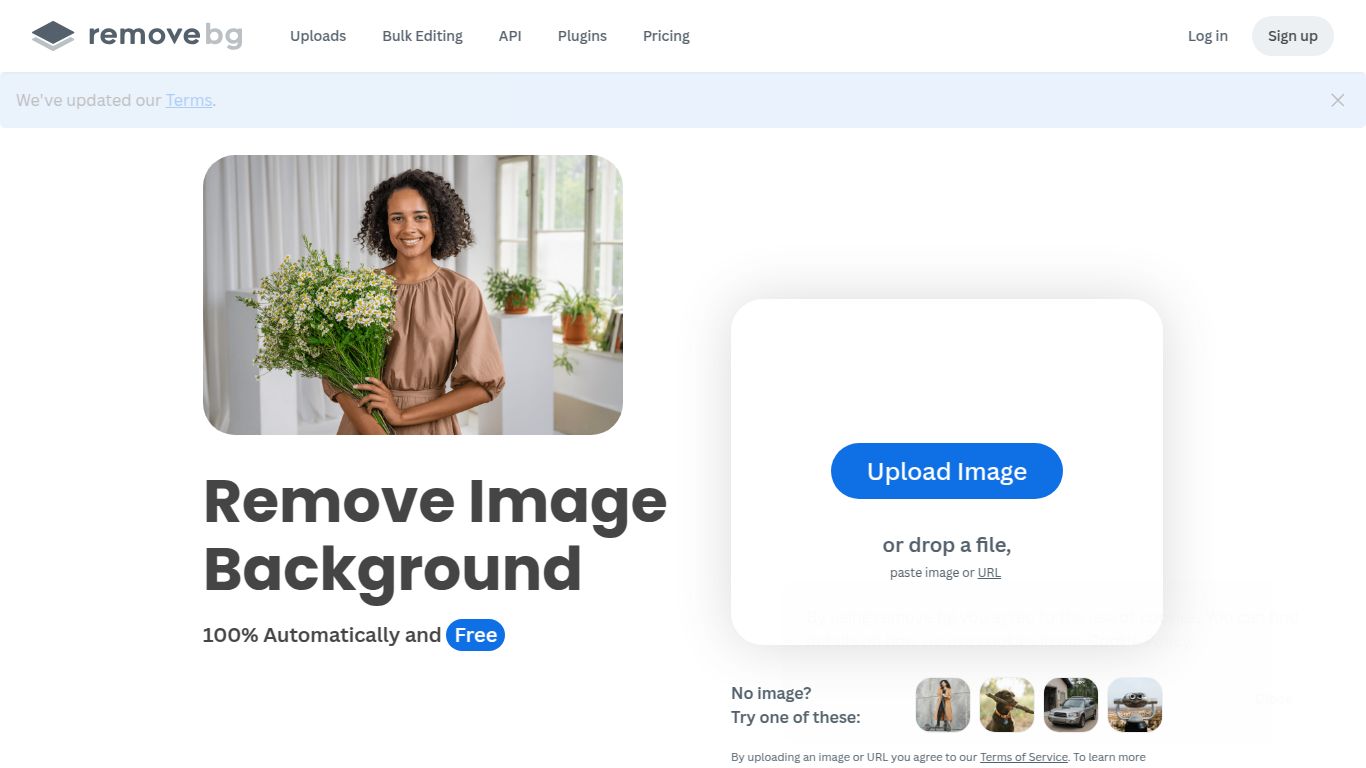
In a world of multi-purpose AI, remove.bg proudly stands out as a specialist. Its sole focus is Image Background Removal, and it executes this task with unparalleled precision. The AI has been trained to identify a vast array of foreground subjects, including people, products, animals, cars, and even complex graphics. It expertly handles notoriously difficult details like wisps of hair and fuzzy fur, producing clean, professional-grade cutouts that once required a skilled designer’s touch. It’s not a text or video generator; it’s a dedicated image editing wizard designed to do one thing perfectly and save you an incredible amount of time.
Unpacking the Magic: Key Features
What makes remove.bg a fan favorite? It’s the seamless blend of simplicity and power, backed by a suite of robust features designed for any workflow:
- Astonishing AI Accuracy: The core of the tool is its “clever AI,” which instantly distinguishes the foreground from the background, eliminating the need for any manual selection or green screen.
- High-Resolution Output: Download your finished images with a transparent background in stunning high-definition quality, ready for any professional use case.
- Seamless Integrations: Supercharge your workflow by connecting remove.bg directly to your favorite tools. It offers powerful plugins for Adobe Photoshop, Figma, and Sketch, as well as integrations for e-commerce platforms like Shopify. For developers, a robust API is available to build this functionality into any app.
- Creative Background Editor: Don’t just remove—replace! Instantly add a new background, from a simple solid color to a custom image of your choice, all within the same simple interface.
- Built for Bulk Processing: Have hundreds or thousands of images to process? The remove.bg desktop app for Windows, Mac, and Linux allows you to drag-and-drop entire folders for lightning-fast batch processing.
Pricing for Every Pocket
remove.bg provides a wonderfully flexible pricing structure that caters to everyone, from the casual user to the large-scale enterprise.
- Free Plan: Get started with one free high-resolution download and unlimited lower-resolution previews. It’s perfect for testing the tool or for occasional personal projects.
- Subscription Plans: For regular users, subscription plans offer a set number of credits per month at a discounted rate. Credits roll over, so you never lose what you don’t use. Plans are scalable to fit your volume needs.
- Pay As You Go: If your needs are sporadic, the Pay As You Go option is ideal. Purchase a bundle of credits that never expire and use them whenever you need a background removed.
Who is remove.bg for?
This tool is a game-changer across numerous industries and roles. If you work with images, you can likely benefit from it. Here’s a short list of ideal users:
- E-commerce Entrepreneurs: Create clean, consistent, and professional product photos for Amazon, Shopify, and eBay listings to boost sales.
- Graphic Designers & Marketers: Isolate people and objects in seconds for use in advertisements, social media graphics, presentations, and website banners.
- Photographers: Drastically speed up the culling and editing process for portrait and product photography, freeing up more time for creative work.
- Web & App Developers: Leverage the API to integrate automatic background removal directly into user-generated content platforms, photo apps, or internal systems.
- Casual Users & Content Creators: Design eye-catching YouTube thumbnails, create fun profile pictures, or make hilarious memes with ease.
How It Stacks Up: Alternatives & Comparisons
While remove.bg is a dominant force, it’s helpful to see where it fits in the broader landscape of editing tools.
- remove.bg vs. Adobe Photoshop: Photoshop is the manual, all-powerful giant. It offers ultimate control but requires skill, time, and a costly subscription. remove.bg is the automated, lightning-fast specialist that gets you 99% of the way there in 1% of the time.
- remove.bg vs. Canva: Since Canva owns remove.bg, their built-in Background Remover is excellent. However, remove.bg stands alone as a dedicated service with a more powerful API and desktop apps specifically for high-volume batch processing. Think of Canva’s tool for design projects and remove.bg for pure, high-volume utility.
- remove.bg vs. PhotoRoom: PhotoRoom is a fantastic mobile-first alternative that excels at creating template-based product shots and profile pictures on the go. remove.bg is more of a universal utility, equally powerful on desktop and via its API for professional, large-scale workflows.

