Unleash Stunning Visual Clarity with Pixelcut‘s AI Image Upscaler
Tired of pixelated, blurry images ruining your projects? In a world where visual quality is paramount, having a tool that can enhance your photos is no longer a luxury—it’s a necessity. Enter Pixelcut — AI Image Upscaler, a powerful and intuitive tool developed by the creative minds at Pixelcut.ai. This platform is designed to breathe new life into your low-resolution images, transforming them into sharp, detailed, and professional-grade visuals with the simple click of a button. Whether you’re reviving an old family photo or preparing product images for an e-commerce store, Pixelcut offers a seamless solution to increase image resolution without sacrificing quality.
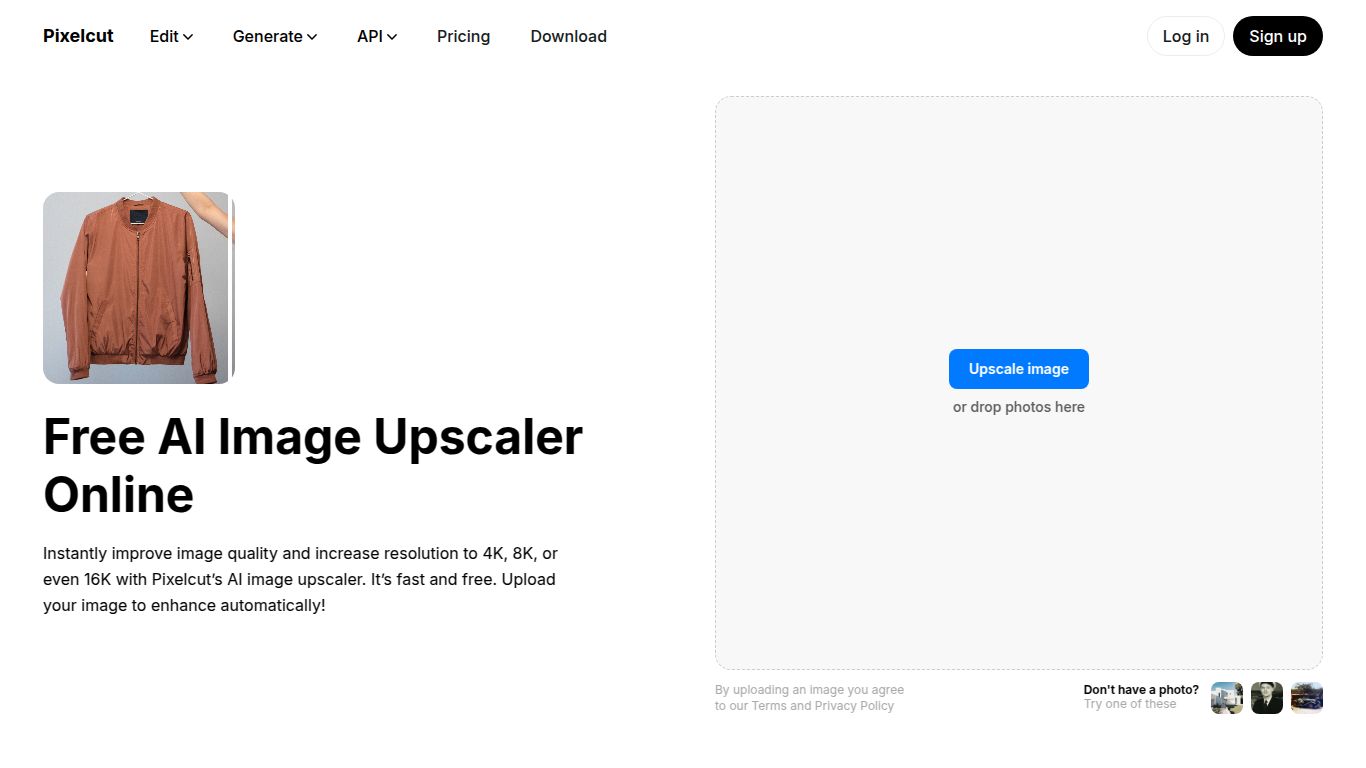
Capabilities: More Than Just an Upscaler
While its primary function is to intelligently enlarge images, Pixelcut is part of a comprehensive suite of AI-powered photo editing tools. Its capabilities are firmly rooted in image manipulation and enhancement. Unlike platforms that dabble in text or video, Pixelcut dedicates its entire AI engine to perfecting your visuals. Users can upscale images up to four times their original size, remove unwanted backgrounds with surgical precision, magically erase objects from photos, or even create stunning product photos with custom backdrops. This focused approach ensures that every tool in its arsenal delivers high-quality, reliable results for all your photo editing needs.
Key Features that Dazzle
Pixelcut isn’t just another upscaling tool; its features are crafted to provide a smooth and powerful user experience. Here’s what makes it stand out:
- Advanced AI Upscaling: Go beyond simple resizing. Pixelcut’s AI analyzes your image to intelligently add detail, smooth edges, and reduce noise, resulting in a genuinely enhanced photo that looks naturally sharp.
- Lossless Quality: Enlarge your photos by 2x or 4x without the typical blocky artifacts or blurriness. The AI preserves textures and details, making it perfect for printing or high-resolution displays.
- Intuitive Drag-and-Drop Interface: No complicated software to learn. Simply drag your image onto the web interface, and let the AI do the heavy lifting. The process is incredibly fast and user-friendly.
- Batch Processing: A massive time-saver for busy professionals. The Pro plan allows you to upload and upscale multiple images simultaneously, streamlining your workflow significantly.
- Cross-Platform Availability: Edit on the go or at your desk. Pixelcut is available as a powerful web tool and as a highly-rated mobile app for both iOS and Android.
Pricing: Plans for Everyone
Pixelcut offers a flexible pricing structure to suit different levels of need, from casual users to power-hungry professionals.
- Free Plan: Perfect for giving the tool a try or for occasional use. This plan allows you to access the basic upscaling features for free, which is a fantastic way to see the magic for yourself.
- Pixelcut Pro Plan: For just $9.99 per month (or a discounted annual rate), you unlock the full power of the platform. The Pro plan includes unlimited and highest-quality image upscaling, batch editing, removal of all watermarks, and full access to the entire suite of Pixelcut tools like the Background Remover, Magic Eraser, and more.
Who is Pixelcut For?
This versatile tool is a game-changer for a wide range of users who rely on high-quality visuals. Its ideal audience includes:
- E-commerce Store Owners: To create crisp, appealing product photos that drive sales.
- Social Media Managers: To ensure all images are sharp and professional across every platform, from Instagram to LinkedIn.
- Graphic Designers & Marketers: To upscale low-quality assets and create stunning campaign materials without needing to reshoot.
- Photographers: To enhance the detail of their shots or recover older, lower-resolution digital files.
- Real Estate Agents: To present property photos in the highest possible quality to attract potential buyers.
- Bloggers & Content Creators: To elevate the visual appeal of their websites and articles with high-resolution imagery.
Alternatives & Comparison
The AI image upscaling space is competitive, but Pixelcut holds its own with a unique blend of simplicity, power, and value. When compared to alternatives, its strengths become clear.
- vs. Topaz Gigapixel AI: Topaz is a heavyweight desktop software known for its incredible detail enhancement, but it comes with a premium price tag and a steeper learning curve. Pixelcut offers comparable, professional-grade results in a much more accessible and user-friendly web-based package, making it a faster and more convenient option for most users.
- vs. VanceAI & Let’s Enhance: These are also popular web-based upscalers. However, Pixelcut’s main advantage is its integration into a full photo editing suite. While others focus solely on upscaling, Pixelcut provides an all-in-one solution where you can upscale, remove the background, and create a marketing-ready graphic in one seamless workflow, offering far greater overall value.
In conclusion, Pixelcut’s AI Image Upscaler is a top-tier choice for anyone looking to quickly and effectively enhance their images. It masterfully combines ease of use with powerful AI technology, making high-resolution results accessible to everyone.
