Cutout.pro: Your AI-Powered Visual Design Co-Pilot ✨
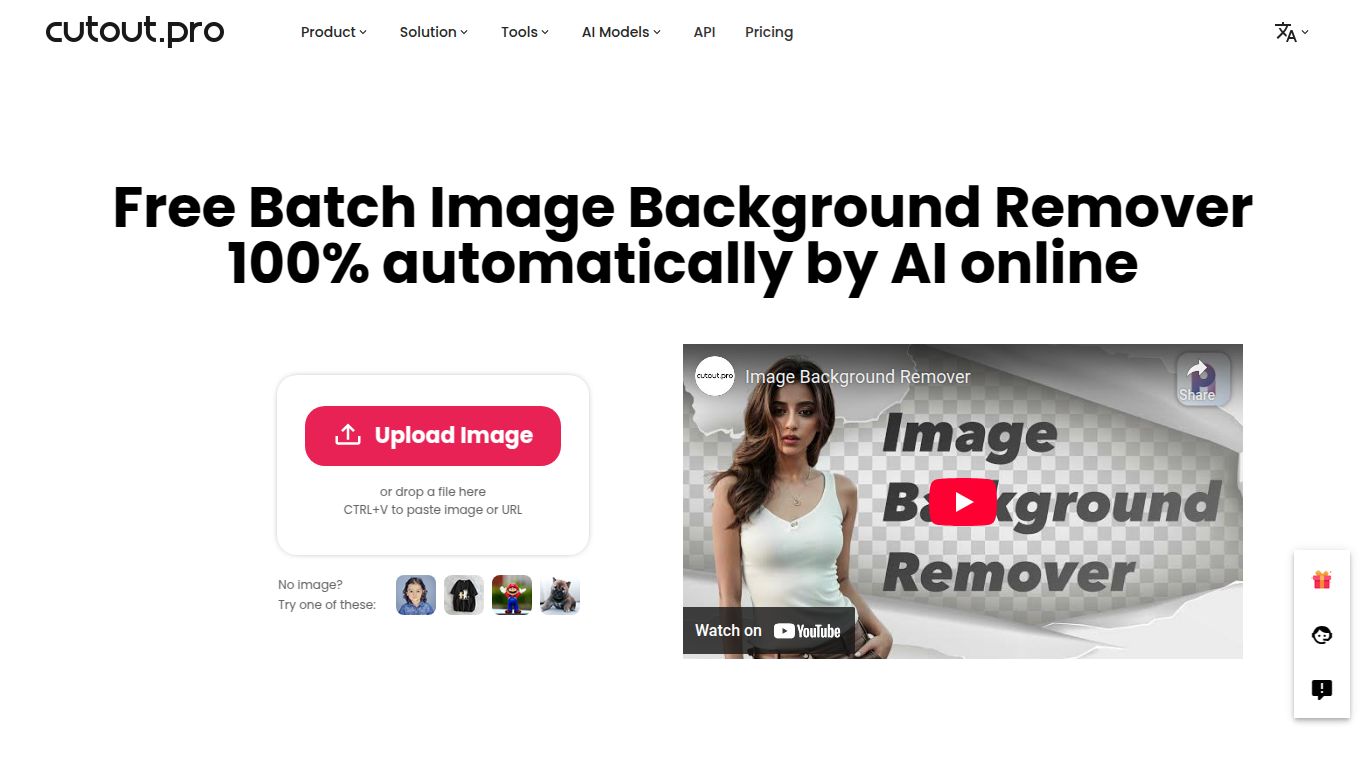
Meet Cutout.pro, a revolutionary visual design platform powered by cutting-edge artificial intelligence. While its flagship tool is the incredible one-click Background Remover, Cutout.pro is a full suite of tools designed to automate tedious editing tasks and unleash your creativity. Forget spending hours meticulously tracing pixels in complex software; this tool delivers clean, professional results in a matter of seconds. It’s your secret weapon for creating stunning visuals with unparalleled speed and ease.
Capabilities: More Than Just Background Removal 🚀
Cutout.pro is a versatile powerhouse focused on visual content generation and enhancement. Its capabilities extend far beyond a single function, making it an all-in-one solution for your image editing needs.
- 📸 AI Image Editing: Instantly remove backgrounds or unwanted objects, enhance photo quality, upscale images without losing detail, colorize old black and white photos, and even turn your selfies into fun cartoons.
- 💻 Batch Processing: Automate your workflow by processing thousands of images at once. Perfect for large-scale projects and e-commerce product catalogs.
- 🔌 Developer API: Seamlessly integrate Cutout.pro’s powerful AI into your own applications, websites, or systems for a customized and efficient workflow.
Key Features That Set It Apart 🌟
What makes Cutout.pro a go-to tool for so many creators? It’s all in the details. The platform is packed with features designed for both power and simplicity.
- Automatic & Precise: The AI intelligently detects the subject and removes the background with incredible accuracy, handling tricky edges like hair and fur with ease.
- Creative Customization: Don’t just stop at a transparent background. Instantly swap it for a solid color, a beautiful gradient, or a custom image of your choice to create the perfect scene.
- High-Resolution Exports: Download your finished images in high quality, ready for professional use on websites, in print, or on social media.
- Built-in Editor: Fine-tune your results with a simple yet effective built-in editor, ensuring every cutout is absolutely perfect.
Pricing: Flexible Plans for Everyone 💰
Cutout.pro offers a transparent and flexible pricing structure based on a credit system, ensuring you only pay for what you need. One credit typically equals one image process.
- Free Plan: Get started with a few free credits to test out the full power of the tool. Perfect for trying before you buy.
- Subscription Plan: For regular users, monthly or annual subscriptions offer the best value, providing a generous allotment of credits each month at a discounted rate. Plans typically start at just a few dollars per month.
- Pay As You Go: Need credits for a one-off project? Purchase a credit bundle that never expires. This is the ultimate flexible option for occasional use.
Who is Cutout.pro For? 🎯
This tool is a game-changer for a wide range of professionals and hobbyists who need to create high-quality visuals quickly.
- 💼 E-commerce Store Owners: Create clean, consistent, and professional-looking product photos for platforms like Shopify, Amazon, and eBay.
- 🎨 Graphic Designers: Massively speed up the process of isolating subjects and integrating them into new designs.
- 📱 Social Media Managers: Craft eye-catching, custom graphics for posts, stories, and ads that stop the scroll.
- 📷 Photographers: Reduce post-production time dramatically, allowing for faster client delivery and more creative focus.
- 👩💻 Developers: Leverage the robust API to build image-editing functionalities directly into their own software products.
- 🧑🎓 Students & Individuals: Easily create visuals for presentations, personal projects, or just for fun!
Alternatives & How Cutout.pro Compares 🆚
While there are other tools on the market, Cutout.pro holds a unique position with its blend of specialization and versatility.
- Cutout.pro vs. Remove.bg: Both are excellent at background removal. However, Cutout.pro differentiates itself by offering a much wider suite of AI editing tools like photo enhancement, object removal, and cartoonizers all in one place.
- Cutout.pro vs. Canva: Canva is a fantastic all-in-one design platform with a good background remover. Cutout.pro is more of a specialized AI editing tool, offering superior precision for complex images and a powerful API for developers, making it a better choice for high-volume or integrated workflows.
- Cutout.pro vs. Adobe Photoshop: Photoshop is the undisputed king of manual photo editing, but it comes with a steep learning curve and a high price tag. Cutout.pro provides an automated, near-instant alternative for a fraction of the cost and effort, making professional results accessible to everyone.

