Unlock Studio-Quality Photos in Seconds with Pixelcut
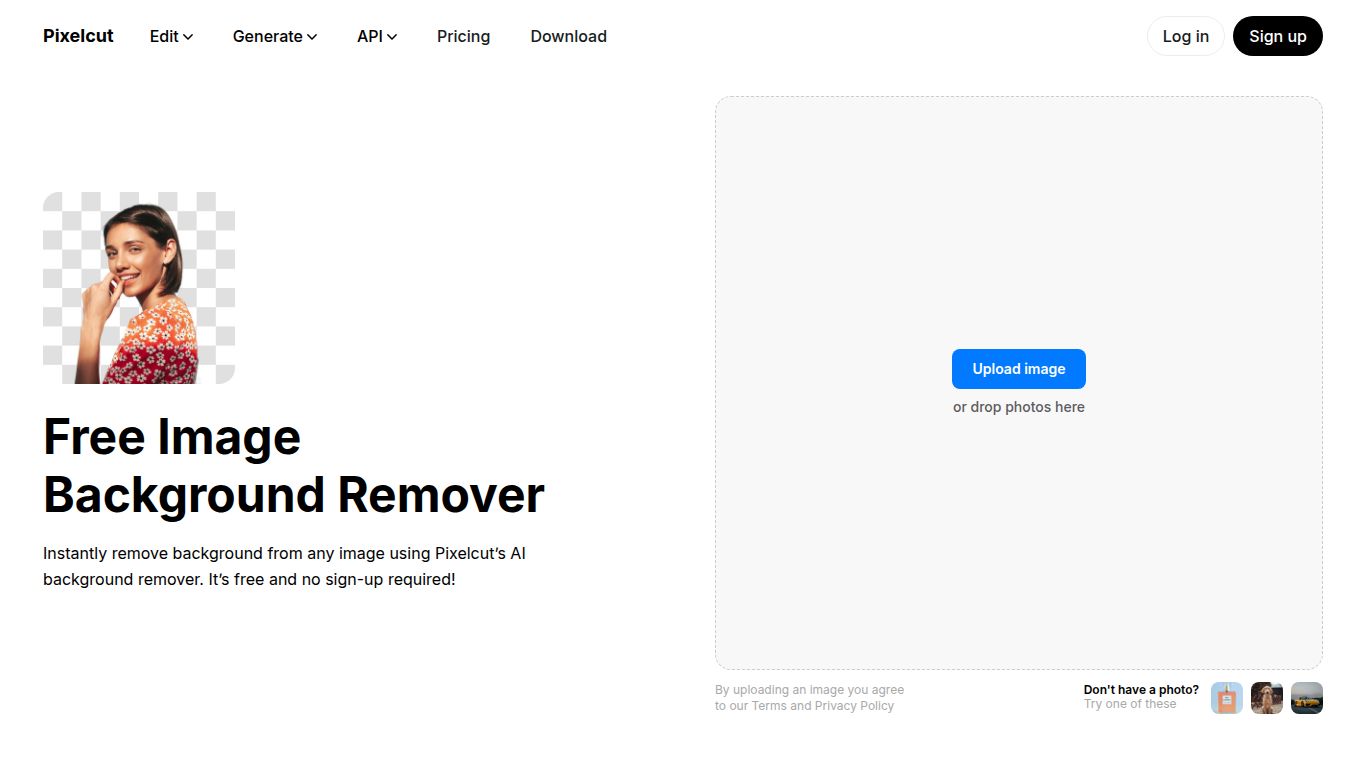
Meet Pixelcut, the revolutionary AI-powered design tool from Pixelcut Inc. that’s changing the game for creators and entrepreneurs. While it’s famously known for its flawless Background Remover, Pixelcut is so much more than a one-trick pony. It’s a comprehensive, pocket-sized graphic design studio that empowers you to create stunning, professional-grade product photos, social media posts, and marketing materials with astonishing ease and speed. Say goodbye to complex software and hello to brilliant visuals in just a few taps.
Core Capabilities: A Visual Editing Powerhouse
Pixelcut’s expertise is laser-focused on image editing and generation. It doesn’t venture into video or long-form text creation, but instead perfects the art of visual manipulation. Its AI engine is trained to handle a variety of complex image-related tasks, making it an indispensable tool for anyone working with pictures.
- AI Image Editing: At its core, Pixelcut excels at transforming existing photos with smart, AI-driven tools.
- AI Image Generation: The “AI Photoshoot” feature lets you generate entirely new, hyper-realistic backgrounds to place your subject or product into any scene imaginable.
- Batch Processing: A massive time-saver, allowing you to apply the same edits across hundreds of images simultaneously.
Standout Features You’ll Love
What makes Pixelcut a must-have tool? It’s the seamless integration of powerful, user-friendly features designed to deliver professional results without the headache.
- ✨ Instant Background Remover: The star of the show! It removes backgrounds from even the trickiest photos (like hair or fine details) with surgical precision, leaving you with a perfect cutout.
- 🪄 Magic Eraser: Effortlessly wipe away unwanted objects, people, or text from your images. It’s like having a magic wand for photo cleanup.
- 📸 AI Photoshoot: A true game-changer for e-commerce. Simply upload a product photo and let the AI generate an infinite variety of stunning, professional-looking lifestyle shots and backgrounds.
- 🚀 Image Upscaler: Enhance the resolution of your photos without losing quality, making them crisp and clear for print or high-definition displays.
- ✍️ AI Writer: Need a catchy caption or a compelling product description? Pixelcut’s AI Writer can generate engaging copy to accompany your visuals, right within the app.
Pricing: Plans for Every Creator
Pixelcut offers a flexible pricing structure that makes its powerful tools accessible to everyone, from hobbyists to growing businesses.
- Free Plan: Perfect for getting started! This plan offers limited access to features like the background remover and comes with a Pixelcut watermark on exports. It’s a great way to test the waters and see the magic for yourself.
- Pro Plan: Unleash the full power of Pixelcut for approximately $9.99/month (with discounts for annual billing). This plan includes everything in the Free plan plus unlimited background removals, high-resolution exports, batch editing, access to the complete library of templates and backdrops, and priority access to all advanced AI features like AI Photoshoot.
Who is Pixelcut For?
Pixelcut is the perfect creative partner for a wide range of users who need to produce high-quality visuals quickly and efficiently.
- E-commerce Sellers: Anyone running a store on platforms like Shopify, Amazon, Etsy, or eBay will find Pixelcut invaluable for creating clean, consistent, and appealing product listings.
- Social Media Managers: Create eye-catching posts, stories, and ads for Instagram, Facebook, and TikTok in a fraction of the time.
- Small Business Owners: Elevate your brand’s visual identity across your website, marketing emails, and promotional materials without hiring a professional designer.
- Content Creators & Influencers: Edit photos for your feed, create stunning YouTube thumbnails, and design promotional graphics with ease.
- Marketers: Quickly produce visual assets for digital ad campaigns, presentations, and landing pages.
Pixelcut vs. The Competition
How does Pixelcut stack up against other popular tools in the market?
- Pixelcut vs. remove.bg: While remove.bg is excellent at its one job—removing backgrounds—Pixelcut offers a full suite of editing tools, making it a far more versatile solution.
- Pixelcut vs. Canva: Canva is a broad graphic design platform for everything from presentations to videos. Pixelcut is more specialized, focusing deeply on product photography and quick, powerful image editing, often with superior results for e-commerce visuals.
- Pixelcut vs. PhotoRoom: PhotoRoom is a very similar and strong competitor, also focused on product photography. The choice between them often comes down to personal preference for user interface, specific AI background results, and pricing.
- Pixelcut vs. Adobe Express: Adobe Express is a powerful tool backed by the Adobe ecosystem. However, Pixelcut often wins on speed and simplicity, offering a more intuitive and streamlined workflow for users who need to get a specific job done fast.
