Are you tired of grainy, low-resolution footage holding back your creative vision? Imagine transforming old, blurry videos into stunning, crystal-clear 4K or even 8K masterpieces with just a few clicks. Welcome to the world of Topaz Video AI, a revolutionary tool designed to breathe new life into your video content.
Developed by the renowned team at Topaz Labs, a leader in AI-powered photo and video enhancement software, Topaz Video AI is a standalone desktop application that leverages the power of deep learning to upscale, de-noise, and restore video footage to an unbelievable quality. It’s not just about making pixels bigger; it’s about intelligently recreating missing detail for a result that looks natural and sharp.
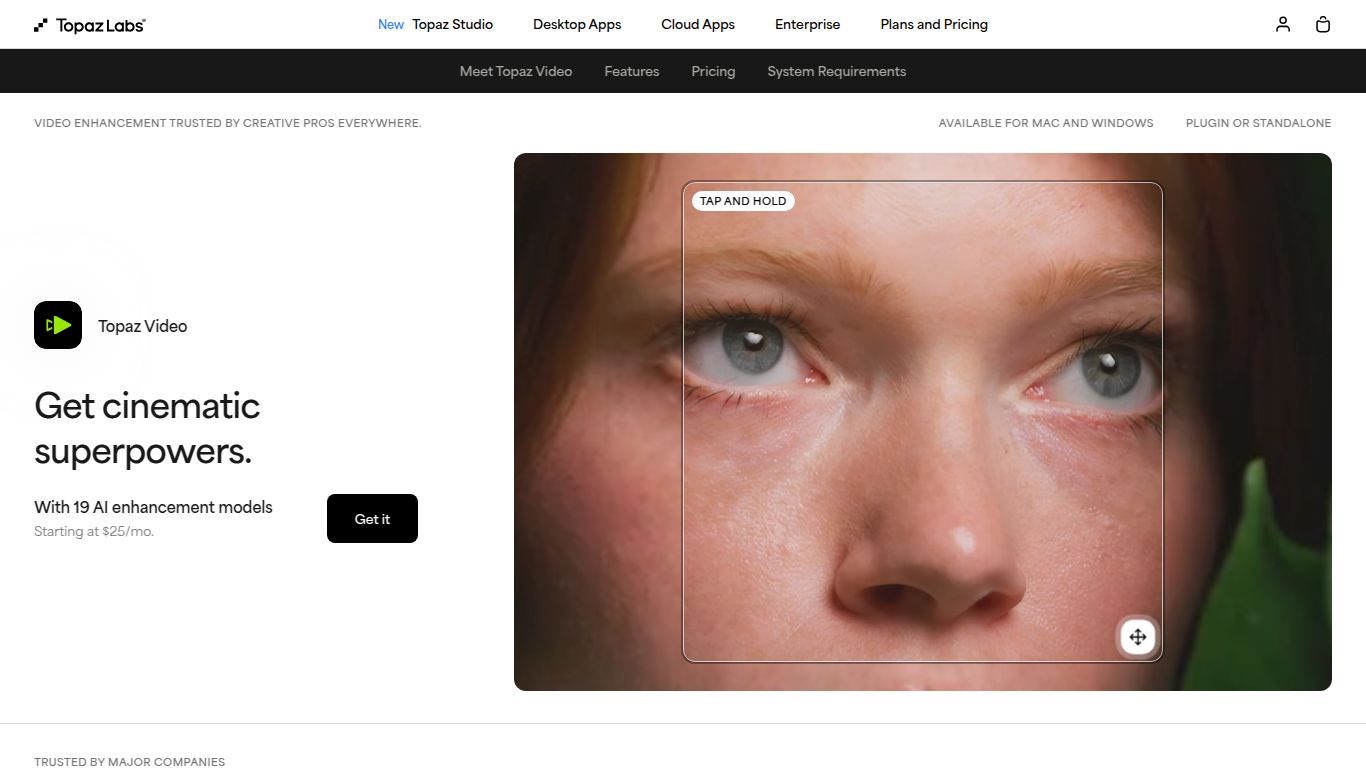
Core Capabilities: Beyond Simple Editing
Topaz Video AI is a specialist tool focused exclusively on Video Enhancement and Restoration. It doesn’t dabble in text or image generation; its sole purpose is to take your existing video files and elevate them to a professional standard. Its core capabilities include:
- Video Upscaling: Dramatically increase video resolution, turning standard definition (SD) into high definition (HD), or HD into pristine 4K and 8K.
- Noise & Grain Reduction: Intelligently remove digital noise and film grain from low-light or old footage without making the video look soft or waxy.
- Detail Enhancement & Sharpening: Recover fine details and correct soft-focus issues to produce incredibly crisp and clear results.
- Frame Rate Conversion: Convert standard footage into ultra-smooth slow-motion by generating new, high-quality frames, a process known as frame interpolation.
- Video Stabilization: Fix shaky handheld footage for a smooth, professional look.
Features That Set It Apart
What makes Topaz Video AI a powerhouse is its arsenal of purpose-built features and AI models. You’re not just applying a generic filter; you’re using a sophisticated engine trained on countless hours of video.
- Specialized AI Models: Access a suite of different AI models, such as Iris for realistic facial recovery, Proteus for fine-tuned control over sharpening and de-noising, and Apollo for flawless slow-motion creation.
- Deinterlacing: Effortlessly convert old interlaced video (common in old TV broadcasts and DV tapes) into modern progressive formats, removing jagged lines and artifacts.
- Batch Processing: Queue up multiple videos or clips and let the software work its magic overnight, saving you valuable time.
- Precise Controls: While the automatic settings are brilliant, power users can dive deep and manually adjust parameters for sharpening, stabilization, and noise reduction to achieve the perfect look.
- Standalone Application: No need for expensive third-party editing software. Topaz Video AI works as a powerful, self-contained application on both Windows and macOS.
Pricing: A Long-Term Investment
Topaz Labs offers a refreshingly simple and transparent pricing model that prioritizes ownership over endless subscriptions.
- Full License: A one-time purchase of $299 grants you a perpetual license to own the software forever.
- One Year of Updates: Your purchase includes one full year of software updates, giving you access to all new features, performance improvements, and AI models released during that time.
- Own What You Paid For: After the initial year, you can continue using your last updated version indefinitely. You can choose to purchase an upgrade license later if you want to access newer features.
Who is Topaz Video AI For?
This tool is an invaluable asset for anyone who works with video and demands the highest quality. Its user base includes:
- Filmmakers & Video Editors: Perfect for upscaling source material to match a 4K timeline or restoring archival footage for use in documentaries.
- Content Creators & YouTubers: Elevate the production value of your content by improving footage from older cameras, smartphones, or webcams.
- Archivists & Restoration Specialists: An essential tool for digitizing and preserving old film, VHS tapes, and other legacy media in stunning detail.
- VFX Artists: Clean and upscale background plates for seamless visual effects integration.
- Wedding Videographers: Rescue noisy low-light shots from receptions and deliver a flawless final product to clients.
- Home Video Enthusiasts: Restore cherished family memories from old camcorder tapes, making them enjoyable for generations to come.
Alternatives & Comparison
While Topaz Video AI is a class leader, it’s helpful to know how it compares to other options in the market.
- DaVinci Resolve Studio: A comprehensive video editing suite with powerful built-in upscaling and noise reduction tools. While incredibly capable, its features are part of a larger, more complex program, whereas Topaz focuses solely on providing the absolute best enhancement algorithms.
- Adobe Premiere Pro (Enhance Speech & Super Resolution): Adobe is integrating AI tools into its workflow, which is convenient for existing users. However, Topaz Video AI offers more dedicated models and granular control, often producing visibly superior results for challenging footage.
- AVCLabs Video Enhancer AI: A direct competitor that also uses AI for enhancement. The choice between them often comes down to user interface preference and which tool’s specific AI models produce better results on your particular source footage.
In conclusion, if your primary goal is to achieve the highest possible quality in video restoration and upscaling, Topaz Video AI stands out as a dedicated, powerful, and specialist tool that is well worth the investment.
