Imglarger: Your All-in-One AI Image Enhancement Toolkit
Say goodbye to blurry, pixelated, and low-quality images forever! Imglarger is a powerful, AI-driven suite of tools designed to upscale, enhance, and perfect your photos with just a few clicks. Developed by a dedicated team focused on making cutting-edge AI accessible, Imglarger provides a comprehensive solution for anyone looking to elevate their visual content without the complexity of professional editing software. Whether you’re restoring old photos or preparing images for high-resolution printing, this tool has you covered.
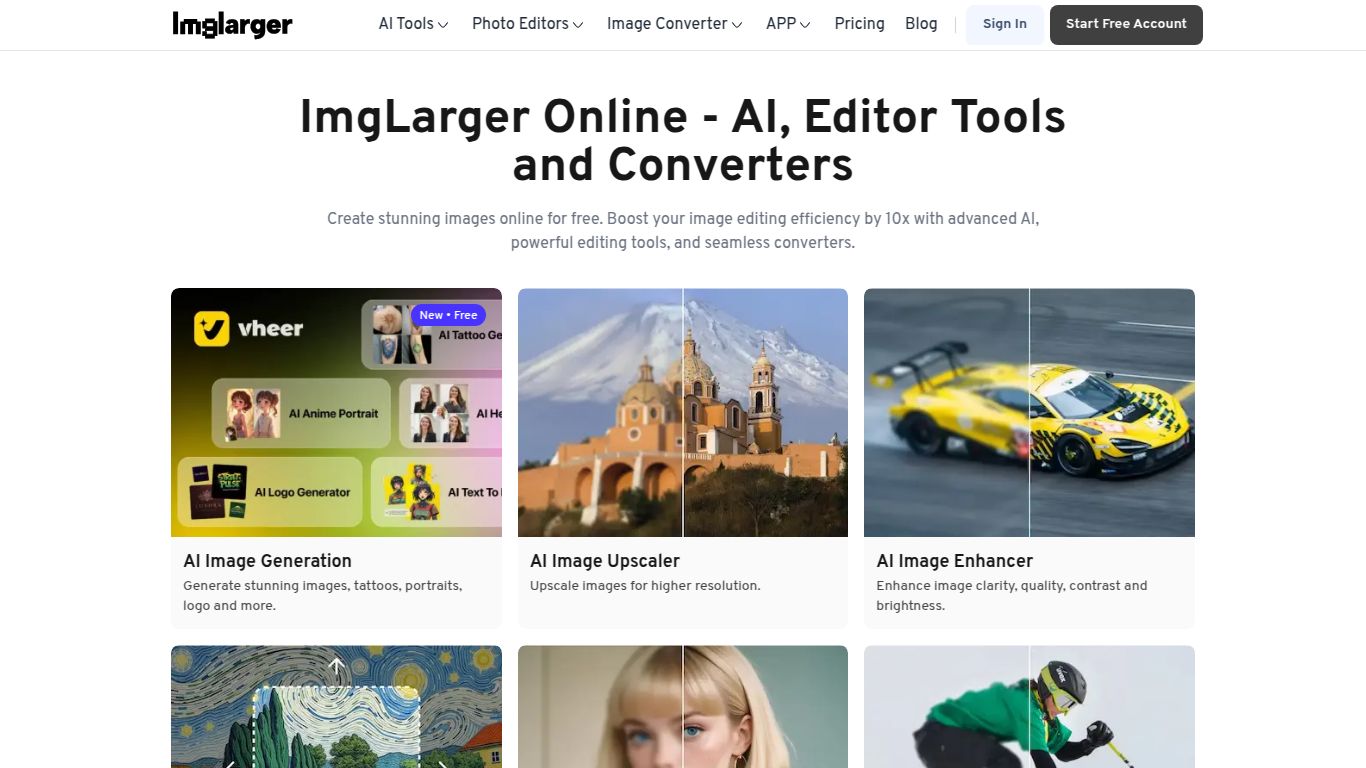
Capabilities: A Full Suite of Image Magic
Imglarger isn’t just a one-trick pony; it’s a complete image processing powerhouse. While it doesn’t handle text or video, its specialization in still images is its greatest strength, offering a range of dedicated AI models for different tasks:
- AI Image Enlarger: Intelligently increase image resolution up to 2x, 4x, or even 8x without losing quality. Perfect for turning small thumbnails into crisp, large-format pictures.
- AI Image Enhancer: Automatically improve colors, contrast, and brightness to make your photos pop. It fixes dull lighting and brings out hidden details in an instant.
- AI Cartoonizer: Transform your portraits and photos into fun, stylish cartoons or anime-style characters with a single click.
- AI Photo Retouch: Effortlessly remove blemishes, smooth skin, and beautify portraits, achieving a professional studio look in seconds.
- AI Background Remover: Instantly get a clean, transparent background for any image. An essential tool for e-commerce product photos, logos, and graphic design projects.
- AI Denoiser & Sharpener: Clean up grainy, noisy photos taken in low light and bring blurry images into sharp focus, recovering details you thought were lost.
Key Features: Power Meets Simplicity
Imglarger is packed with features designed to streamline your workflow and deliver incredible results every time.
- Specialized AI Models: The platform uses different algorithms optimized for various image types, including photos, artwork, and anime, ensuring the best possible outcome.
- Batch Processing: Supercharge your productivity by uploading and processing multiple images simultaneously. Set your enhancements and let the AI do the heavy lifting.
- Intuitive User Interface: No steep learning curve here. The clean, drag-and-drop interface makes it incredibly easy for beginners and professionals alike to get started.
- Fast Processing: Leverage the power of advanced GPUs to get your enhanced images back in seconds, not minutes.
- Secure and Private: Your uploaded images are protected and automatically deleted after 24 hours to ensure your privacy.
Pricing: Flexible Plans for Every Need
Imglarger offers a straightforward, credit-based system with plans that cater to casual users and heavy-duty professionals.
- Free Plan: Perfect for testing the waters. You get a handful of free credits each month to try out the various tools.
- Premium Plan (around $9.00/month): An excellent choice for regular users. This plan provides a generous monthly allowance of credits, access to all AI tools, and faster processing speeds.
- Enterprise Plan (around $19.00/month): Designed for power users and businesses. It includes a massive number of credits, priority processing, batch enhancement capabilities, and dedicated support.
Who Is Imglarger For?
This versatile tool is a perfect fit for a wide range of users who need high-quality images:
- E-commerce Store Owners: Create crisp, clean, and professional product photos with transparent backgrounds that drive sales.
- Photographers & Artists: Enlarge photos for printing, restore old family pictures, and enhance the details in your digital art.
- Graphic & Web Designers: Quickly upscale low-resolution client assets and create stunning visuals for websites and marketing materials.
- Real Estate Agents: Enhance property photos to make them brighter, sharper, and more appealing to potential buyers.
- Social Media Managers & Bloggers: Ensure your online content is always high-resolution and eye-catching to maximize engagement.
- Anime & Manga Fans: Upscale your favorite wallpapers and fan art to 4K resolution without the typical blocky artifacts.
Alternatives & Comparison
While the AI image enhancement space has several players, Imglarger holds its own with a unique value proposition.
- vs. Topaz Gigapixel AI: Topaz is a powerful desktop software known for its incredible detail, but it comes with a high one-time cost and requires a powerful computer. Imglarger is a more accessible, web-based, and affordable subscription alternative that offers a full suite of tools beyond just enlarging.
- vs. VanceAI: A very similar competitor, VanceAI also offers a suite of AI image tools. The choice between them often comes down to user preference on interface design, specific AI model performance on certain images, and current pricing promotions.
- vs. Let’s Enhance: Another popular web-based upscaler. Imglarger competes by offering a more comprehensive set of tools, including the background remover and face retouch, making it a more all-in-one solution for general image editing needs.
In conclusion, if you’re looking for an easy-to-use, powerful, and affordable online platform that consolidates multiple AI image enhancement tools into one place, Imglarger is an outstanding choice that consistently delivers impressive results.
