VEED — AI Editor Online
Magic Cut, auto subtitles, translate/dub, eye contact, TTS/voice.
Online AI filters for 2× upscaling, sharpening, and artifact fixes.
Ever found a perfect video clip, only to be let down by its low resolution, shaky footage, or choppy frame rate? Aimages is a cutting-edge, web-based AI video enhancer designed to solve exactly these problems. Forget downloading bulky software or needing a high-end computer; Aimages brings professional-grade video restoration and enhancement tools directly to your browser. It leverages powerful AI algorithms to upscale, smoothen, and stabilize your videos, transforming grainy, outdated footage into crisp, professional-quality content with just a few clicks. It’s the ultimate tool for anyone looking to breathe new life into their video library.
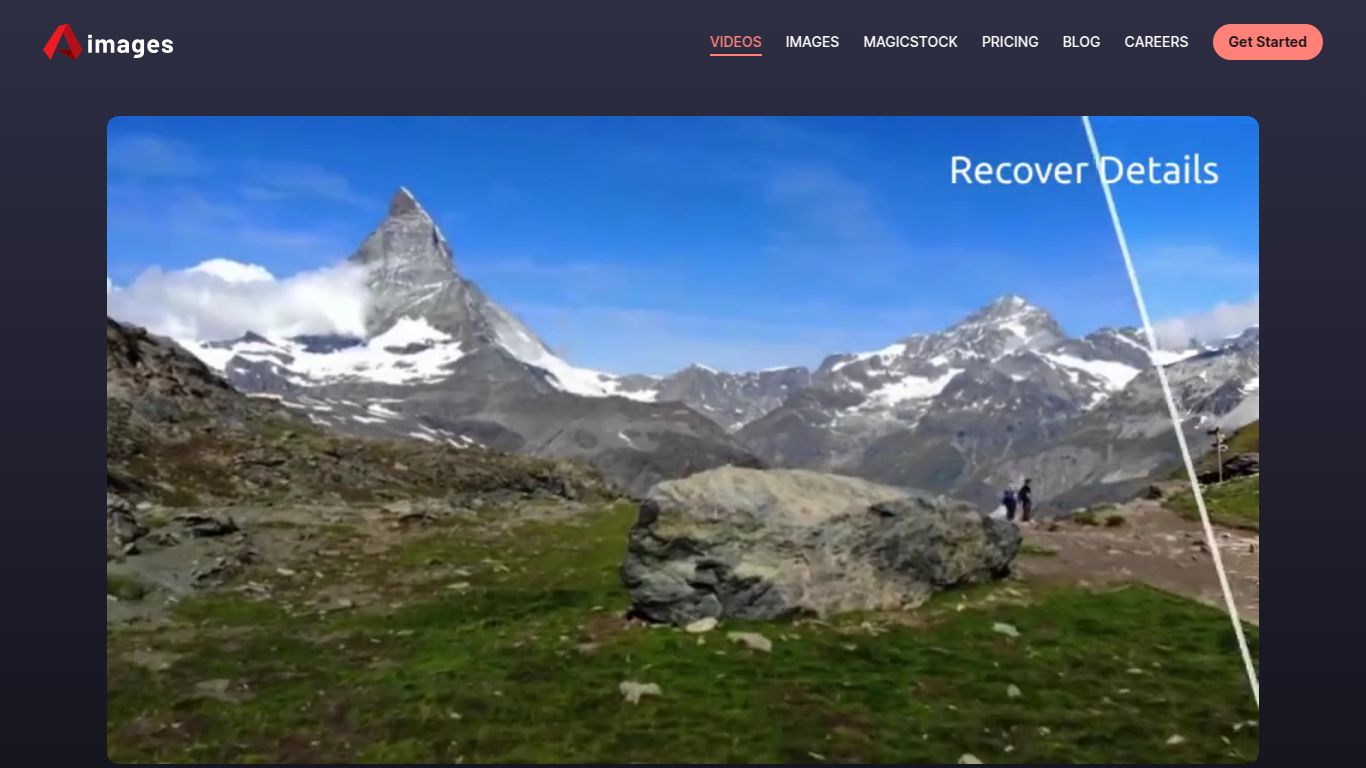
Aimages isn’t just a simple filter; it’s a suite of powerful, specialized AI models. Each one is trained for a specific task, ensuring you get the best possible results for your video enhancement needs. Here’s what it can do:
While the results speak for themselves, the user experience and platform features are what make Aimages a go-to choice.
No downloads, no installations. Simply visit the Aimages website, upload your video, and let their powerful cloud servers do all the heavy lifting. This means you can enhance videos from any computer, whether it’s a high-end desktop or a simple laptop, without impacting its performance.
Aimages was built for speed and simplicity. The interface is clean, straightforward, and easy to navigate. You don’t need to be a professional video editor to understand the settings. Just upload, choose your enhancement, preview the result, and process.
Unlike many tools that lock you into a monthly subscription, Aimages uses a credit-based system. You only pay for what you use, making it incredibly cost-effective for both occasional users and frequent creators.
Aimages operates on a transparent Pay-As-You-Go model using credits. This means you have full control over your spending with no recurring monthly fees. You buy a credit pack, and those credits are used to process your videos. The cost per video depends on its length, resolution, and the chosen enhancement. They offer several credit packs to suit different needs:
Check their official website for the most up-to-date pricing on credit bundles.
The versatility of Aimages makes it a valuable tool for a wide range of users:
How does Aimages stack up against other popular video enhancers? Here’s a quick comparison:
| Feature | Aimages | Topaz Video AI | RunwayML |
|---|---|---|---|
| Platform | Web-Based (Cloud) | Desktop Software | Web-Based (Cloud) |
| System Requirements | Low (any modern browser) | High (requires powerful GPU) | Low (any modern browser) |
| Pricing Model | Pay-As-You-Go (Credits) | One-Time Purchase + Paid Upgrades | Monthly Subscription |
| Primary Focus | Video Enhancement & Restoration | Video Enhancement & Restoration | Broad AI Creative Suite (video, image, text) |
| Ease of Use | Extremely Easy | Moderate (more complex controls) | Easy to Moderate |
In short, Aimages carves out its niche as the most accessible and flexible option for high-quality AI video enhancement. While desktop software like Topaz Video AI offers more granular control, it comes with a steep hardware requirement and a higher upfront cost. Aimages delivers comparable, stunning results without any of the hassle, making it the perfect choice for creators who value speed, convenience, and efficiency.
