Topaz Gigapixel AI Review: Breathe New Life into Your Images with AI Upscaling
Ever found the perfect photo, only to realize it’s too small or too low-resolution to use? We’ve all been there. Cropping a great shot or digging up an old digital photo often leaves you with a pixelated, unusable mess. Enter Topaz Gigapixel AI, a game-changing desktop application from the wizards at Topaz Labs. This isn’t your average image resizer; it’s a sophisticated AI-powered tool that intelligently enlarges your photos by up to 600% while realistically recovering details and enhancing textures for mind-blowingly sharp results.
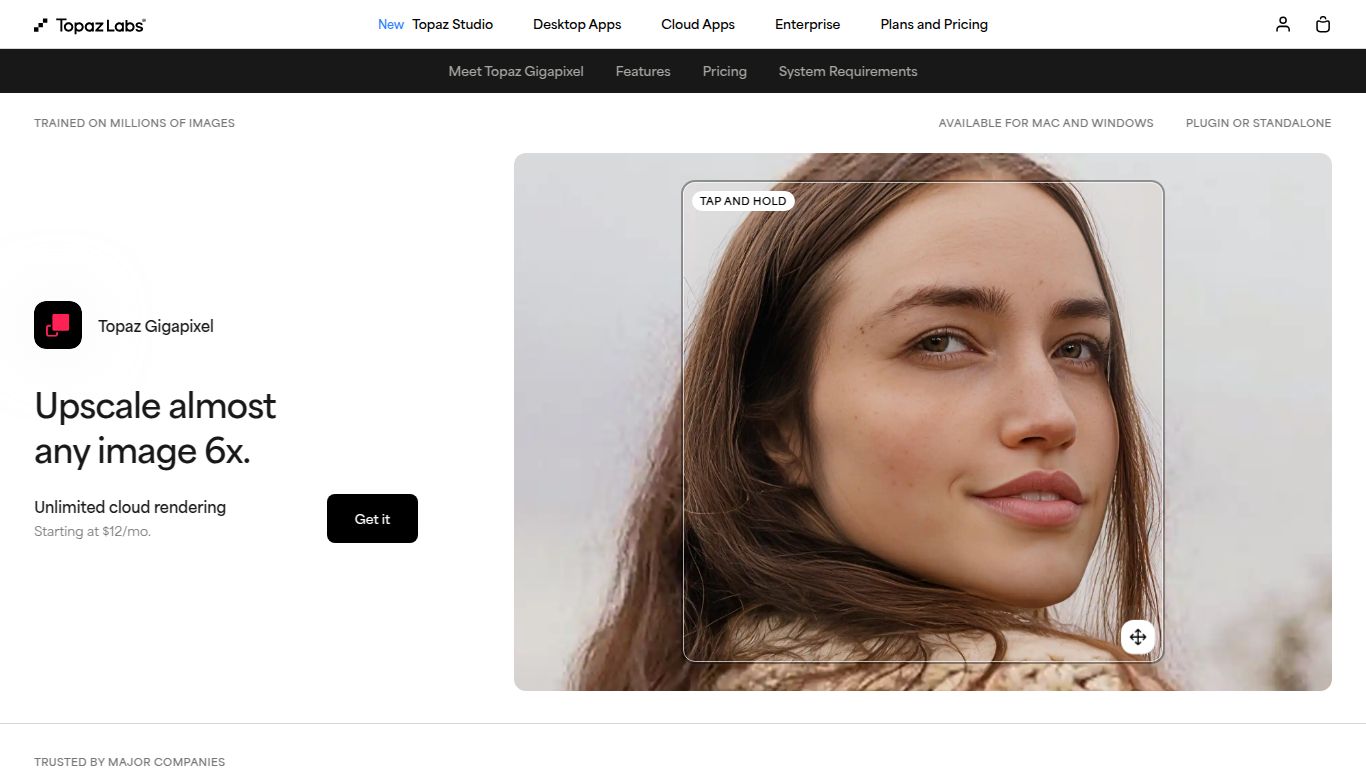
What Can Topaz Gigapixel AI Do?
Unlike traditional tools that simply stretch pixels, Gigapixel AI analyzes the image and “imagines” the missing details to fill in the gaps. It was trained on millions of images to understand what real-world detail looks like. Its core capability revolves entirely around image enhancement and upscaling. It excels at taking low-resolution, compressed, or small images and transforming them into large, print-ready, high-definition masterpieces. Think of it as a digital restorer for your photos, adding clarity and sharpness you didn’t think was possible.
Jaw-Dropping Features
Gigapixel AI is packed with powerful features designed to give you maximum control and stunning results. It’s more than just a one-click button; it’s a professional-grade toolkit.
- Massive Upscaling: Enlarge your images by up to 600% without the typical loss in quality. Turn a small 600×400 image into a sharp 3600×2400 photo ready for a large print.
- Advanced AI Models: The software includes specialized AI models tailored for different types of images. Whether you’re working with portraits (Standard), architectural shots (Lines), or digital art (Art & CG), there’s a model optimized for the best outcome.
- Face Recovery AI: A truly magical feature. When upscaling portraits or group photos, this dedicated AI model detects small, blurry faces and reconstructs them with remarkable detail and realism. No more blocky faces in your enlargements!
- Genuine Detail Enhancement: Instead of just sharpening edges, the AI adds genuine texture and detail to surfaces like fabrics, foliage, and animal fur, making the final result look incredibly natural.
- Standalone and Plugin: Use it as a powerful standalone application for batch processing hundreds of images at once, or integrate it seamlessly into your existing workflow as a plugin for Adobe Photoshop and Lightroom.
- RAW File Support: Get the best possible quality by working directly with your RAW files, ensuring maximum color information and detail are preserved during the upscaling process.
Simple & Transparent Pricing
In a world of endless subscriptions, Topaz Labs offers a refreshingly straightforward pricing model for Gigapixel AI. There are no confusing tiers or recurring monthly fees.
One-Time Purchase
Price: $99.99
- Buy the software once and own that version forever.
- Includes one full year of software updates to get the latest models and features.
- After one year, you can continue using your version indefinitely or purchase an upgrade for another year of updates at a reduced price.
Who Is Topaz Gigapixel AI For?
This powerful tool is a must-have for anyone who works with digital images and demands the highest quality. Its user base is incredibly diverse:
- Professional Photographers: Rescue a heavily cropped shot, prepare images for large-format printing, or upscale client photos from older, lower-megapixel cameras.
- Graphic Designers & Digital Artists: Enlarge low-resolution assets, textures, or digital paintings for use in high-resolution projects without sacrificing clarity.
- Real Estate Agents: Turn standard smartphone photos of properties into sharp, detailed images that stand out in online listings.
- E-commerce Store Owners: Create crisp, high-quality product photos from any source to give customers a better view and boost sales.
- Archivists and Hobbyists: Restore and enlarge old family photos scanned at low resolutions, bringing precious memories back to life in stunning detail.
- AI Art Enthusiasts: Upscale AI-generated images from platforms like Midjourney or Stable Diffusion to create detailed, print-ready artwork.
Alternatives & Comparisons
While Gigapixel AI is a leader in its class, there are other options on the market. Here’s how it stacks up:
- Adobe Photoshop (Super Resolution): Integrated directly into Photoshop, this is a convenient option for Adobe Creative Cloud subscribers. However, Gigapixel AI often produces more natural-looking details, offers more specialized AI models, and functions as a standalone app, which is great for batch processing.
- VanceAI Image Upscaler: A popular online, cloud-based alternative. It’s quick and accessible from any browser but may require a subscription for high-volume use and doesn’t offer the same level of fine-tuned control or RAW processing power as the desktop-based Gigapixel AI.
- Let’s Enhance: Another strong web-based competitor that offers good results. The primary difference is the business model—Let’s Enhance is subscription-based, while Gigapixel AI is a one-time purchase, making it more cost-effective for long-term users.
Ultimately, if your priority is achieving the absolute best detail recovery and image quality in a professional, standalone application that you own forever, Topaz Gigapixel AI remains the undisputed champion.
