Icons8 Smart Upscaler: Breathe New Life into Your Images with AI
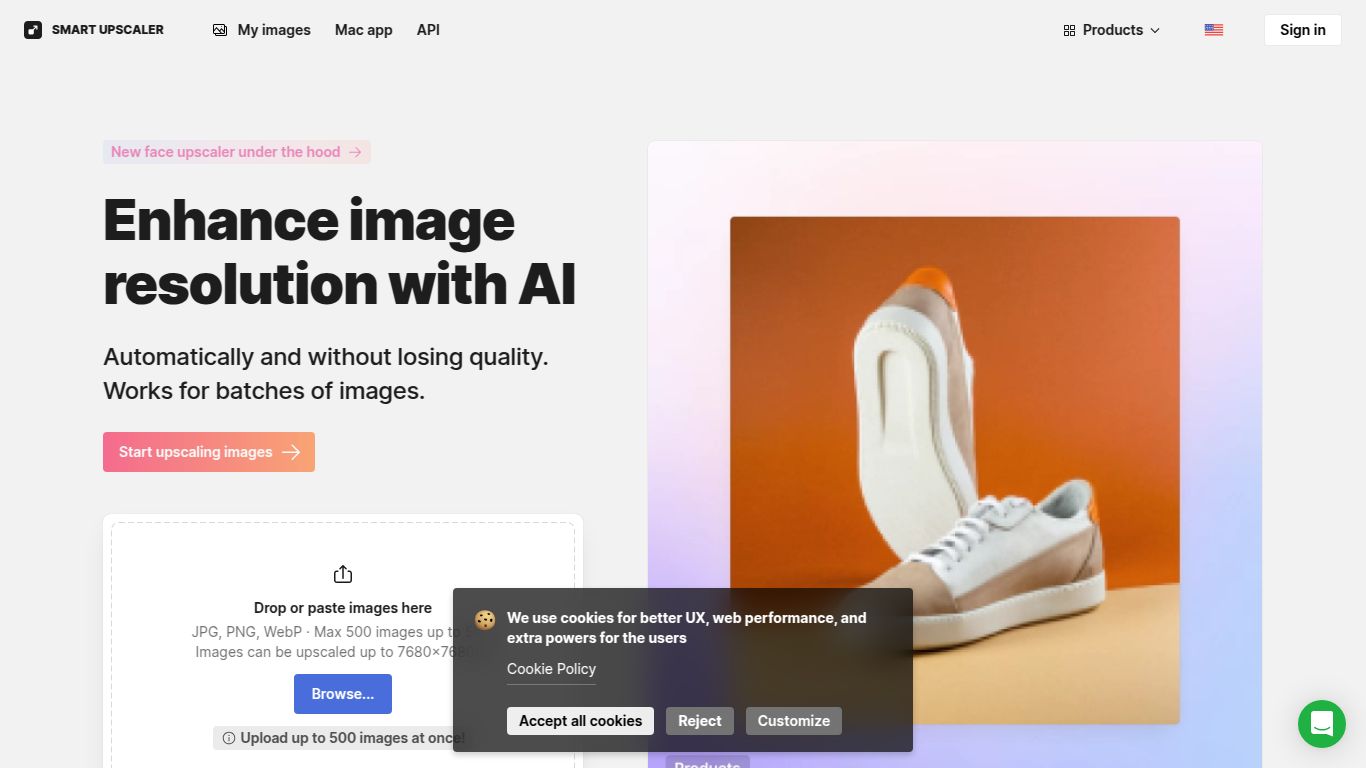
In a digital world saturated with visual content, image quality is king. Blurry, pixelated photos can undermine a professional presentation, detract from an e-commerce listing, or simply ruin a cherished memory. Enter the Icons8 Smart Upscaler, a powerful AI-driven tool from the renowned design asset company, Icons8. This web-based utility is designed to do one thing and do it exceptionally well: enhance and enlarge your images without the dreaded loss of quality. It uses sophisticated machine learning algorithms to intelligently add detail, reduce noise, and transform your low-resolution pictures into crisp, high-definition masterpieces, all with just a few clicks.
Capabilities: A Laser Focus on Image Enhancement
Unlike some jack-of-all-trades AI tools, the Icons8 Smart Upscaler specializes exclusively in image manipulation. It doesn’t generate text, edit videos, or compose music. Its entire AI engine is fine-tuned for one purpose: making your pictures look incredible. Its core capabilities include:
- Image Upscaling: The primary function is to increase the resolution of your images. You can enlarge photos by 2x, 4x, or even up to 8x their original size.
- Quality Enhancement: The AI doesn’t just stretch pixels; it intelligently reconstructs details, sharpens edges, and refines textures to create a naturally clear image.
- Noise and Artifact Reduction: It automatically cleans up JPEG compression artifacts and digital noise, which is especially useful for older digital photos or images saved at low quality.
Features: What Makes Smart Upscaler Stand Out?
Icons8 has packed this tool with features that cater to both casual users and demanding professionals, ensuring a seamless and effective workflow.
- Powerful AI-Driven Engine: At its heart is a sophisticated neural network trained on a massive dataset of images, allowing it to understand context and fill in missing details with stunning accuracy.
- Fully Automated Process: There are no complicated settings to master. Simply upload your image, choose your desired enlargement factor, and let the AI handle the rest. The process is quick and intuitive.
- Batch Processing: A game-changer for professionals. You can upload and process multiple images simultaneously, saving an immense amount of time when working with large photo sets.
- Secure and Private: Your uploaded images are encrypted and processed securely. They are not stored indefinitely or used for any other purpose, respecting your privacy.
- API Access: For developers and businesses, Icons8 provides API access, allowing you to integrate the powerful upscaling technology directly into your own applications, websites, or workflows.
Pricing: Flexible Plans for Every Need
Icons8 offers a straightforward pricing structure that makes this powerful technology accessible to everyone, from hobbyists to large enterprises.
- Free Plan: Perfect for testing the waters. You can upscale a limited number of images (typically 3) for free to see the magic for yourself. These images may come with a watermark.
- Pre-paid Packages: Ideal for occasional use. You can purchase a bundle of image credits (e.g., 50 images) that never expire. Pay once and use them whenever you need them. Prices typically start around $9 for 50 images.
- Subscription Plans: Designed for regular users and professionals. For a monthly fee, you get a generous allotment of image credits per month. The unlimited subscription, for instance, offers limitless upscales for a flat monthly rate, providing the best value for power users.
Who Is It For? The Ideal User Profile
The Smart Upscaler’s versatility makes it a valuable asset for a wide range of individuals and professionals:
- Graphic Designers & Illustrators: To enhance low-quality client assets or upscale their own work for large-format printing.
- Photographers: To rescue slightly out-of-focus shots or prepare photos for large prints and canvases.
- E-commerce Store Owners: To create sharp, high-quality product photos that drive sales and build customer trust.
- Web Developers & UI/UX Designers: To ensure all website images are crisp and clear on high-resolution displays like Retina screens.
- Social Media Managers: To make sure brand content looks professional and high-quality across all platforms.
- Hobbyists & Casual Users: To restore old family photos, improve favorite snapshots, or simply get the best quality out of any image.
Alternatives & Comparison
While the Icons8 Smart Upscaler is a top contender, it operates in a competitive space. Here’s how it stacks up against some popular alternatives:
- Topaz Gigapixel AI: Often considered the industry gold standard, Gigapixel AI is a powerful desktop application that offers incredible detail and control. However, it comes with a much higher one-time cost and is less convenient than a quick, web-based tool like Icons8.
- Let’s Enhance: A direct web-based competitor that also offers AI upscaling and enhancement. The choice between Let’s Enhance and Icons8 often comes down to personal preference on the AI’s output, user interface, and pricing structure for your specific needs.
- VanceAI Image Upscaler: Another popular online tool with a suite of AI photo editing features. Icons8 often wins on simplicity and its integration into a broader ecosystem of design assets (icons, photos, music), making it a one-stop-shop for many creatives.
In conclusion, the Icons8 Smart Upscaler stands out for its simplicity, speed, and the sheer quality of its results. Its blend of a generous free trial, flexible pricing, and powerful batch processing features makes it an essential tool for anyone who takes visual quality seriously.
