Speechmatics Speech-to-Text
High-accuracy, low-latency enterprise ASR with multilingual/code-switching and real-time or batch modes.
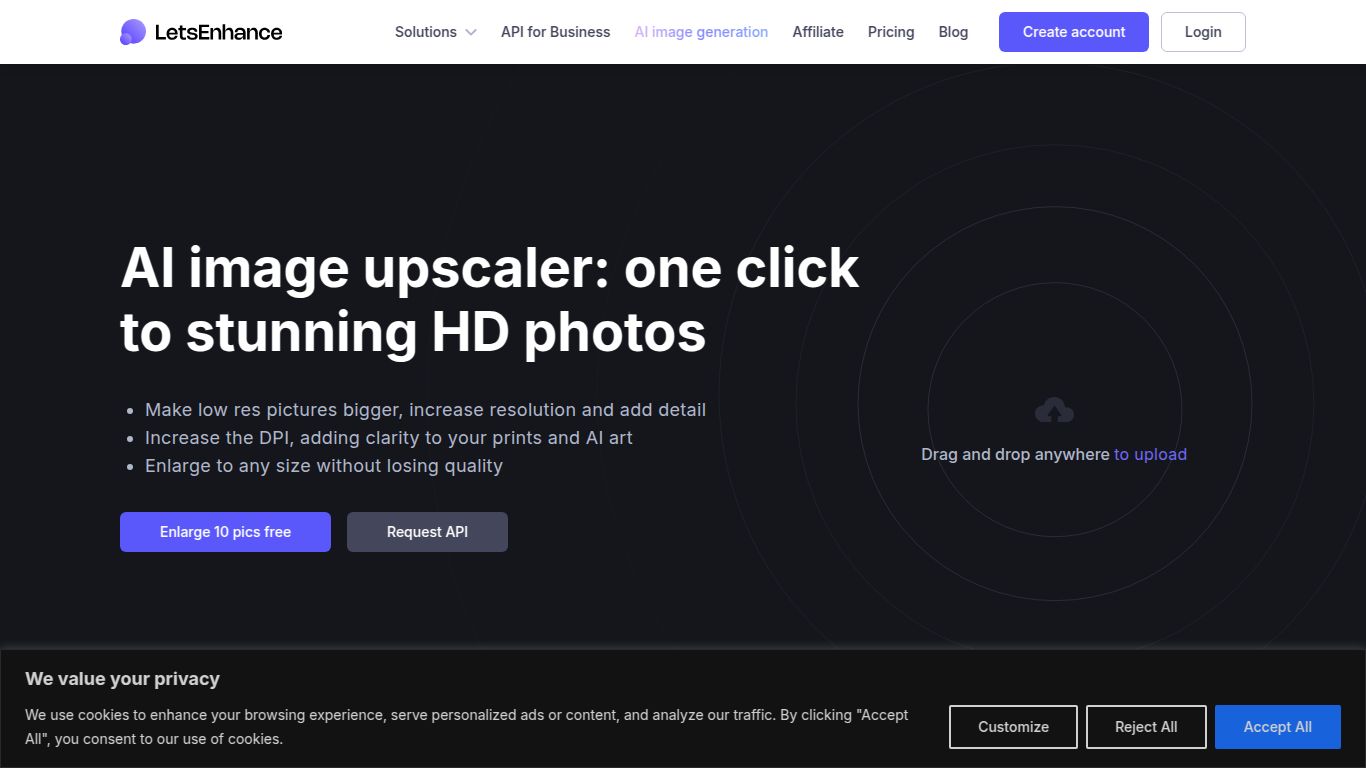
Web upscaler to convert small photos to HD/4K+ with presets and batch processing.
Ever found the perfect image, only to realize it’s too small, blurry, or pixelated for your project? Let’s Enhance is here to solve that exact problem. Developed by Let’s Enhance, a company dedicated to cutting-edge image processing, this powerful web-based AI tool is designed to automatically increase image resolution, fix imperfections, and improve overall quality without any manual effort. It’s your one-click solution for turning low-resolution pictures into high-quality, vibrant, and print-ready visuals.
Let’s be clear: Let’s Enhance is a specialist. It dedicates all its AI power to one thing and does it exceptionally well: image processing. It does not handle text generation, video editing, or audio tasks. Its entire suite of tools is built to take your static images—be it photos, digital art, or logos—and elevate them to a new level of clarity and detail. Think of it as a digital restorer and enlarger, all powered by sophisticated neural networks that understand how to fill in the missing details intelligently.
What makes this tool a favorite among professionals and hobbyists alike? It’s all in the powerful, yet incredibly easy-to-use features that deliver consistently impressive results:
Let’s Enhance offers a flexible pricing structure, including a free trial to get you started. The plans are primarily based on a credit system, where processing one image typically costs one credit. This makes it scalable for both small and large projects.
| Plan | Price (per month) | Credits | Best For |
|---|---|---|---|
| Free | $0 | 10 credits (one-time) | Trying out the service and occasional use. |
| 100 Credits | ~$9 | 100 credits/month | Hobbyists, bloggers, and small projects. |
| 300 Credits | ~$24 | 300 credits/month | Freelancers, marketers, and frequent users. |
| 500 Credits | ~$39 | 500 credits/month | Small businesses, e-commerce stores, and agencies. |
| Pay As You Go | Varies | Credit packs (e.g., 20 for ~$10) | Users with unpredictable or infrequent high-volume needs. |
Note: Prices are approximate and may vary based on billing cycles (monthly vs. yearly). Always check the official website for the most current pricing and offers.
This tool is a game-changer for a wide range of users who rely on high-quality visuals. If you fit into any of these roles, you’ll find immense value:
While Let’s Enhance is a top contender in the AI image enhancement space, it’s good to know the landscape. Here’s a quick comparison to other popular options:
In conclusion, Let’s Enhance strikes a perfect balance between professional-grade quality, user-friendliness, and the unmatched convenience of a web-based platform with flexible, scalable pricing. It’s an essential tool for anyone who refuses to compromise on image quality.
