Erase.bg: Your One-Click Solution for Flawless Background Removal
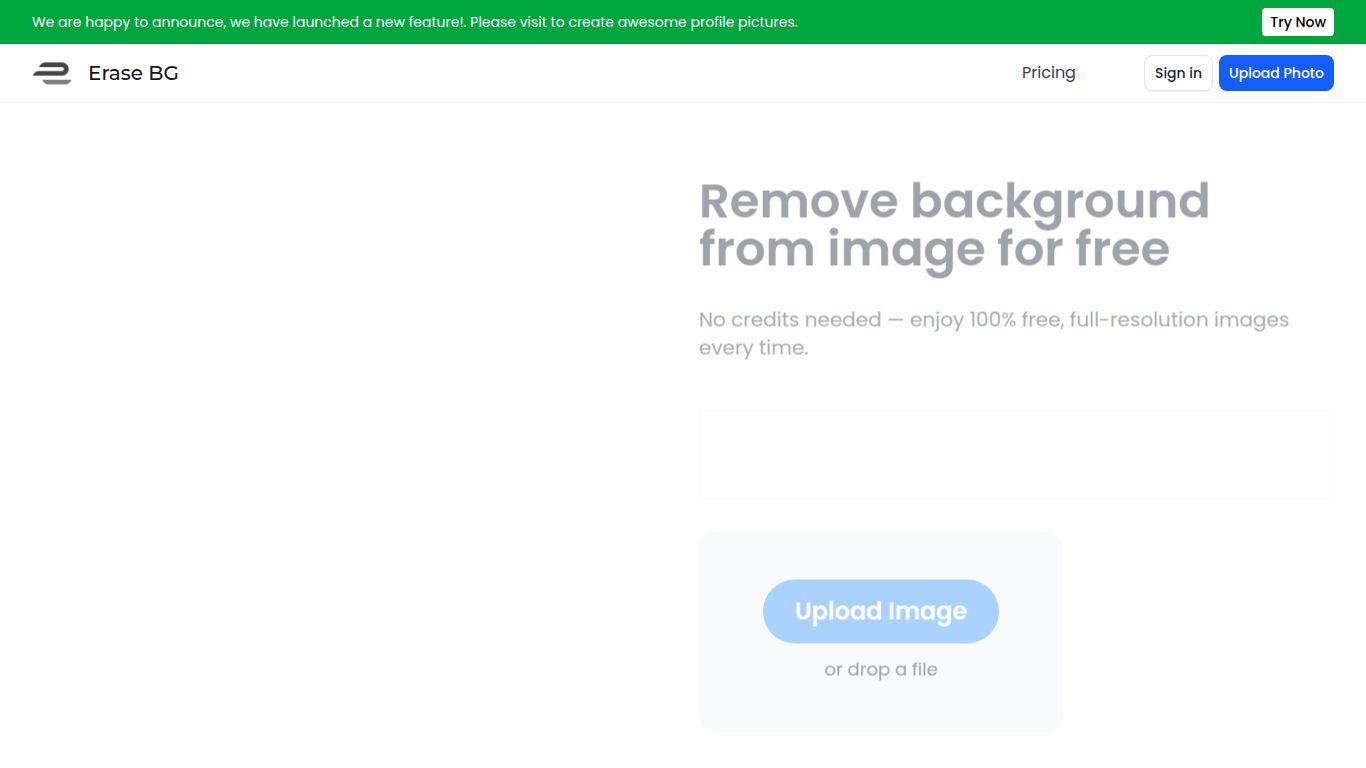
Tired of spending precious minutes, or even hours, painstakingly tracing outlines in complex photo editing software just to isolate a subject? Enter Erase.bg, a powerful and intuitive AI-driven tool designed to make background removal an absolute breeze. Developed by the team at PixelBin.io, Erase.bg harnesses the power of artificial intelligence to automatically detect and erase the background from any image with stunning accuracy, saving you time and effort. Whether you’re a professional designer or just someone looking to clean up a profile picture, this tool offers a surprisingly robust solution that feels like magic.
Capabilities: A Specialist in Image Perfection
Erase.bg is a highly specialized tool, focusing its entire AI prowess on one core capability: Image Processing. It doesn’t dabble in text generation, video editing, or audio synthesis. Instead, it dedicates its resources to doing one thing exceptionally well—providing clean, crisp, and accurate cutouts from your photos. Its primary function is to intelligently separate the foreground subject (be it a person, product, or pet) from its background, delivering a transparent PNG file ready for your next project.
Key Features That Make It Shine
- Automated & Instant Removal: The core of Erase.bg is its “one-click” simplicity. Just upload your image, and the AI gets to work instantly. There’s no need for manual selection, brushing, or refining paths.
- High-Precision AI: The algorithm is impressively smart, adept at handling traditionally difficult elements like wisps of hair, animal fur, and complex edges. It delivers clean cutouts that look professional and natural.
- Background Customization: Beyond just removing the background, Erase.bg allows you to immediately add a new one. Choose from a library of solid colors, gradients, or even upload your own custom image to create the perfect scene.
- Bulk Processing: A game-changer for businesses, especially in e-commerce. The tool supports bulk image processing, allowing you to upload and process an entire batch of product photos simultaneously.
- Developer-Friendly API: For those looking to scale, Erase.bg offers a powerful API that can be integrated directly into websites, apps, and other workflows, automating the background removal process on a massive scale.
Pricing: Plans for Every Need
Erase.bg offers a flexible pricing structure that accommodates everyone from the casual user to large-scale enterprises. It ensures you only pay for what you truly need.
- Free Plan: Perfect for trying out the service or for occasional personal use. The free plan typically includes a generous number of credits for web-resolution downloads, making it highly accessible.
- Subscription Plans: For professionals and businesses with ongoing needs, monthly subscription plans offer a large number of credits at a discounted rate. These plans are ideal for designers, marketers, and e-commerce stores.
- Pay-As-You-Go Credits: If your needs are sporadic, the pay-as-you-go option is perfect. Purchase a bundle of credits that never expire and use them whenever you have a project, offering maximum flexibility without a monthly commitment.
Who Should Use Erase.bg?
This tool is a versatile asset for a wide range of users. You’ll find it incredibly useful if you are a:
- E-commerce Store Owner: Create clean, consistent, and professional-looking product images for your online store to boost sales.
- Graphic Designer: Speed up your workflow by quickly isolating subjects for use in posters, web banners, and other creative compositions.
- Social Media Manager: Design eye-catching posts, profile pictures, and story graphics with perfectly cut-out subjects.
- Photographer: Get a head start on your editing process by quickly removing distracting backgrounds from portraits or product shots.
- Marketer: Build compelling ad creatives and marketing materials with polished, professional visuals.
- Developer: Integrate the API to add powerful image editing capabilities to your own application.
Erase.bg vs. The Competition
The world of background removal tools is bustling, but Erase.bg holds its own against the giants. Here’s how it stacks up:
- Remove.bg: Often considered the industry leader, Remove.bg is a direct and formidable competitor. The choice between the two often boils down to subtle differences in AI performance on specific images and personal preference on pricing models. Erase.bg often competes strongly with its generous free tier.
- Canva: Canva’s background remover is a feature within a larger design ecosystem. It’s an excellent choice for users already subscribed to Canva Pro who need an all-in-one platform for both editing and design. Erase.bg, in contrast, is a dedicated, specialist tool focused purely on removal.
- Adobe Express: Similar to Canva, Adobe’s tool is integrated into a broader creative suite. It appeals most to users already invested in the Adobe ecosystem. Erase.bg offers a more straightforward, unbundled experience.
In conclusion, Erase.bg is a fantastic, highly capable tool that democratizes professional-level photo editing. Its blend of simplicity, speed, and quality makes it a must-try for anyone needing to remove a background, solidifying its place as a top-tier choice in the AI toolkit landscape.
