CapCut: The All-in-One AI Video Editor for Viral Content
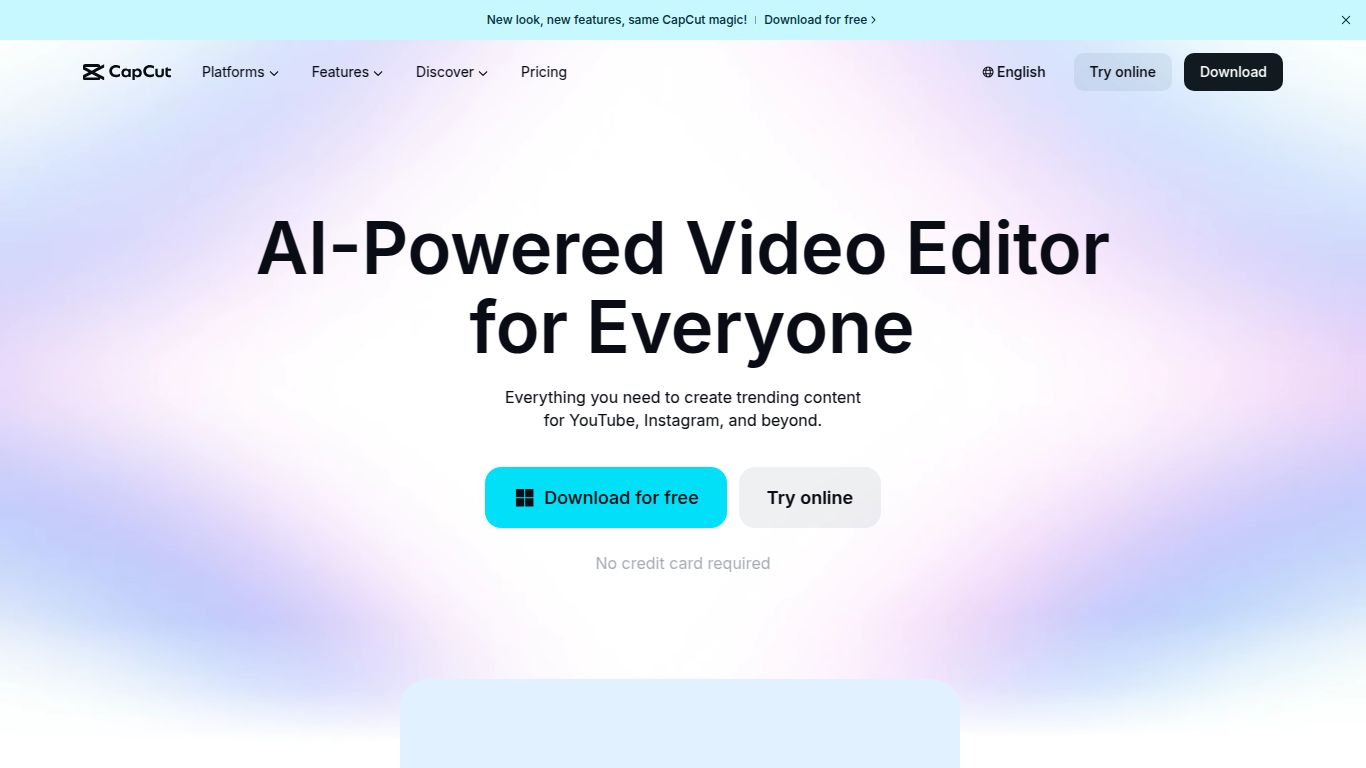
Meet CapCut, the powerhouse video editor from ByteDance (the creative minds behind TikTok) that has exploded in popularity for good reason. It’s a brilliantly intuitive, feature-packed tool designed to make professional-quality video editing accessible to everyone, from absolute beginners to seasoned creators. CapCut cleverly blends a traditional editing timeline with a suite of powerful AI tools, transforming complex editing tasks into simple one-click actions. Whether you’re creating your next viral social media post, a polished marketing video, or just a fun family slideshow, CapCut provides a seamless experience across mobile, desktop, and web.
Core Capabilities: More Than Just a Video Editor
CapCut is a versatile creative suite that goes far beyond simple trimming and cutting. Its capabilities are designed to handle the entire content creation workflow, powered by intelligent AI.
- AI Video Generation & Enhancement: Turn your scripts into complete videos with AI, automatically resize footage for different social platforms, remove backgrounds with surgical precision, and upscale video quality to make your content shine.
- Intelligent Audio & Text: Forget manually typing subtitles. CapCut’s Auto Captions feature transcribes your audio with impressive accuracy. It also offers a diverse range of text-to-speech voices and can instantly remove background noise to ensure crystal-clear audio.
- Advanced Image Manipulation: The platform isn’t just for video. Use the AI Portrait Generator to create unique avatars, craft stunning product photos against clean backgrounds, or use AI to colorize old photos, bringing them back to life.
- Full-Featured Classic Editing: At its heart, CapCut is a robust editor with multi-track timelines, a vast library of transitions, trendy effects, filters, and complete control over color grading, speed ramping, and audio mixing.
Standout Features That Set CapCut Apart
What makes creators choose CapCut over the competition? It’s the unique combination of user-friendliness and powerful, trend-aware features.
- Massive Template Library: Never start from a blank canvas again. CapCut offers thousands of ready-to-use templates for TikTok, Instagram Reels, and YouTube Shorts. Just drop in your clips, and the template handles the timing, effects, and music.
- AI Magic Tools: This is where the real magic happens. The “Magic Tools” suite includes everything from long video to shorts converters, AI-powered color correction, auto-reframe to keep the subject in focus, and much more.
- Royalty-Free Asset Heaven: Gain access to a huge, commercially licensed library of music tracks, sound effects, stickers, and text animations without ever leaving the app.
- Seamless Multi-Platform Sync: Start a project on your phone during your commute, add some finishing touches on your desktop at home, and export from the web. Your projects are synced to the cloud, giving you ultimate flexibility.
Pricing: Generous Free Plan & Affordable Pro
CapCut’s pricing model is one of its most attractive aspects, making powerful tools accessible to everyone.
- Free Plan: Incredibly generous. The free version offers access to most of the core editing tools, a large selection of templates and effects, and exporting without a watermark. It’s more than enough for most casual users and social media creators to get started and produce amazing content.
- CapCut Pro: For creators and professionals who need more power. The Pro plan unlocks premium effects and templates, advanced AI features (like more complex retouching and AI-powered tools), increased cloud storage space for your projects and assets, and more. Pricing is highly competitive, typically around $7.99 per month when billed annually or slightly higher for a monthly subscription.
Who Should Use CapCut?
CapCut’s intuitive design and scalable features make it a perfect fit for a wide range of users:
- Social Media Creators & Influencers: Its direct integration with TikTok and trend-focused templates make it the go-to editor for creating content that performs.
- Small Business Owners & Marketers: Quickly create professional-looking product demos, promotional videos, and social media ads without a steep learning curve or high budget.
- Students & Educators: An excellent tool for creating engaging video presentations, class projects, and educational content.
- Vloggers & Content Hobbyists: A powerful yet straightforward editor for vlogs, travel videos, and personal projects.
- Anyone who wants to create polished, eye-catching videos quickly and efficiently.
Alternatives & Comparisons
How does CapCut stack up against other popular video editors?
- CapCut vs. Adobe Premiere Rush: Both target quick, multi-platform editing. CapCut often has an edge with its more extensive free plan, trend-driven AI features, and a larger library of viral templates.
- CapCut vs. DaVinci Resolve: This is a comparison of accessibility vs. professional complexity. DaVinci Resolve is a Hollywood-grade tool with an incredibly steep learning curve, ideal for filmmakers. CapCut is built for speed, ease of use, and social media success.
- CapCut vs. Canva: While Canva is an amazing all-around design tool that has added video features, its video editing capabilities are more basic. CapCut is a video-first platform, offering more granular control, advanced effects, and a more robust editing timeline.
- CapCut vs. Descript: Descript is a unique editor that works by editing a text transcript, which is fantastic for interview-heavy or narrative content. CapCut is a more traditional and visual timeline editor, making it better suited for highly visual, effects-driven content.
