Clipdrop Remove Background: AI-Powered Precision for Perfect Cutouts in Seconds
Tired of the tedious task of manually tracing subjects to remove backgrounds? The days of wrestling with complex selection tools are over. Meet Clipdrop — Remove Background, a brilliant and efficient tool developed by the innovators at Stability AI. This isn’t just another photo editor; it’s a smart AI assistant that intelligently detects the main subject in your images and erases the background with astonishing accuracy, all in the blink of an eye. It’s designed to streamline your workflow and deliver professional-grade results without the headache.
Core Capabilities
Clipdrop’s primary strength is its focused excellence in image processing. While the broader Clipdrop suite includes a variety of creative AI tools for image generation, upscaling, and relighting, the Remove Background function stands out for its specialized power. It takes any image you provide and, using a highly trained neural network, perfectly isolates the foreground element—whether it’s a person, a product, an animal, or a car. The output is a crisp, clean PNG file with a transparent background, ready to be seamlessly integrated into any design or project you can imagine.
Standout Features
- Remarkable AI Accuracy: Forget clunky cutouts. Clipdrop’s AI is exceptionally good at handling notoriously difficult details like wisps of hair, delicate fabrics, and complex edges, delivering results that look clean and natural.
- Blazing-Fast Performance: Your time is valuable. This tool transforms a task that used to take minutes or hours into a simple, seconds-long process. Just upload your image and watch the magic unfold instantly.
- High-Resolution Output: Unlike many online tools that compromise on quality, Clipdrop supports high-resolution exports, ensuring your final images are sharp and suitable for professional use, from print media to digital advertising.
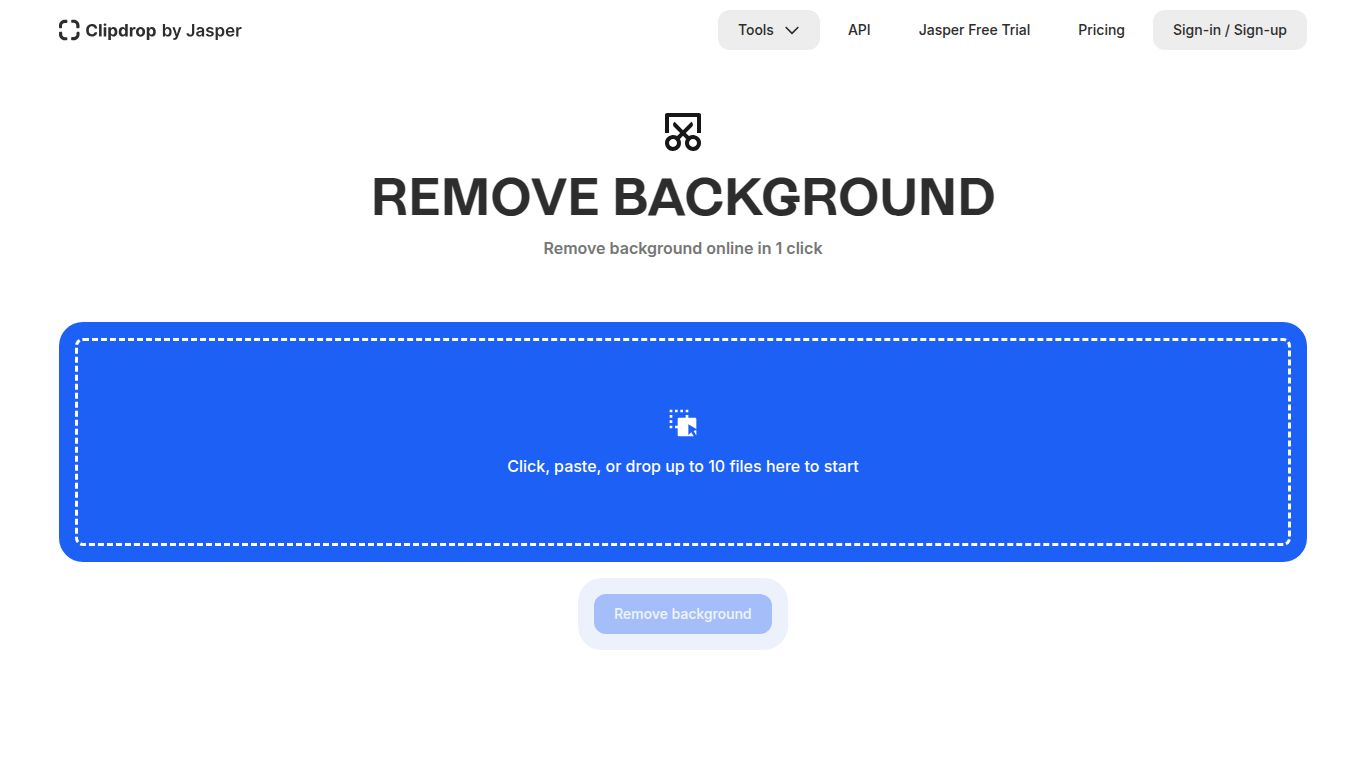
- Intuitive Drag-and-Drop Interface: You don’t need any technical skills to get started. The platform is beautifully designed for simplicity—just drag your file onto the page and download the result.
- Developer-Friendly API: For businesses and developers, Clipdrop offers a powerful API to embed this background removal technology directly into your own applications, websites, or e-commerce workflows, automating your image processing at scale.
Pricing Plans
Clipdrop accommodates everyone with a straightforward pricing model, offering both a free taste and a powerful pro version.
Free Plan: Ideal for casual users or for testing the waters. The free tier lets you process standard-resolution images, giving you a full sense of the tool’s speed and accuracy without any financial commitment.
Pro Plan: A must-have for professionals and serious creators. For a subscription fee (typically around $13/month with discounts for annual payment), you unlock the full power of the platform. The Pro plan includes unlimited background removals in high definition, watermark-free downloads, and full access to the entire suite of Clipdrop AI tools, plus a generous allocation of API credits.
Who Is It For?
This versatile tool is a game-changer for a diverse group of users:
- E-commerce Store Owners: Effortlessly create clean, uniform product shots for platforms like Shopify, Amazon, and Etsy, making your listings look polished and professional.
- Graphic Designers: Speed up your creative process by quickly isolating subjects for use in marketing materials, web designs, and composite images.
- Social Media Managers: Produce eye-catching content for Instagram, YouTube, and TikTok by easily placing people or products onto custom backgrounds.
- Photographers: Drastically cut down on post-production time, especially when working with portraits or commercial product photography.
- Content Creators: Design stunning thumbnails, visuals for blog posts, and presentation slides in a fraction of the time.
Alternatives & Comparison
In a market with several options, Clipdrop distinguishes itself with its quality, speed, and deep integration into a leading AI ecosystem.
- vs. remove.bg: A strong and popular competitor, remove.bg also offers excellent results. However, Clipdrop’s key advantage is its position within the Stability AI family, offering a seamless experience if you also use tools for image generation or upscaling.
- vs. Canva: Canva includes a background remover as one of many features in its design suite. It’s great for convenience, but Clipdrop is a specialized tool that often provides superior precision on complex images and offers a dedicated, high-performance API.
- vs. Adobe Photoshop: While Photoshop remains the gold standard for ultimate manual control, it comes with a significant learning curve and a higher price tag. Clipdrop offers a faster, more accessible, and automated solution that delivers comparable, if not better, results for the specific task of background removal.
Ultimately, Clipdrop — Remove Background hits the sweet spot. It’s a professional-grade tool that is incredibly simple to use, making it an indispensable asset for anyone looking to create clean, stunning visuals with maximum efficiency.
