Canva — Background Remover
One-click background removal built into Canva’s editor for designs and product shots.
Free online remover to isolate subjects and download transparent PNGs.
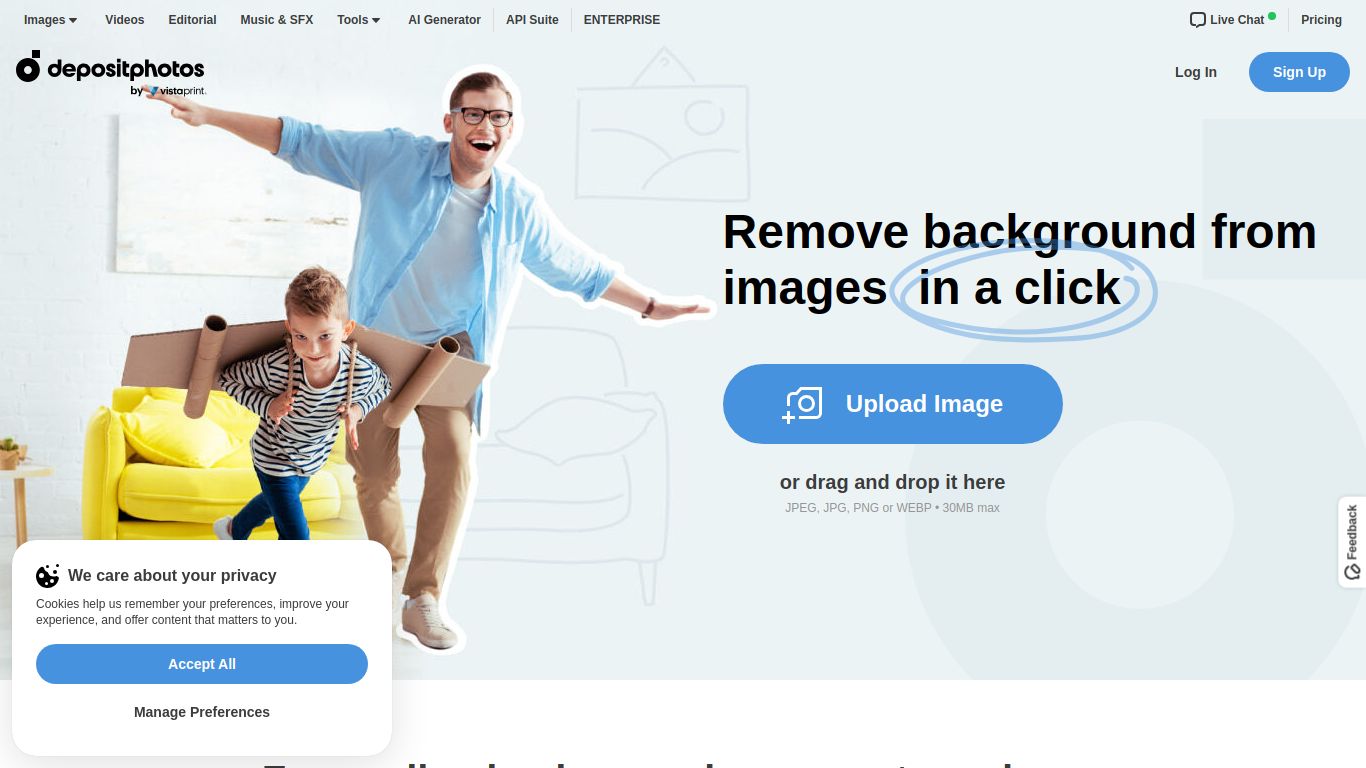
Tired of spending precious time meticulously tracing objects in complex photo editing software? Say goodbye to the tedious pen tool and hello to instant, professional-quality cutouts. The Depositphotos Background Remover is a powerful, free online tool developed by the stock photography giant, Depositphotos. It leverages sophisticated artificial intelligence to automatically detect the main subject in any photo—be it a person, an object, or a product—and flawlessly erase the background in a matter of seconds. This tool is designed to streamline your creative workflow, making professional-grade image editing accessible to everyone, regardless of their technical skill level.
The Depositphotos Background Remover is a highly specialized tool focused exclusively on one critical task: image background removal. Unlike all-in-one AI suites, it does not generate images from text, create videos, or process audio. Its strength lies in its singular focus. You simply upload your image (JPG, PNG, etc.), and the AI engine gets to work. It intelligently analyzes the pixels to distinguish the foreground from the background, delivering a high-quality PNG file with a transparent background, ready to be used in any project. It’s pure, efficient image processing at its best.
This is the best part. The Depositphotos Background Remover is 100% free. There are no pricing plans, tiers, or credit systems to worry about. You can process as many images as you need for your projects without any cost. This generous offering serves as a fantastic entry point into the broader Depositphotos ecosystem, which includes millions of premium stock photos, vectors, and videos available through flexible subscription plans and on-demand downloads. But for background removal, your wallet can stay in your pocket.
This tool is a game-changer for a wide range of users who need clean cutouts without the hassle:
Remove.bg is perhaps the most well-known dedicated background remover. Both tools offer similar speed and AI quality. However, the Depositphotos tool is entirely free for high-resolution downloads, whereas Remove.bg’s free version is limited to a smaller preview size, requiring credits for full-quality images. This makes the Depositphotos tool a more cost-effective choice for high-quality results.
Canva is a comprehensive design platform that includes a background remover as part of its paid “Pro” subscription. While Canva offers a full suite of design tools, if your only need is to remove backgrounds, the Depositphotos tool is the superior choice because it’s free and requires no subscription or commitment to a larger ecosystem.
Photoshop offers the ultimate level of control and precision with its advanced selection tools (like the Object Selection Tool and Select and Mask workspace). However, it comes with a steep learning curve and a monthly subscription fee. The Depositphotos Background Remover is the perfect alternative for users who need speed and simplicity over manual, pixel-perfect control. It accomplishes 95% of the task in 1% of the time.
