Canva Background Remover Review: One-Click Magic for Flawless Photos
What is Canva Background Remover?
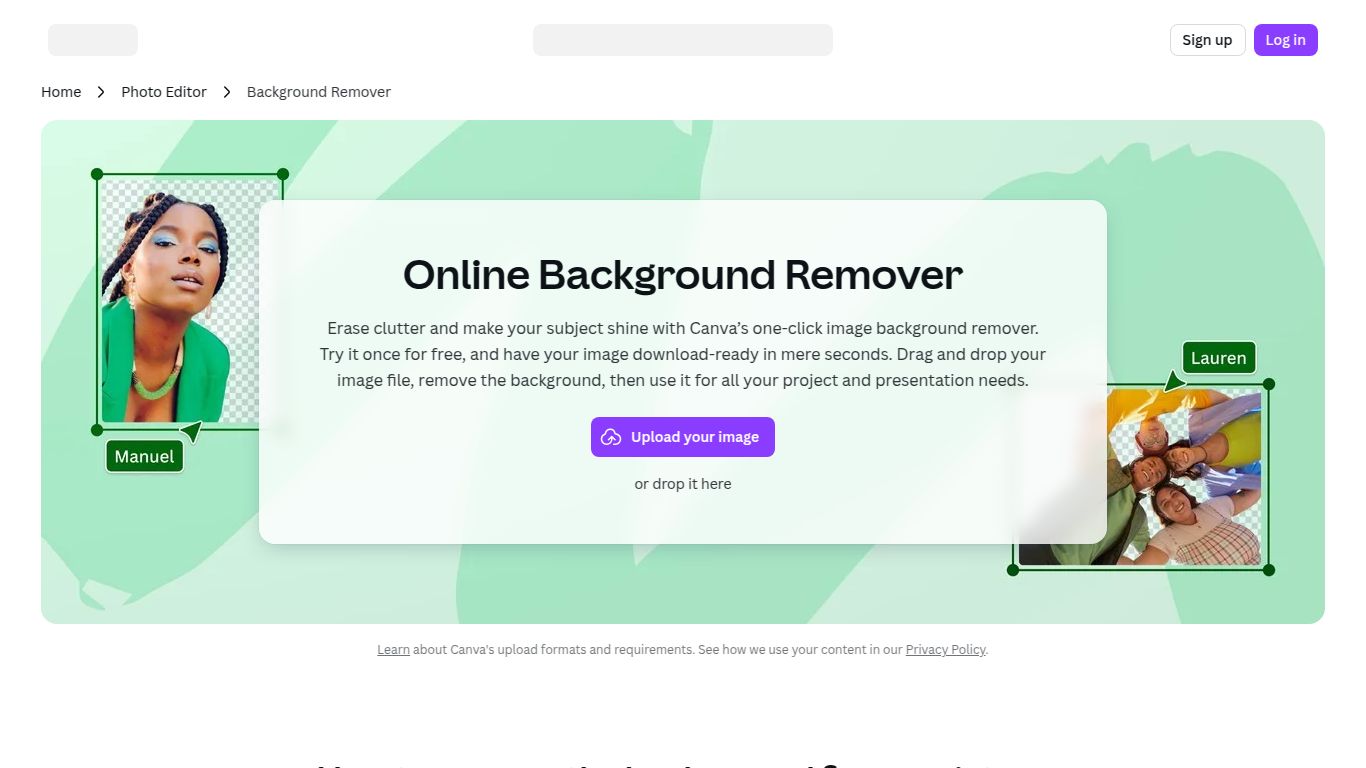
Meet the Canva Background Remover, a powerful AI-driven feature nestled within the globally acclaimed design platform, Canva. Developed by the creative minds at Canva, this tool is not a standalone application but a seamlessly integrated function designed to instantly erase backgrounds from any photo with a single click. It transforms busy, distracting images into clean, professional-grade assets, ready to be used in any design project you can imagine. Say goodbye to tedious manual selections and hello to effortless creativity.
Core Capabilities
While the broader Canva platform handles everything from presentations to videos, the Background Remover tool is laser-focused on one primary capability:
- Image Editing: Its core function is to intelligently detect the foreground subject in a photograph—be it a person, a product, or an object—and meticulously remove the background, leaving you with a high-quality cutout on a transparent background. It excels at handling complex edges like hair and fur, delivering results that look sharp and natural.
Key Features That Make It Shine
What makes the Canva Background Remover a go-to tool for millions? It’s all in the details.
- One-Click Operation: The ultimate in user-friendliness. Simply select your image, click “Edit Photo,” and then “BG Remover.” The AI does all the heavy lifting in seconds.
- Seamless Canva Integration: Because it lives inside Canva, you can immediately use your new background-free image in a social media post, a presentation slide, a flyer, or any other design without ever leaving the platform. This streamlined workflow is a massive time-saver.
- High Precision & Refinement Tools: The AI is incredibly accurate, but for those tricky photos, Canva provides simple erase and restore brushes, allowing you to manually touch up the selection for pixel-perfect results.
- Versatility Across Devices: Whether you’re designing on a desktop or on the go, the Background Remover works flawlessly on Canva’s web platform and its mobile apps for iOS and Android.
Canva Pricing: Is the Background Remover Free?
This is a crucial point for new users: the Background Remover is an exclusive feature of Canva Pro. While Canva offers a fantastic free plan with a vast library of assets and tools, this specific AI magic wand is reserved for its premium subscribers.
- Canva Free: $0. Includes a massive library of templates and design assets but does not include the Background Remover.
- Canva Pro: Typically around $14.99/month or $119.99/year for one person. This plan unlocks the Background Remover, along with a suite of other powerful tools like Magic Resize, a huge stock media library, and a brand kit.
- Canva for Teams: Priced per person (starting at around $29.99/month for a team of 5), this plan includes all Pro features plus collaboration tools designed for businesses.
Who is This Tool Perfect For?
The Canva Background Remover is a versatile tool that caters to a wide range of users who need to create visually appealing content quickly.
- Social Media Managers: Perfect for creating eye-catching posts, stories, and ads with clean product shots or profile pictures.
- E-commerce Entrepreneurs: Essential for generating professional, consistent product photos with white or transparent backgrounds for online stores on platforms like Shopify or Amazon.
- Content Creators & Bloggers: Ideal for crafting stunning YouTube thumbnails, blog graphics, and promotional materials.
- Marketers & Small Business Owners: A go-to for designing flyers, presentations, and website graphics without needing to hire a professional designer.
- Students & Educators: Great for creating polished presentations, reports, and class projects.
Alternatives & Comparisons
How does Canva’s tool stack up against the competition? Here’s a quick look.
- Canva vs. remove.bg: Remove.bg is a fantastic, dedicated tool that does one thing exceptionally well: remove backgrounds. It’s incredibly fast and accurate. However, its main disadvantage is that it’s a standalone service. With Canva, you remove the background and continue designing in the same place, making for a much smoother workflow.
- Canva vs. Adobe Express: Adobe Express is Adobe’s answer to Canva and also includes a background removal feature. The choice often comes down to ecosystem preference. If you’re already invested in the Adobe suite, Express might feel more natural. If you prefer a more intuitive, user-friendly interface, Canva often wins out.
- Canva vs. PhotoRoom: PhotoRoom is a mobile-first app that excels at background removal and creating product shots. It offers more specialized templates for e-commerce. However, Canva is a more comprehensive, all-in-one design platform that extends far beyond just photo editing for products.

