Photopea: Your Free, In-Browser Photoshop Alternative with One-Click AI Magic
Ever found yourself needing to make a quick photo edit, remove a background, or even open a complex Photoshop file, only to be stopped by the lack of expensive software on your computer? Enter Photopea, a revolutionary web-based image editor that brings the power of a professional-grade design suite directly to your browser, completely free of charge. Developed by the brilliant Ivan Kuckir, Photopea isn’t just a simple tool; it’s a comprehensive platform that mirrors the functionality of industry giants like Adobe Photoshop, making advanced editing accessible to everyone. Its standout feature, the AI-powered one-click background removal, is a game-changer for creators who need clean, professional images in seconds.
A Deep Dive into Photopea’s Capabilities
While some tools specialize in a single function, Photopea is a multi-talented powerhouse. Its core capability lies in Advanced Image Editing and Manipulation. Think of it as a digital darkroom and design studio rolled into one. You can perform complex tasks like color grading, retouching portraits, and combining multiple images with professional-grade layer and masking controls. It’s not an AI image generator like Midjourney, nor does it handle video or audio. Its strength is in giving you total control over static visuals, from simple JPEGs to complex, multi-layered design files.
Standout Features That Make Photopea Shine
What truly sets Photopea apart is its incredible feature set, which rivals that of premium desktop applications. It’s packed with tools that both beginners and professionals will love.
- One-Click Background Removal: The star of the show! Using sophisticated AI, Photopea can instantly detect the main subject in your photo and flawlessly erase the background. This saves an immense amount of time compared to manual selection methods.
- Broad File Format Support: This is a massive advantage. Photopea can open and edit files from a wide range of software, including Adobe Photoshop (.PSD), GIMP (.XCF), Sketch, and even vector formats like .AI and .XD. This makes collaboration incredibly easy.
- Full Suite of Editing Tools: From layers, layer masks, and blending modes to smart objects, filters, and vector shape tools, Photopea has it all. Whether you need the healing brush for retouching or the pen tool for precise paths, the functionality is there.
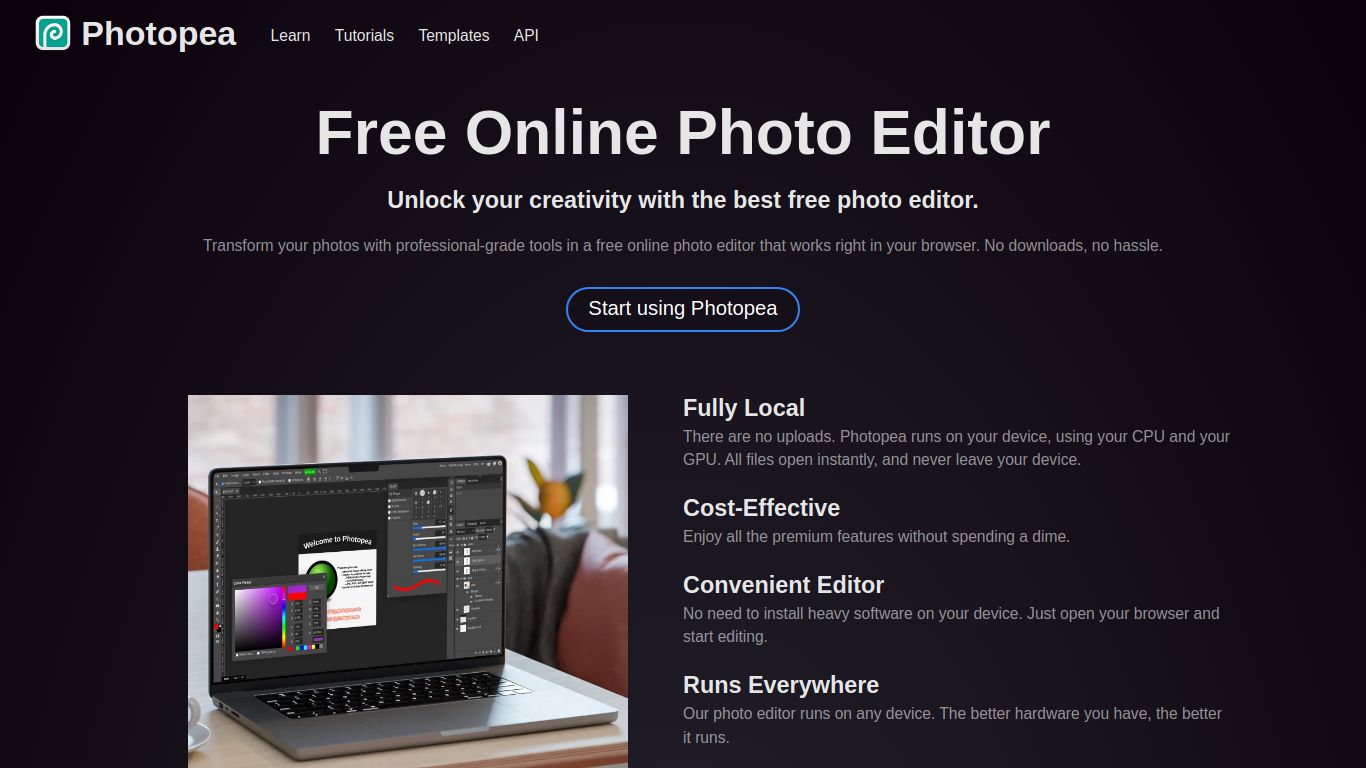
- No Installation or Registration: Simply open your browser, go to the website, and start working. There are no downloads, no installations, and no need to create an account to get started. It’s instant creative power.
- AI-Powered Magic Replace: Beyond background removal, Photopea incorporates other AI tools like Magic Replace, which allows you to select an area and describe what you want to fill it with, much like generative fill.
Unbeatable Value: Photopea’s Pricing Model
This is where Photopea truly disrupts the market. The pricing is refreshingly simple and incredibly generous, designed to be accessible to absolutely everyone.
- Free Plan: The core Photopea experience is 100% free. You get access to all the editing tools and features without paying a dime. This version is supported by ads, which are displayed unobtrusively on the side of the workspace.
- Premium Plan: For professionals and power users who want an ad-free experience and extra perks, there is a very affordable Premium plan. For a small subscription fee (around $5 per month), you get double the history steps (from 30 to 60), email support, and a clean, ad-free interface.
Who is Photopea For? The Ideal User Profile
Photopea’s versatility makes it the perfect tool for a wide range of users who need powerful editing capabilities without the associated cost or software overhead.
- Graphic Designers & Illustrators: An essential tool for opening client PSD files on the go or making quick edits without launching heavy desktop applications.
- Social Media Managers: Perfect for creating eye-catching posts, stories, and thumbnails, especially when needing to quickly remove backgrounds from product images or headshots.
- Photographers: A fantastic option for quick touch-ups, color correction, and edits when away from their primary workstation.
- Students & Educators: Provides a free, accessible, and powerful alternative to expensive software licenses, making it ideal for classroom settings and personal projects.
- Small Business Owners & Marketers: Empowers them to create professional-grade marketing materials, website banners, and product photos without hiring a designer or investing in costly subscriptions.
Photopea vs. The Competition
How does Photopea stack up against other popular tools? Here’s a quick comparison.
- vs. Adobe Photoshop: Photoshop is the undisputed industry standard with a more extensive and refined feature set, but it comes with a steep learning curve and a high subscription cost. Photopea offers about 80% of Photoshop’s core functionality for free in a browser, making it the perfect alternative for most tasks.
- vs. Canva: Canva is a template-driven design platform excellent for non-designers who need to create beautiful visuals quickly. Photopea, on the other hand, provides granular, layer-based control for users who want to build designs from scratch or perform detailed photo manipulation.
- vs. Remove.bg: While dedicated tools like Remove.bg are excellent at their one job, Photopea integrates a powerful background remover directly into a full-featured editing suite. This means you can remove the background and then immediately continue editing, adding text, or combining it with other images all in one place.

