Icons8 AI Background Remover: Your One-Click Solution for Flawless Cutouts
In the fast-paced world of digital creation, a clean, professional image is everything. Whether you’re showcasing a product, designing a marketing banner, or simply want your profile picture to pop, a distracting background can ruin the effect. Enter the Icons8 AI Background Remover, a powerful and intuitive tool from the renowned digital asset library, Icons8. This tool is designed to solve one problem with incredible efficiency: to instantly and precisely erase the background from any image, leaving you with a perfect, ready-to-use cutout.
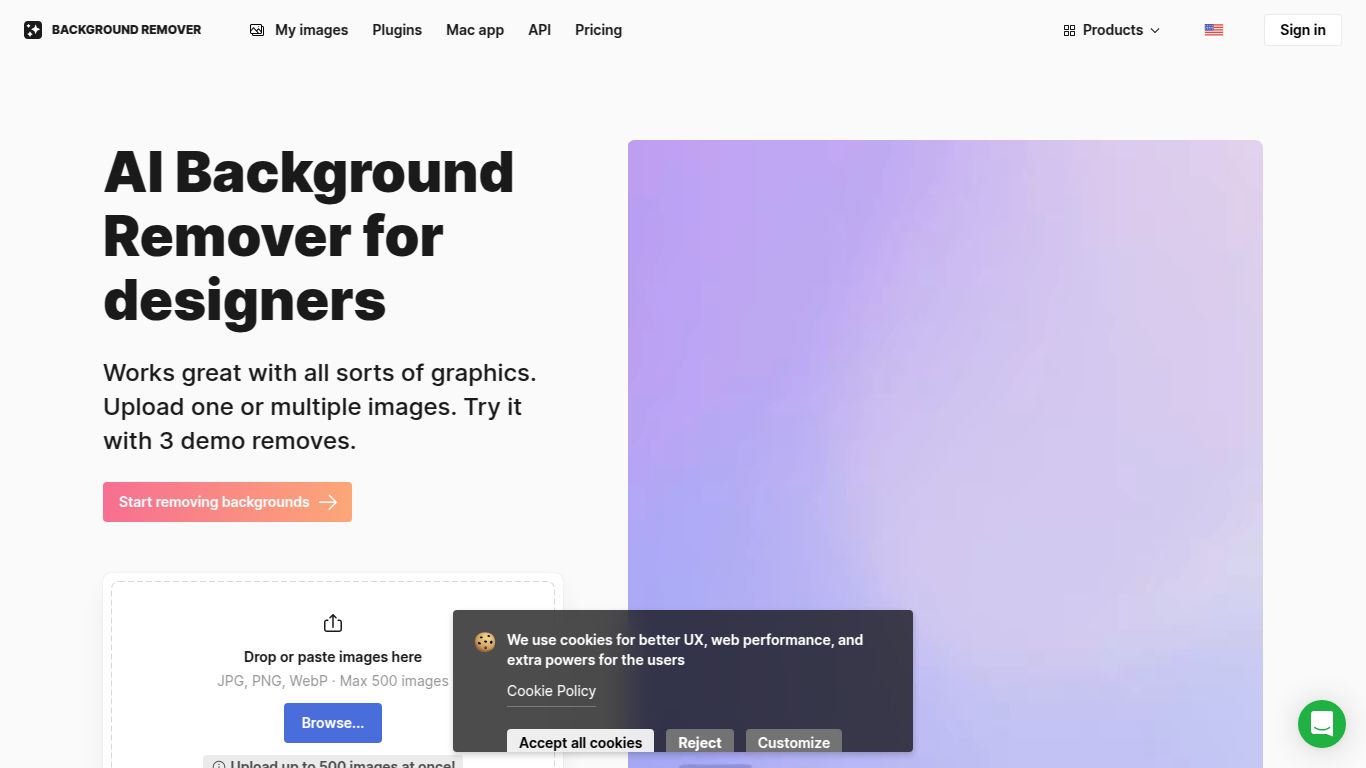
Core Capability: Advanced Image Processing
Unlike multi-purpose AI suites, the Icons8 Background Remover focuses exclusively on image editing and manipulation. Its core strength lies in its highly trained artificial intelligence, which understands the nuances of an image. It doesn’t just crudely cut around a subject; it intelligently identifies the foreground element—be it a person, an object, or an animal—and meticulously separates it from the background. The AI is particularly adept at handling notoriously difficult areas like wisps of hair, delicate fur, and complex edges, delivering results that rival manual editing in a fraction of the time.
Key Features That Make It Stand Out
What makes this tool a cut above the rest? It’s a combination of power, speed, and user-centric design.
- Pixel-Perfect AI Precision: The underlying algorithm delivers exceptionally clean and accurate cutouts. Say goodbye to jagged edges or leftover background fragments.
- Blazing-Fast Processing: Upload your image, and within seconds, the AI works its magic. It’s an ideal workflow enhancement for tasks that require quick turnarounds.
- Bulk Image Processing: A true game-changer for businesses. Upload multiple images at once and let the tool automatically process your entire batch, saving you countless hours of manual work.
- High-Resolution Downloads: While many free tools compromise on quality, Icons8 allows users to download high-resolution PNG files perfect for professional print and digital applications.
- Developer-Friendly API: Integrate the power of Icons8’s background removal technology directly into your own website or application with a simple and robust API.
Pricing Structure
Icons8 offers a flexible pricing model to suit different needs, from casual users to large-scale enterprises.
- Free Plan: Perfect for giving the tool a try. You can process a limited number of images for free and download them in standard definition. It’s a great way to experience the tool’s power without any commitment.
- Pre-paid Credits / Subscription: For professional use, you can purchase credits or subscribe to a monthly plan. This unlocks unlimited high-resolution downloads, API access, and batch processing capabilities, providing incredible value for anyone who regularly needs clean cutouts.
Who Is This Tool For?
The Icons8 AI Background Remover is a versatile asset for a wide range of professionals and creators:
- E-commerce Store Owners: To create clean, consistent product photos for online listings on platforms like Amazon, Shopify, and eBay.
- Graphic Designers & Artists: To quickly isolate subjects from their backgrounds for use in composite images, advertisements, and creative projects.
- Marketers & Social Media Managers: To design eye-catching visuals, ads, and social media posts with professional-looking transparent assets.
- Photographers: For rapid preliminary edits and creating clean portraits or subject shots for their portfolios.
- Web Developers: To prepare images and assets for website layouts, ensuring a polished and modern look.
- Casual Users: For anyone wanting to create fun memes, personalized greeting cards, or simply clean up their personal photos.
Alternatives & Comparison
The background removal space has several strong players, but Icons8 holds a unique position.
- Remove.bg: A very popular and direct competitor known for its simplicity and speed. Both tools offer excellent AI-driven results, and the choice often comes down to pricing preferences and which AI model handles your specific images better.
- Canva: Canva is an all-in-one design platform that includes a background remover as part of its Pro subscription. While convenient for those already in the Canva ecosystem, Icons8 offers a more specialized, powerful tool that can be used independently or integrated via API, potentially offering better results on complex images.
- Adobe Photoshop: The industry standard for photo editing. While Photoshop’s “Select Subject” and masking tools are incredibly powerful, they still require more manual effort and a steep learning curve compared to the one-click automation of the Icons8 tool. Icons8 is built for speed and efficiency above all else.
In conclusion, the Icons8 AI Background Remover is a top-tier tool that excels in its specialized function. It combines speed, accuracy, and professional-grade features, making it an indispensable asset for anyone needing to create clean, high-quality image cutouts with minimal effort.

