Adobe Express AI Background Remover: Instantly Create Stunning Cutouts
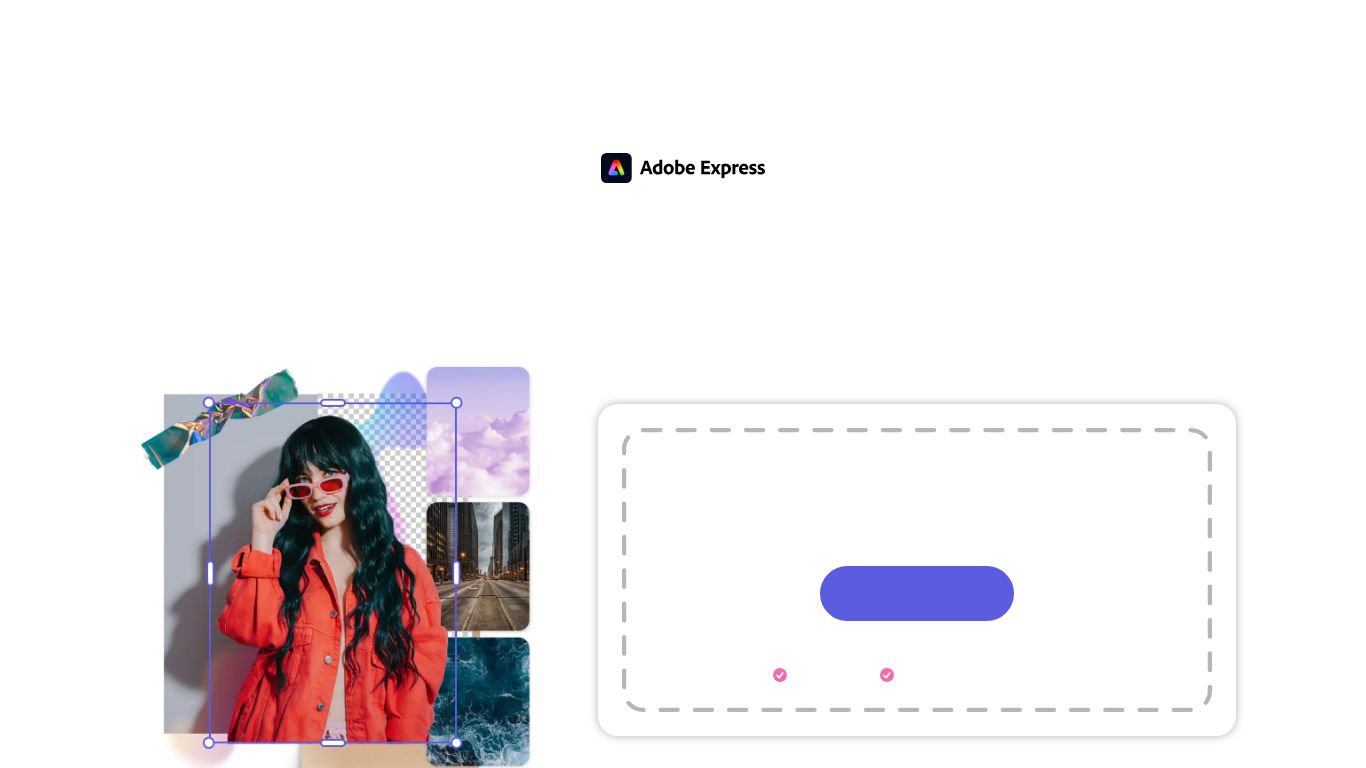
From the creative powerhouse Adobe, the AI Background Remover is a feature within the all-in-one Adobe Express platform. It’s a lightning-fast, AI-powered tool designed to instantly and precisely remove the background from any image, leaving you with a clean, professional-looking cutout. No more tedious manual selection or complex software needed; this tool leverages Adobe’s advanced artificial intelligence, including technology from the renowned Adobe Sensei and Firefly, to understand the subject of your photo and erase the background with a single click. It’s the perfect starting point for creating stunning social media posts, product shots, flyers, and more, all within a seamless creative workflow.
Capabilities
While the star of the show is image background removal, the tool is part of the comprehensive Adobe Express suite, which boasts a wide range of creative capabilities:
- Image Editing: Beyond background removal, you can add new backgrounds (colors, gradients, or other images), apply filters, crop, resize, and make adjustments. The integration with Adobe Firefly also allows for generative AI features like text-to-image creation and generative fill.
- Text & Typography: Access a vast library of Adobe Fonts to add stunning text to your images. Create headlines, captions, and calls-to-action with full control over style, color, and effects.
- Templates: Instantly apply your cutout image to thousands of professionally designed templates for social media (Instagram, Facebook, TikTok), posters, logos, and business cards.
- Basic Video Editing: The broader Adobe Express platform allows you to create short videos, trim clips, and add text and animations, making it a versatile content creation hub.
Key Features
- One-Click Magic: The tool’s primary appeal is its simplicity. Upload your image, and the AI automatically detects and removes the background in seconds.
- Incredible Precision: Powered by Adobe’s world-class AI, it handles complex edges with ease, including tricky details like hair, fur, and fine lines, for a clean and believable result.
- Seamless Workflow Integration: Once the background is removed, you don’t have to download and re-upload. You can immediately continue editing within the Adobe Express editor—add text, place it on a new background, or drop it into a template.
- Instant Background Replacement: Don’t just remove the background—replace it! Instantly swap in a clean white background for product photos, a vibrant color for a social media post, or a new scenic image to change the context completely.
- Free and Accessible: The core background removal feature is available for free, making professional-grade editing accessible to everyone without an expensive subscription.
Pricing
Adobe Express operates on a freemium model, ensuring powerful tools are available for every budget.
Free Plan – $0/month
- Includes the AI Background Remover and other quick actions.
- Access to thousands of unique templates and design assets.
- A selection of royalty-free Adobe Stock photos.
- Basic editing and photo effects.
- 2GB of cloud storage.
Premium Plan – ~$9.99/month
- Everything in the Free plan, plus:
- Unlocks over 200 million premium, royalty-free Adobe Stock photos.
- Access to the full library of over 20,000 licensed Adobe Fonts.
- Features like Brand Kits to maintain consistency with your logos, colors, and fonts.
- Advanced features like resizing content for different social platforms in one click.
- 100GB of cloud storage.
Ideal User Roles
- Social Media Managers: Quickly create eye-catching posts, stories, and profile pictures with clean subject cutouts.
- E-commerce Entrepreneurs: Generate professional, consistent product photos with white or uniform backgrounds for sites like Amazon, Shopify, and Etsy.
- Content Creators & YouTubers: Design compelling thumbnails and graphics by layering themselves or objects onto custom backgrounds.
- Small Business Owners: Design marketing materials like flyers, brochures, and digital ads without hiring a graphic designer.
- Students & Educators: Enhance presentations, reports, and school projects with polished and professional-looking images.
- Casual Users: Perfect for creating personalized avatars, fun photo edits for friends and family, or custom greeting cards.
Alternatives & Comparison
Adobe Express vs. Canva
Canva is a formidable competitor with its own background removal tool (typically a Pro feature). While both platforms are user-friendly all-in-one design tools, Adobe Express gains an edge with its superior AI quality, direct integration of Adobe’s powerful creative technology (like Firefly and Adobe Fonts), and a more seamless bridge to professional Adobe Creative Cloud apps like Photoshop.
Adobe Express vs. Remove.bg
Remove.bg is a specialized tool that does one thing exceptionally well: background removal. It’s incredibly fast and accurate. However, it’s just a utility. Adobe Express provides a complete end-to-end solution. After removing the background, you are already inside a powerful design suite, ready to create, while with Remove.bg, you still need to import the resulting image into another program to do anything useful with it.
Adobe Express vs. PhotoRoom
PhotoRoom is a popular mobile-first editor known for its excellent background removal and AI-generated scenes. It excels at creating product-centric imagery. Adobe Express, however, is a more comprehensive, cross-platform tool that isn’t limited to product showcases. Its strength lies in its vast template library for all types of content and its deep integration with the entire Adobe ecosystem.
 Adobe Express — AI Background Remover
