Magnific AI: The Ultimate Generative Upscaler and Enhancer
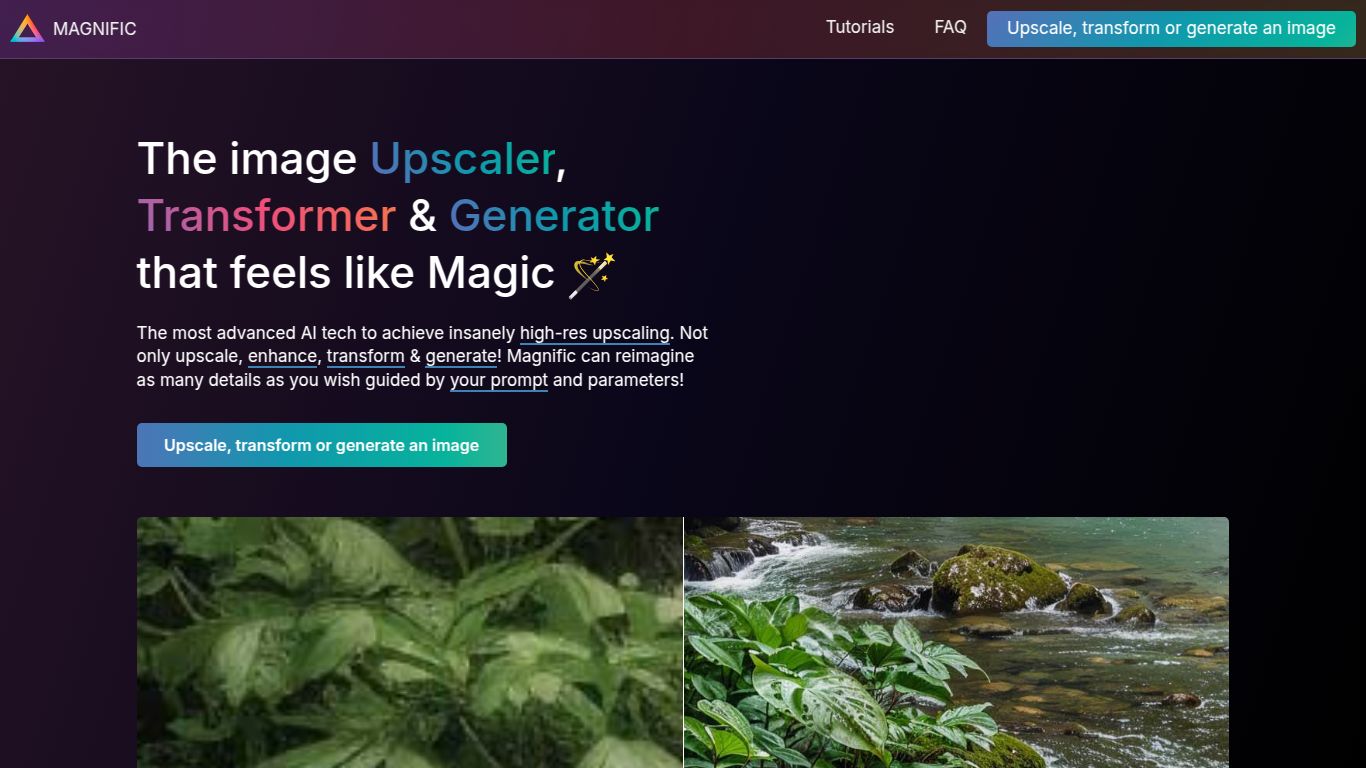
Welcome to the next frontier of image enhancement! Magnific AI, developed by the creative minds of Javi Lopez and Emilio Nicolas, is not just another upscaling tool; it’s a generative AI powerhouse designed to reimagine and elevate your visuals to breathtaking new levels. Forget simply increasing pixel counts. Magnific AI acts as a creative partner, using advanced AI to add intricate details, textures, and depth, transforming low-resolution or simple images into high-fidelity, hyper-detailed masterpieces. It’s the digital darkroom you’ve always dreamed of, empowering you to upscale, enhance, and direct the generation of details with an astonishing level of control.
Core Capabilities: Purely Visual Brilliance
Magnific AI dedicates its entire engine to one thing: spectacular image manipulation. It doesn’t generate images from text or edit videos. Its sole focus is on taking an existing image and unlocking its hidden potential. Its capabilities include:
- Intelligent Upscaling: Go beyond standard 2x or 4x upscaling. Magnific can upscale your images up to 16x their original size, but its true magic lies in how it generates new, coherent details during the process, ensuring the result is not just larger, but richer.
- Hyper-Realistic Detail Generation: This is where Magnific truly shines. It can add incredible texture to fabrics, realistic reflections in eyes, intricate patterns in architecture, and lifelike foliage in landscapes, all guided by your prompts.
- Artistic Style Transformation: Nudge your images towards different aesthetics. Whether you want a more cinematic, painterly, or photorealistic feel, you can guide the AI to reinterpret and enhance the image in a new style.
- Image Correction and Restoration: Fix imperfections, reduce noise, and sharpen blurry areas of an image, all while adding a layer of generative detail that makes the final product look professionally shot and edited.
Key Features That Set Magnific AI Apart
What makes Magnific a game-changer are its unique and powerful controls that give you the director’s chair in the enhancement process.
- The Creativity Slider: This is the secret sauce. This slider allows you to control how much the AI “hallucinates” or invents new details. A low setting will keep it faithful to the original, while a high setting will let the AI run wild, creating fantastical and complex new elements.
- Resemblance Control: Working in tandem with the Creativity slider, this feature dictates how closely the output should stick to the structure and composition of the source image. Master these two controls to achieve the perfect balance between enhancement and transformation.
- Descriptive Prompts: Guide the AI with simple text prompts. Want to add “cinematic lighting,” “more intricate filigree,” or “glowing magical runes”? Just type it in and watch Magnific bring your vision to life.
- Multiple Engine Modes: Magnific offers different processing engines optimized for various types of images, such as photos, illustrations, and digital art, ensuring you get the best possible result for your specific use case.
Magnific AI Pricing Plans
Magnific AI operates on a subscription-based model with different tiers to suit various needs and usage levels. Each plan provides a set number of credits, with upscaling and enhancement jobs consuming credits based on their size and complexity.
- Pro Plan: Priced at $39 per month, this plan is perfect for hobbyists, artists, and professionals who need regular access to high-quality upscaling. It includes a generous monthly credit allowance and access to all standard features.
- Premium Plan: At $99 per month, this tier is designed for power users, agencies, and studios. It offers a significantly larger pool of credits, potentially faster processing times, and is ideal for high-volume workflows.
- Business Plan: For large-scale operations and enterprises, the Business plan at $299 per month provides the highest number of credits, priority support, and features tailored for team collaboration.
Who is Magnific AI For?
This powerful tool is built for anyone who works with digital images and demands the highest quality. Its user base includes:
- AI Artists & Digital Illustrators: To take their creations from Midjourney, Stable Diffusion, or other generators and add a final layer of professional, mind-blowing detail.
- Photographers: To restore old photos, enhance portraits by adding lifelike skin texture, or transform landscape shots into epic, high-resolution scenes.
- Game Developers: To create stunningly detailed game assets, textures, and concept art from simpler base images.
- Architects & Interior Designers: To enhance architectural renderings with realistic lighting, textures, and environmental details.
- Marketing & Advertising Professionals: To create jaw-dropping, high-resolution visuals for campaigns that truly stand out.
Magnific AI vs. The Competition
How does Magnific stack up against other upscaling tools?
- Magnific AI vs. Topaz Gigapixel AI: Topaz Gigapixel is renowned for its technical, clean upscaling that excels at preserving the original image’s integrity. It’s a scientific tool. Magnific AI, on the other hand, is a creative partner. It doesn’t just enlarge; it enhances and invents, making it far superior for artistic and imaginative applications.
- Magnific AI vs. Krea AI Upscaler: Krea AI offers a similar generative enhancement feature and is a strong competitor. The choice often comes down to user interface preference and the specific “look” or “flavor” of the AI’s generated details, with many users preferring Magnific’s granular control via the Creativity slider.
- Magnific AI vs. Standard AI Art Generator Upscalers: Built-in upscalers in tools like Midjourney are convenient for a quick size increase. However, they are leagues behind Magnific in terms of the quality, coherence, and sheer amount of new detail they can generate. Using Magnific is the definitive final step to elevate AI art to a professional grade.
