VEED: The All-in-One AI Video Editor for Effortless Content Creation
In a world where video content is king, creating professional-quality videos can be a time-consuming and complex challenge. Enter VEED.IO, a revolutionary online video editing suite designed to simplify the entire process. Developed by VEED, this powerful platform combines a traditional video editor with a suite of cutting-edge AI tools, making it possible for anyone to produce stunning videos in minutes, not hours. Whether you’re a seasoned creator or a complete beginner, VEED’s intuitive interface and automated features remove the technical barriers, allowing you to focus purely on your creative vision.
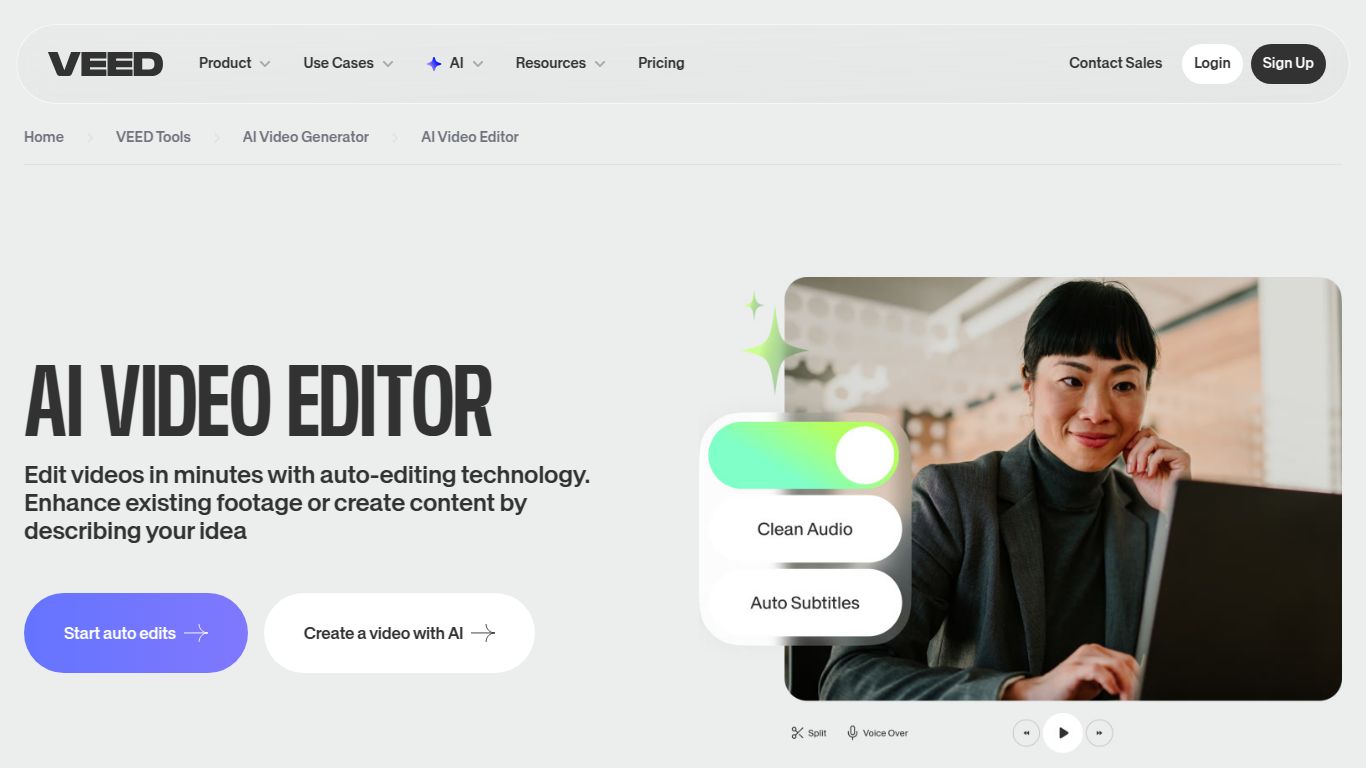
Core Capabilities: More Than Just an Editor
VEED is a creative powerhouse, packed with AI-driven capabilities that go far beyond simple cutting and trimming. It’s a comprehensive toolkit for modern content creation.
- AI Video Generation: Simply type a prompt and watch as VEED’s AI generates a complete video, complete with relevant stock footage, music, subtitles, and a voiceover. It’s the fastest way to turn an idea into a shareable video.
- AI Avatars & Voiceovers: Create professional-looking videos without ever stepping in front of a camera. Choose from a diverse library of realistic AI avatars and generate high-quality text-to-speech voiceovers in multiple languages and accents.
- AI Script Generation: Suffering from writer’s block? Use the AI Script Generator to instantly create compelling video scripts based on a simple prompt, complete with tone and platform instructions (e.g., “a witty script for a TikTok video about productivity hacks”).
- Automatic Subtitling & Transcription: Instantly and accurately transcribe your video’s audio and generate subtitles with a single click. You can also translate these subtitles into hundreds of languages to reach a global audience.
- AI Image Generation: Need a custom thumbnail or an image for your video? VEED’s built-in AI image generator can create unique, high-quality visuals from a text description.
Standout Features of VEED
What truly sets VEED apart are its smart features designed for maximum efficiency and creativity.
- Magic One-Click Tools: Save hours of manual work with tools that automatically remove video backgrounds, clean up audio by eliminating background noise, and remove awkward silences or filler words (“ums,” “ahs”).
- Intuitive Timeline Editor: VEED combines the power of a multi-track timeline with the simplicity of a drag-and-drop interface, making it accessible for beginners yet robust enough for complex projects.
- Brand Kit & Templates: Maintain brand consistency across all your videos. Upload your logos, fonts, and color palettes to a Brand Kit and apply them instantly. Get started quickly with hundreds of professionally designed, fully customizable templates.
- Collaborative Cloud-Based Workspace: Work with your team in real-time. Share projects, leave time-stamped comments, and streamline your review process, all within your browser.
Pricing and Plans
VEED offers a flexible pricing structure to suit a variety of needs, from individual creators to large enterprises.
- Free Plan: Perfect for getting started. Create watermarked videos up to 10 minutes long, with access to some basic AI features and 2GB of storage.
- Basic Plan: Ideal for individuals and small creators. Removes the watermark, allows for longer exports (up to 25 mins), and provides 20GB of storage.
- Pro Plan: The most popular choice for professionals. Unlocks the full suite of AI tools, including Brand Kit, AI Avatars, translation features, and access to premium stock media.
- Business Plan: Tailored for teams and agencies. Includes everything in Pro, plus advanced collaboration features, custom templates, and personalized support.
Who Is VEED For?
VEED’s versatility makes it an indispensable tool for a wide range of users:
- Content Creators & YouTubers: To quickly edit, subtitle, and repurpose content for multiple platforms.
- Social Media Managers: To create engaging video ads, stories, and posts with speed and consistency.
- Marketing Teams: For producing product demos, promotional videos, and internal communications.
- Educators & Trainers: To develop compelling e-learning materials and instructional videos.
- Business Professionals: For crafting polished presentations, reports, and team updates.
- Podcasters: To easily convert audio episodes into dynamic video formats with audiograms and subtitles.
VEED Alternatives & Comparison
While the AI video space is competitive, VEED holds a unique position.
- VEED vs. Descript: Descript excels at text-based audio and video editing, making it a favorite among podcasters. VEED, however, offers a more comprehensive and visually-focused suite of tools, including AI avatars, a vast template library, and a more traditional timeline editor, positioning it as a true all-in-one video creation platform.
- VEED vs. InVideo: InVideo is heavily template-driven and great for users who need a guided creation process. VEED provides similar ease of use with its templates but also offers a more powerful, flexible editor and more advanced one-click AI tools for users who want greater creative control.
- VEED vs. CapCut: CapCut is a mobile-first editor known for its trendy effects and ease of use, especially for social media shorts. VEED is a more robust, browser-based solution designed for professional workflows, team collaboration, and maintaining brand consistency across all types of video content.
