Coda AI
Actionable AI chat to draft docs, summarize, and generate tables.
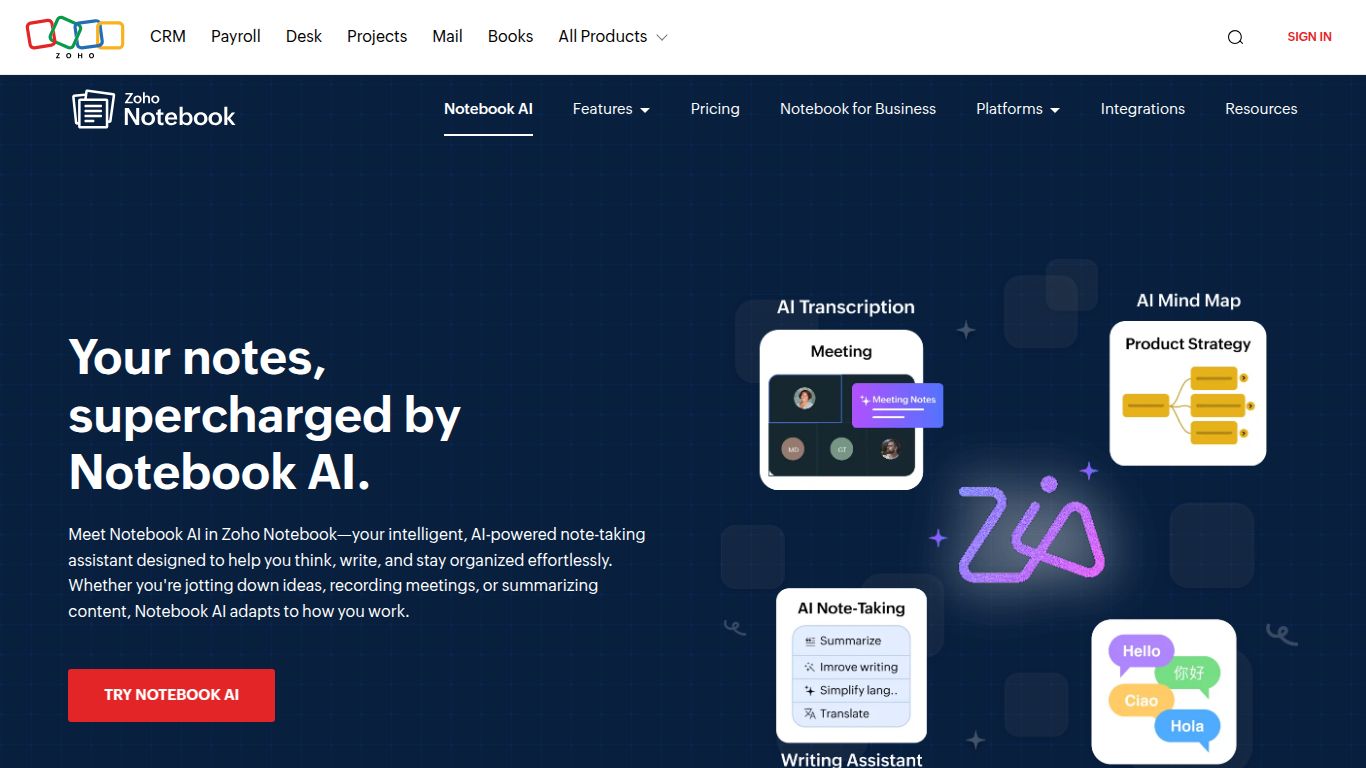
AI note generator, mind maps, transcription, and translation in Notebook.
In a world overflowing with information, capturing and refining your thoughts shouldn’t be a chore. Enter Zoho Notebook AI, a brilliant fusion of a classic note-taking app and a powerful generative AI assistant. Developed by the renowned business software giant, Zoho, this tool isn’t just a digital notebook; it’s a supercharged creative partner integrated directly into the beloved Zoho Notebook app. Powered by their intelligent assistant, Zia, it transforms your simple notes into dynamic assets, helping you think clearer, write faster, and create with unprecedented ease.
Zoho Notebook AI goes far beyond simple text editing. It’s a multi-talented assistant ready to tackle a wide range of tasks directly within your notes.
Struggling with a blank page or a dense document? Zia is your go-to writing partner. It can instantly distill lengthy articles into concise summaries, rephrase your sentences for clarity and impact, and check for grammatical errors. Need to draft a professional email or generate a list of blog post ideas? Just ask. Zia can brainstorm, outline, and compose content, saving you valuable time and mental energy.
Bring your ideas to life visually without ever leaving your note. Describe the image you’re imagining—a “cyberpunk city skyline at dusk” or a “serene watercolor painting of a forest”—and watch as Zia generates a stunning, original piece of art to complement your text. It’s perfect for presentations, blog posts, or simply visualizing your concepts.
Capture fleeting thoughts and meeting minutes on the go with audio notes. Zia will then get to work, transcribing the entire recording into searchable, editable text. It can even provide a neat summary of the key points, turning your spoken words into actionable insights.
Zia is smart enough to understand what you’re writing. If you jot down a list of ingredients and instructions, it will automatically offer to format it into a beautiful, easy-to-read recipe “Smart Card.” The same goes for checklists, meeting agendas, and more, keeping your notes impeccably organized and visually appealing.
What makes this tool a cut above the rest? It’s the thoughtful integration and user-centric design.
Zoho believes in straightforward value. The powerful AI capabilities, including the full power of Zia for text and image generation, are bundled into the Zoho Notebook Pro plan. While the core Notebook app offers a fantastic and generous free tier for everyday note-taking, upgrading to Pro is incredibly affordable, making advanced AI accessible to everyone, not just large enterprises. For the most current, region-specific pricing, it’s best to check the official Zoho website, but you can expect a plan that is significantly more budget-friendly than many standalone AI writing tools.
Zoho Notebook AI is a versatile tool that caters to a wide array of users, empowering them to be more productive and creative.
How does it stack up against other popular AI-powered note-takers?
While Notion AI excels in complex database management and collaborative team workspaces, Zoho Notebook AI offers a more focused, intuitive, and personal note-taking experience. It’s the perfect choice for individuals who want a powerful yet uncluttered creative canvas without the steep learning curve of a database-centric tool.
Evernote has recently integrated AI features, primarily for searching and cleaning up existing notes. Zoho’s Zia is far more proactive and generative, actively helping you create new content—from text to images—making it a stronger tool for active brainstorming, drafting, and original content creation.
For users deeply embedded in the Microsoft 365 ecosystem, Copilot is a powerful contender. However, Zoho Notebook AI provides a fantastic, platform-agnostic alternative that’s part of a broader, often more affordable, suite of business tools. It stands out with its strong emphasis on user privacy and a clean, elegant interface that works beautifully on any device.
