Monica AI Assistant
All-in-one AI sidebar for the browser—chat, translate, summarize, and act across sites.
Browser and app workflows for AI dubbing and subtitles with multilingual translation for fast social content.
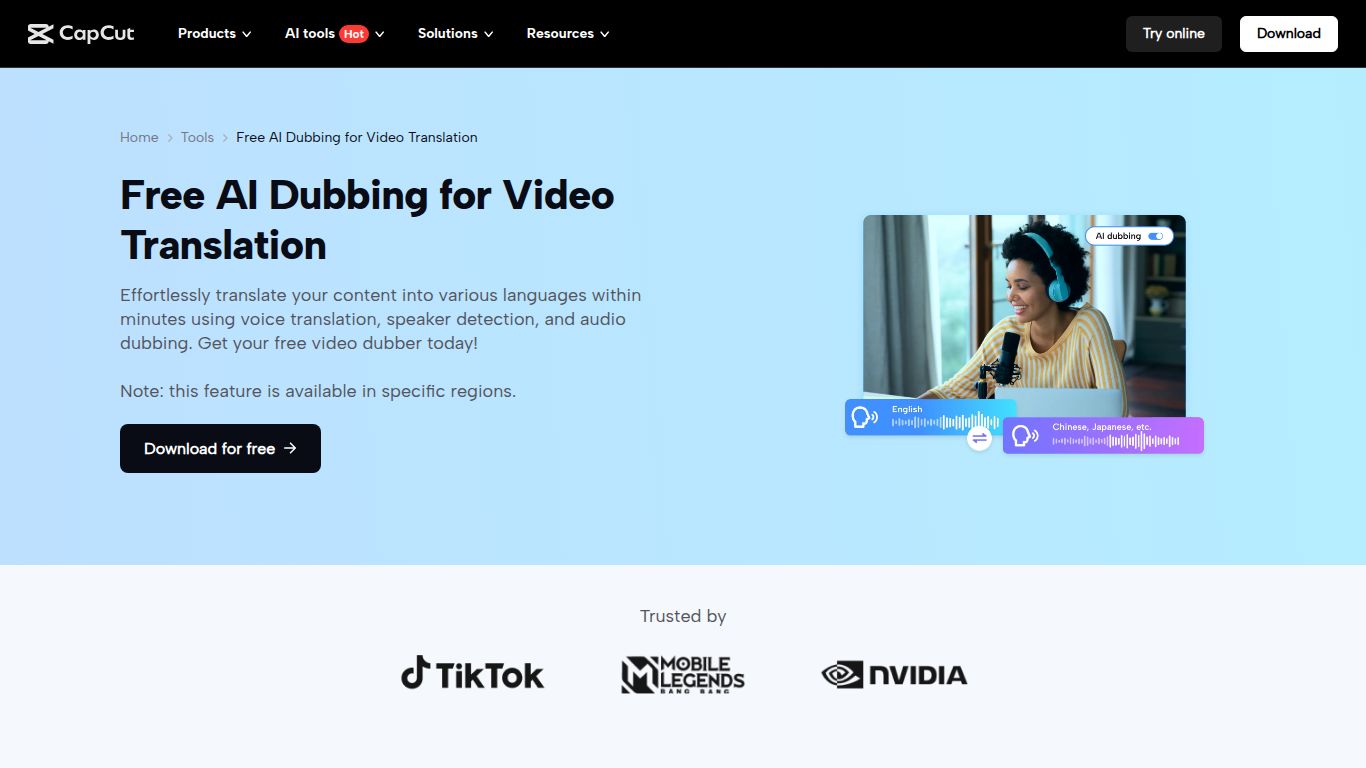
Welcome to the future of video editing, where language barriers are a thing of the past. CapCut, the creative powerhouse developed by Bytedance (the minds behind TikTok), has rolled out a game-changing suite of AI tools, and its AI Dubbing and Auto-Captions feature is at the forefront. This powerful tool is designed to make your video content accessible and engaging for a global audience, automating the tedious tasks of transcription and translation with incredible speed and accuracy. Forget spending hours manually adding subtitles or hiring expensive voice actors; CapCut integrates these professional-grade features into its already intuitive and beloved video editing platform, making multilingual content creation easier than ever before.
CapCut’s AI tool is a master of audio and text manipulation within a video-centric environment. It doesn’t generate new images or videos from scratch but instead enhances existing video content. Its primary capabilities are:
Instantly generate synchronized subtitles for your videos. The AI boasts high accuracy in transcription, recognizing speech and automatically converting it into text captions that are perfectly timed with your video’s audio.
Seamlessly translate your video’s dialogue into multiple languages, including Spanish, French, German, Japanese, and more. The AI generates a new audio track in the target language, making your content feel native to international viewers.
One of its most impressive features is the ability to clone the original speaker’s voice. This means the dubbed audio retains the tone, pitch, and emotion of the original performance, creating a far more authentic and engaging viewing experience compared to generic AI voices.
You are in complete control. After generating captions, you can easily edit the text for accuracy and customize the appearance, including font style, size, color, background, and animation, to match your brand’s aesthetic.
Unlike standalone tools, these AI features are built directly into the comprehensive CapCut video editor. This allows you to generate captions, dub your video, and then immediately proceed to add effects, transitions, music, and other edits all within one seamless workflow.
CapCut offers a remarkably generous pricing model that makes these powerful AI tools accessible to everyone.
This is where CapCut truly shines. The majority of the AI Dubbing and Auto-Captioning features are available completely for free. This is perfect for individual creators and small businesses looking to experiment with globalizing their content without any upfront investment. Some exports might include a watermark, and there are limits on cloud storage and certain premium assets.
For power users and professionals, the Pro plan unlocks the full potential of the platform. Priced competitively at around $7.99/month (or with an annual discount), it typically includes benefits like watermark-free exports, access to an expanded library of premium effects and templates, more cloud storage, and priority access to the latest AI features.
CapCut’s AI tools are perfect for a wide range of users who want to create more accessible and far-reaching video content:
While CapCut is a formidable contender, several other tools offer similar functionalities. Here’s a quick comparison:
In conclusion, CapCut’s AI Dubbing & Auto-Captions tool stands out by offering incredibly powerful, professional-grade features within a free, all-in-one video editor. Its combination of accessibility, ease of use, and the standout voice cloning feature makes it an unbeatable choice for creators and marketers looking to globalize their content without breaking the bank.
